|
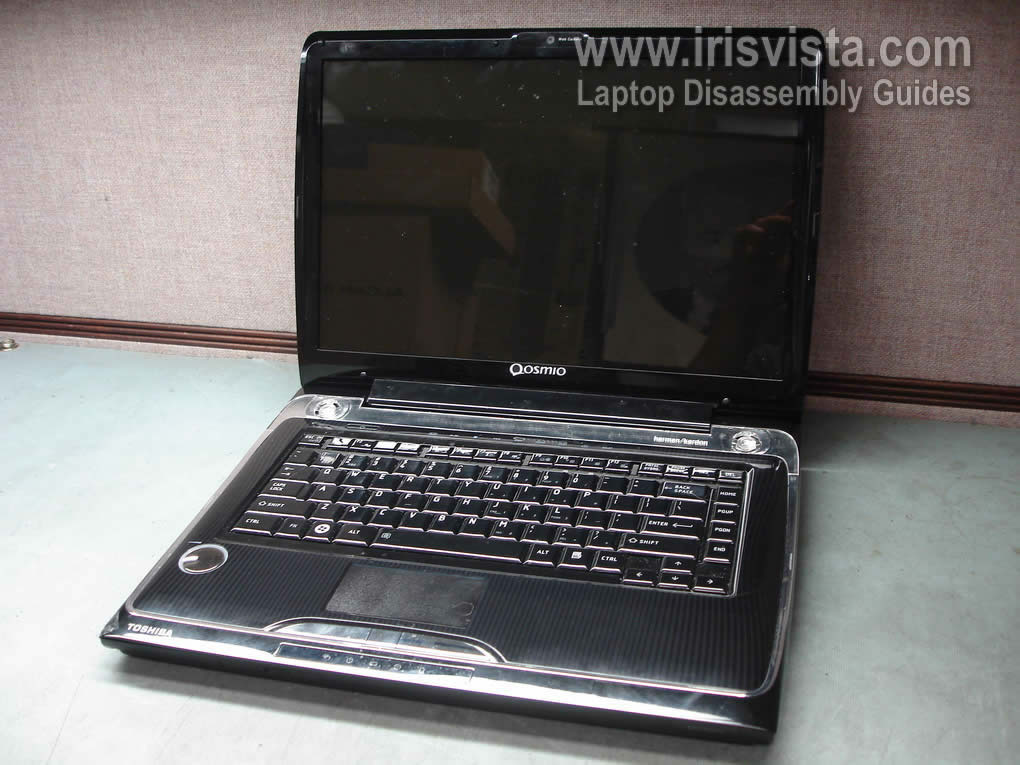
Toshiba Qosmio F55 or F50 screen removal. |
|
|
 |
STEP 1
Turn off the laptop and remove the battery.
On the screen bezel you'll find four rubbers seals covering four screws.
|
| |
|
 |
STEP 2
You can remove seals with a sharp object.
Remove all four screws found under those seals.
|
| |
|
 |
STEP 3
Start separating the screen bezel from the display cover.
You can use a guitar pick to separate two parts. |
| |
|
 |
STEP 4
Continue removing the screen bezel on the top of the display.
|
| |
|
 |
STEP 5
Continue removing the screen bezel on the bottom of the display.
|
| |
|
 |
STEP 6
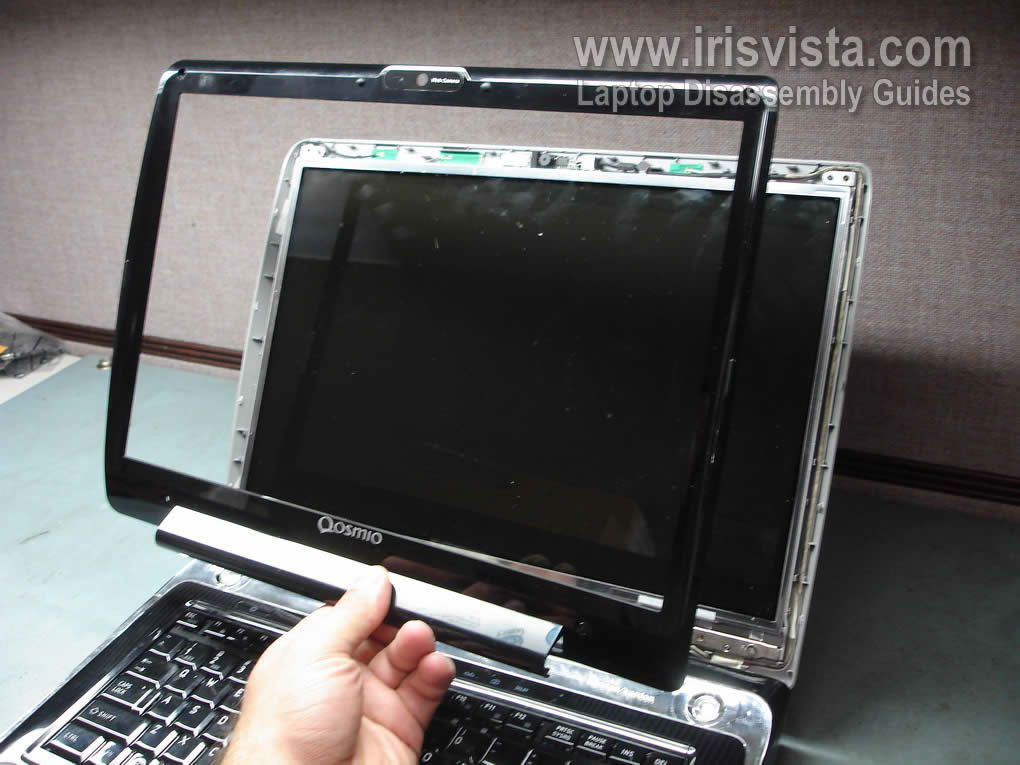
The screen bezel has been removed.
|
| |
|
 |
STEP 7
The screen inverter is mounted below the LCD screen.
Remove one screw securing the inverter board to the display cover. |
| |
|
 |
STEP 8
Remove the inverter board from the cover.
Unplug cables from both sides of the inverter board.
Replace the inverter board with a new one if needed. |
| |
|
 |
STEP 9
Remove eight screws securing display hinges.
|
| |
|
 |
STEP 10
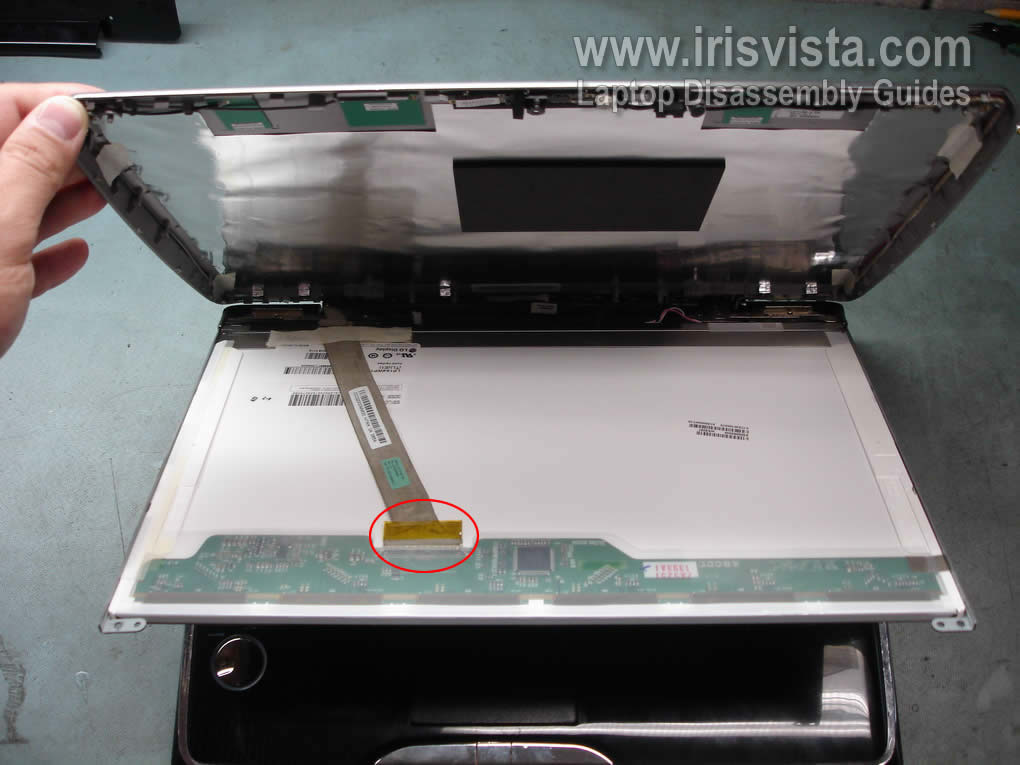
Carefully separate the LCD screen from the top display cover and access the video cable connector. |
| |
|
 |
STEP 11
Unplug the video cable connector from the LCD screen. |
| |
|
 |
STEP 12
Remove three screws from each side of the LCD screen.
These screws secure the LCD screen to the mounting brackets. |
| |
|
 |
STEP 13
Remove the LCD screen and replace it with a new one if needed. |
| |
|
|
|