 |
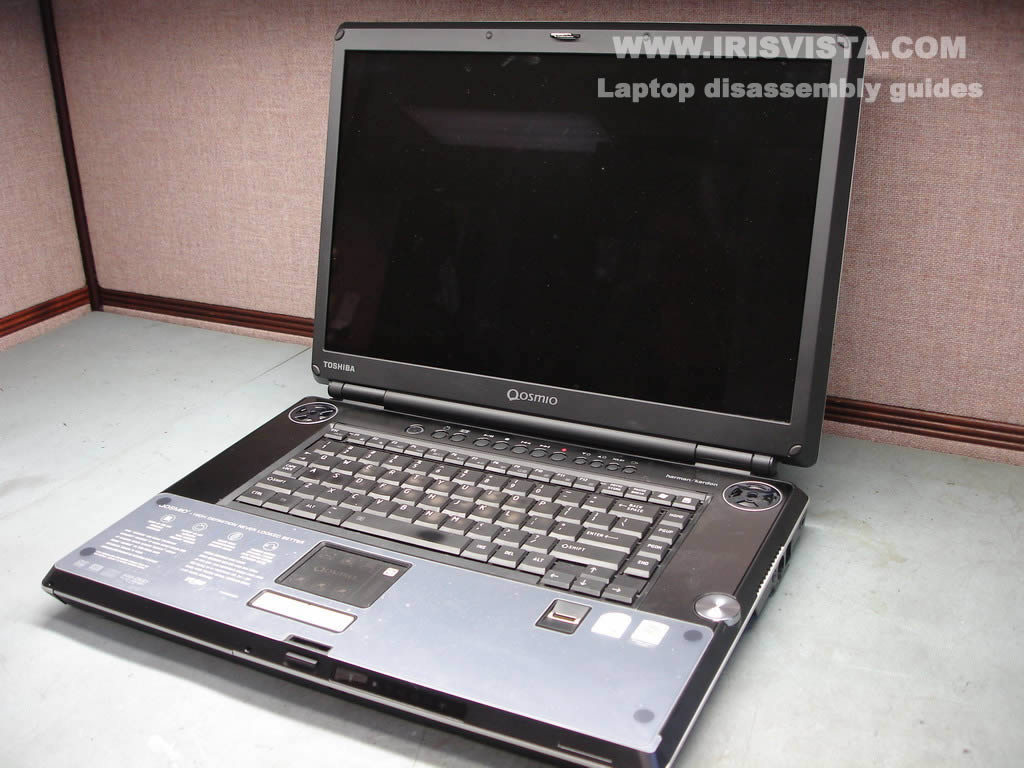
Toshiba Qosmio G35 or G30 disassembly. |
|
|
 |
STEP 1
Remove laptop battery.
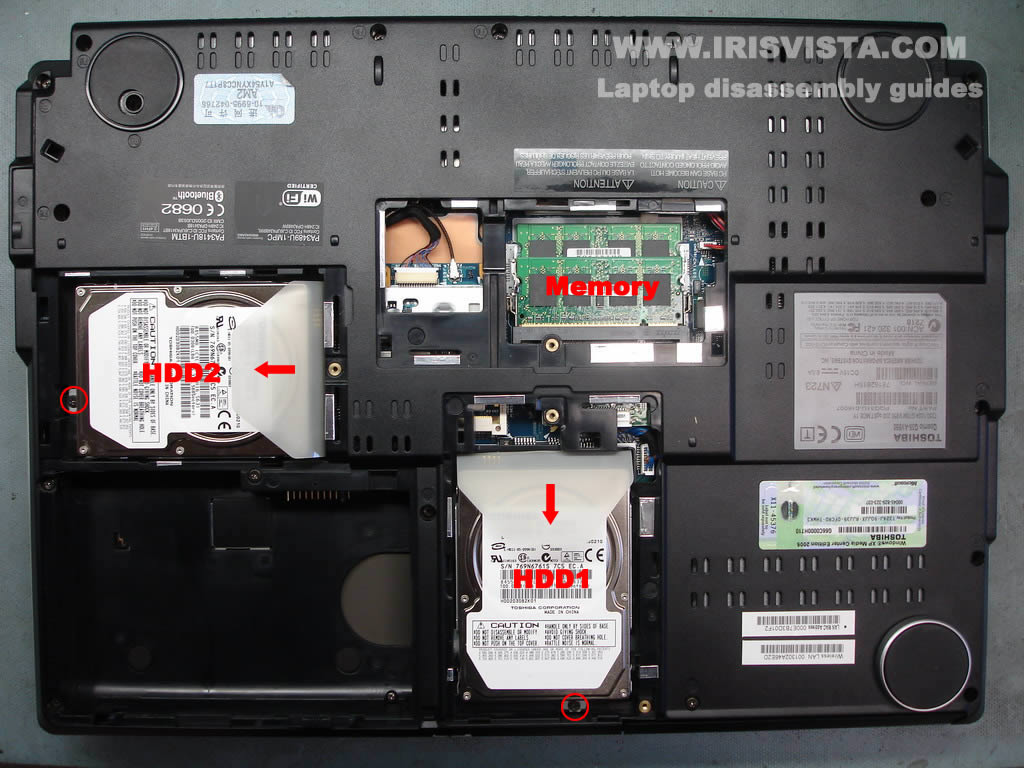
Remove covers from both hard drives.
Remove memory cover.
|
| |
|
 |
STEP 2
Each hard drive is secured by one screw. Remove both screws.
Disconnect hard drives from the motherboard and remove them.
Remove both memory modules.
|
| |
|
 |
STEP 3
Remove all screws from the bottom of the laptop. |
| |
|
 |
STEP 4
Using a small flat head screwdriver lift up and remove the keyboard bezel. |
| |
|
 |
STEP 5
Remove two screws securing the keyboard.
Press on the plastic latch in the center.
Lift up the keyboard and flip it upside down on the palm rest.
|
| |
|
 |
STEP 6
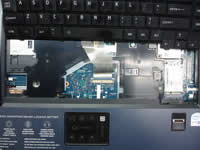
Remove the keyboard cable cover.
Remove the wireless card cover. |
| |
|
 |
STEP 7
Before you remove the keyboard, you'll have to unlock the connector on the motherboard.
Unlock the connector, pull the keyboard cable from the connector, remove the keyboard. |
| |
|
 |
STEP 8
Press on the plastic latch and slide the video cable cover down.
Remove the video cable cover. |
| |
|
 |
STEP 9
Remove one screw securing the DVD drive.
Push on the DVD drive with a screwdriver and remove it from the laptop.
|
| |
|
 |
STEP 10
Disconnect the brown antenna cable from the Bluetooth card, disconnect the flat ribbon cable from the motherboard and remove the Bluetooth card.
Remove two screws securing the modem card, unplug the modem cable from the right side of the card. Remove the modem card.
Disconnect both antenna cables from the wireless card. Remove two screws securing the wireless card. Remove the wireless card. |
| |
|
 |
STEP 11
Remove one screw securing the top cover.
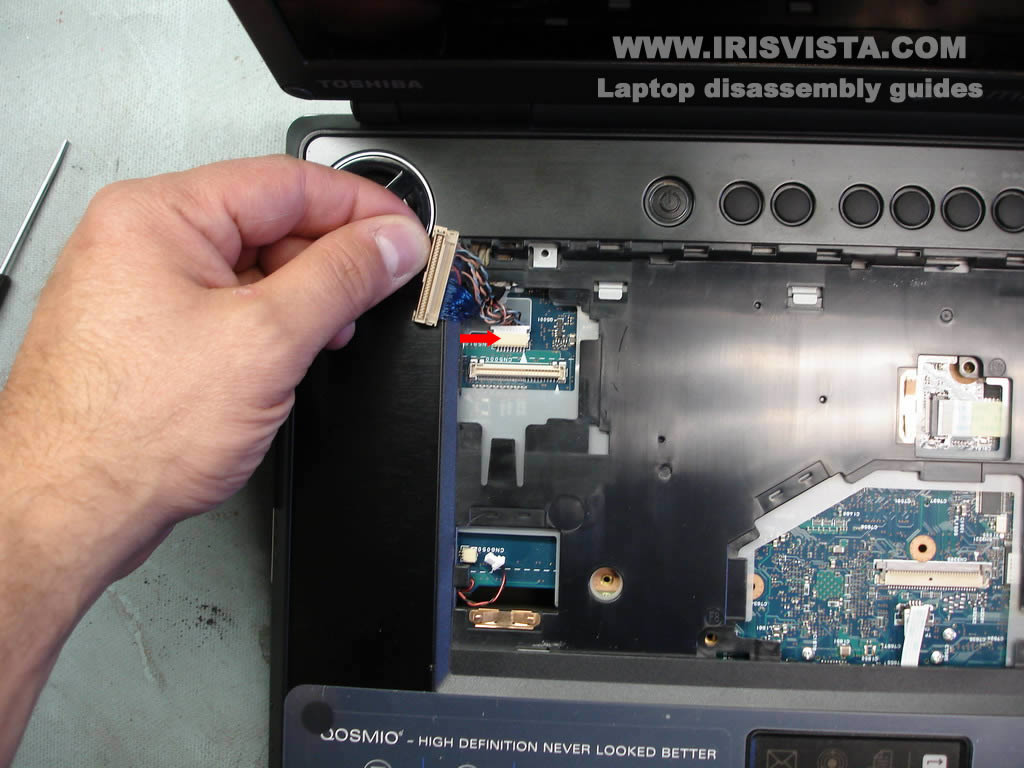
Disconnect all cables pointed with red arrows. |
| |
|
 |
STEP 12
Disconnect one more cable hidden under the video cable. |
| |
|
 |
STEP 13
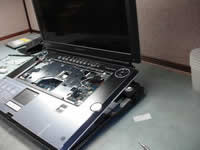
Carefully lift up and remove the top cover assembly with the display panel. |
| |
|
 |
STEP 14
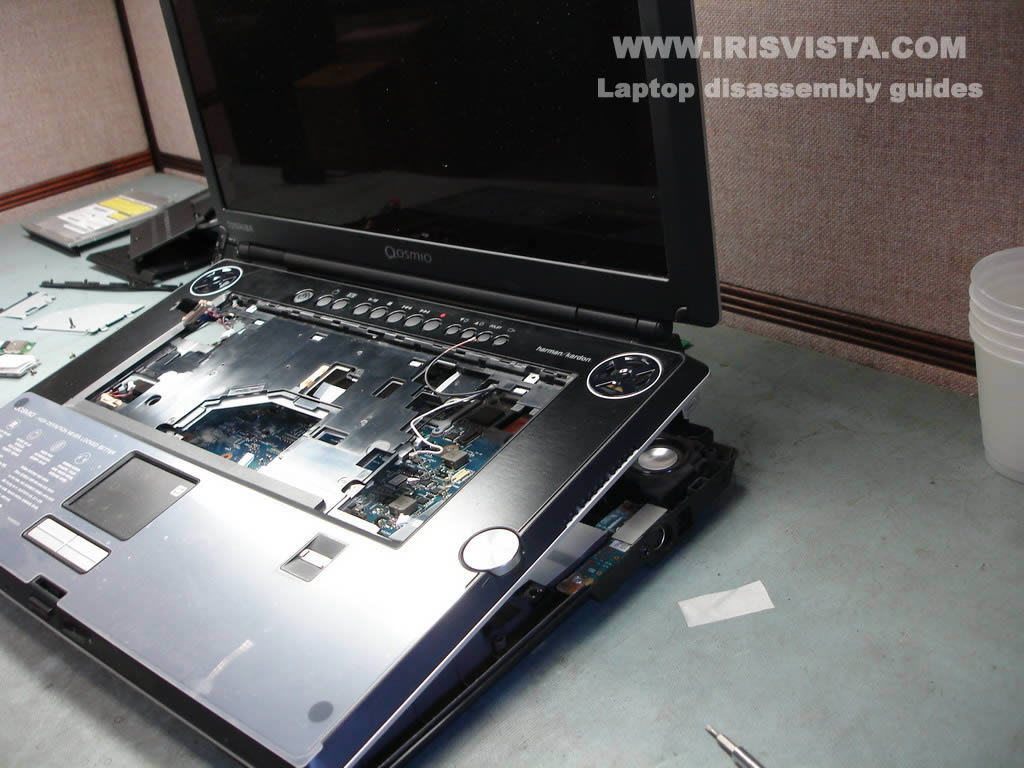
On this picture you see the top cover with the display panel separated from the bottom assembly.
|
| |
|
 |
STEP 15
In order to remove this plastic part, press on two latches pointed with red arrows.
Remove the plastic cover. |
| |
|
 |
STEP 16
Disconnect the CMOS battery cable from the motherboard.
Disconnect the LED board cable from the motherboard.
Remove the sticky tape and release the modem cable.
Remove one screw securing the motherboard. |
| |
|
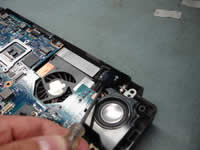 |
STEP 17
Lift up the power jack from its place.
It's easier to remove the motherboard when the power jack is released. |
| |
|
 |
STEP 18
Before you remove the motherboard you'll have to make sure that all cable on the bottom of the laptop are unplugged and disconnected from the motherboard.
|
| |
|
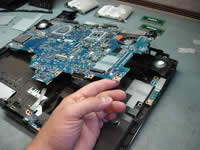 |
STEP 19
Start removing the motherboard from the right side.
Lift up and remove the motherboard from the laptop base. |
| |
|
 |
STEP 20
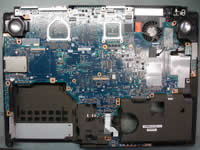
The laptop base without motherboard installed. |
| |
|
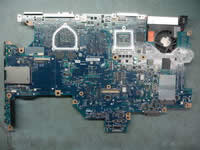 |
STEP 21
The motherboard has been removed from the laptop base. |
| |
|
 |
STEP 22
Remove two screws securing the TV tuner card.
Remove the TV tuner card from the motherboard. |
| |
|
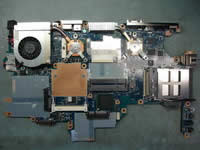 |
STEP 23
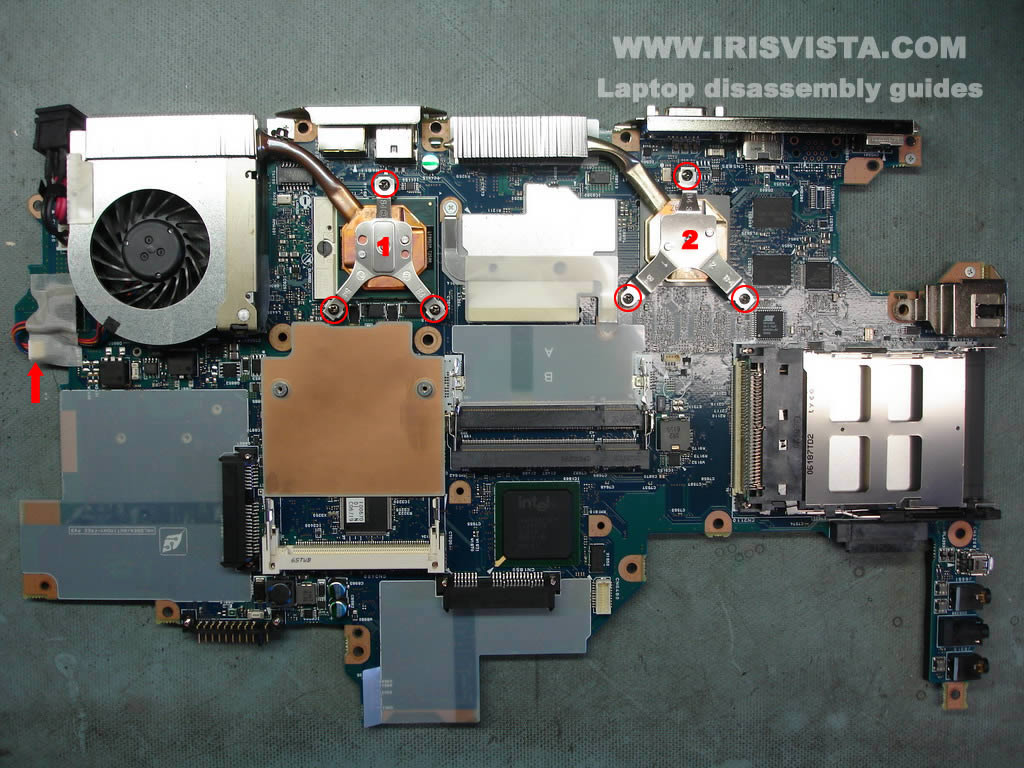
Remove screws securing heat sinks 1 and 2.
Disconnect the CPU fan cable from the motherboard.
Remove both heat sink and fan.
|
| |
|
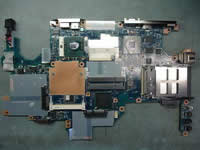 |
STEP 24
Finally, unlock the CPU socket and remove the CPU. |
| |
|
|
|