|
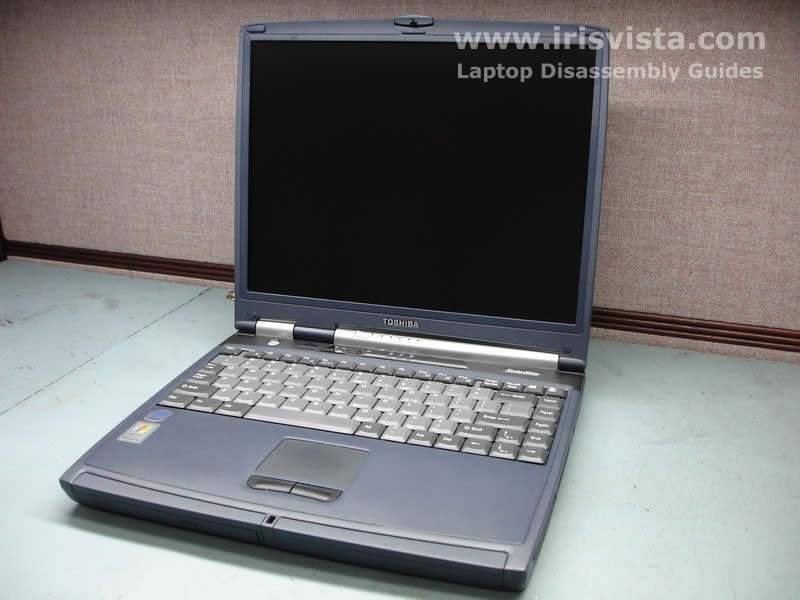
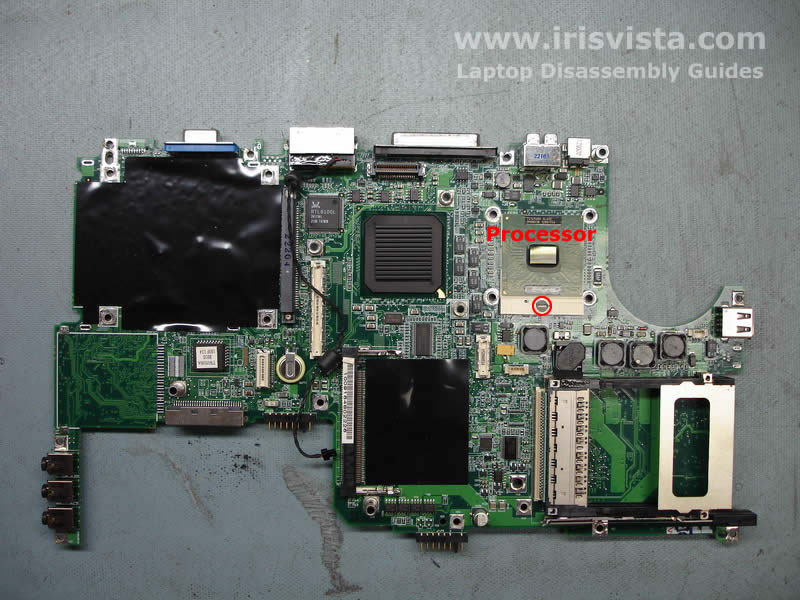
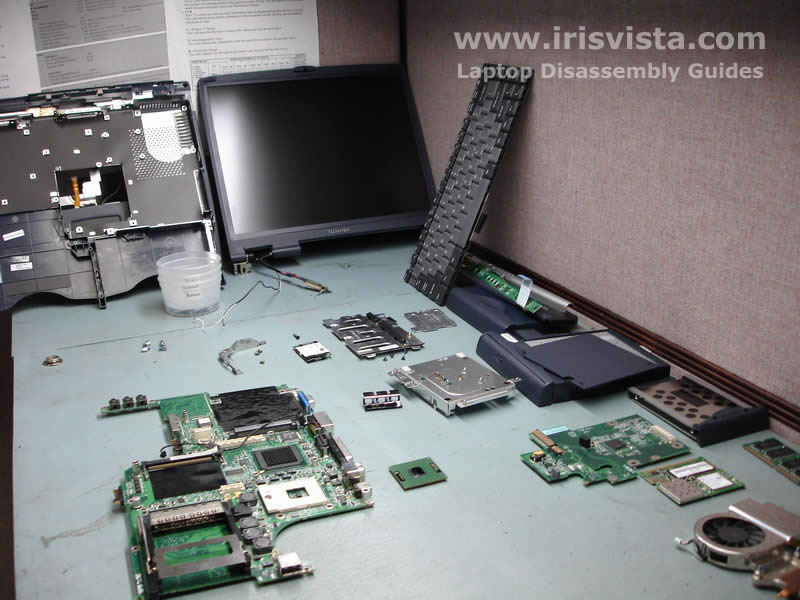
Toshiba Satellite 1200 disassembly.
|
|
|
 |
STEP 1
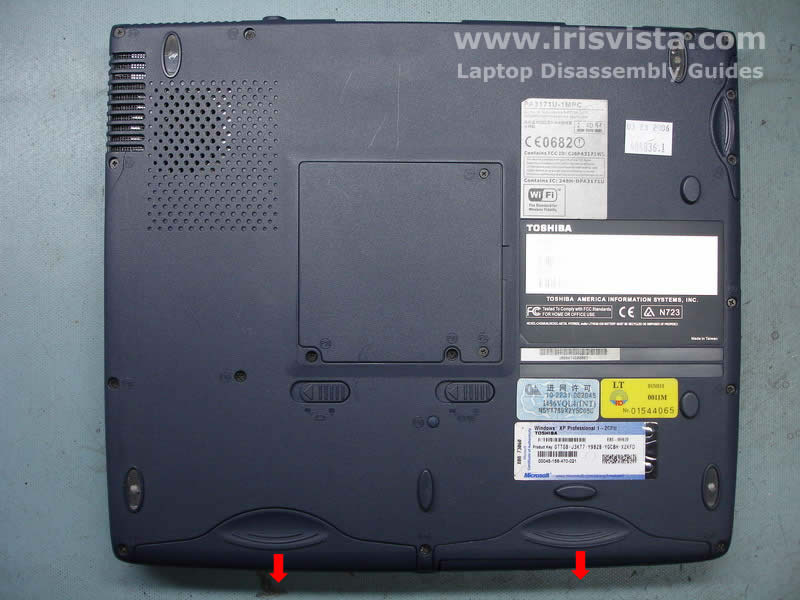
Turn the laptop over and remove the battery and the CD/DVD-ROM drive.
|
| |
|
 |
STEP 2
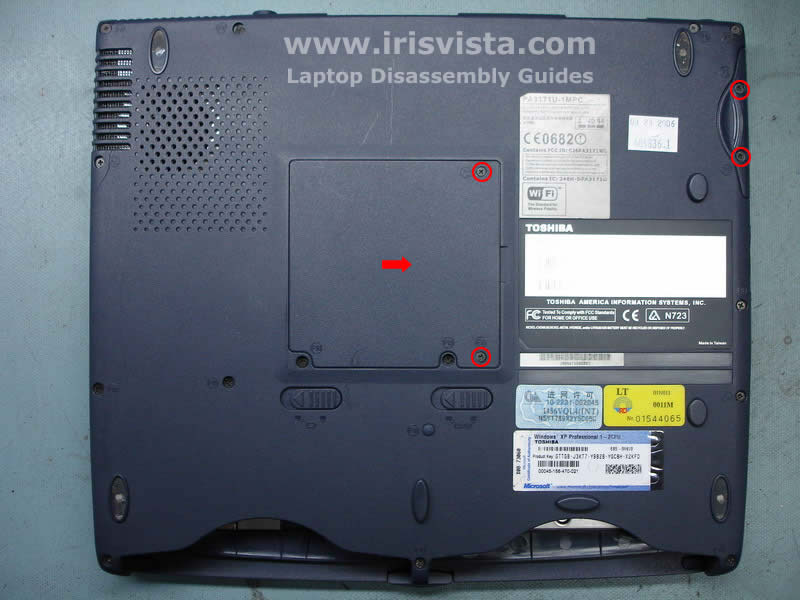
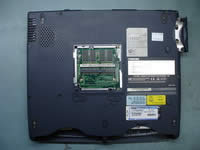
Remove two screws securing the laptop memory cover and remove it.
Remove two screws securing the laptop hard drive.
|
| |
|
 |
STEP 3
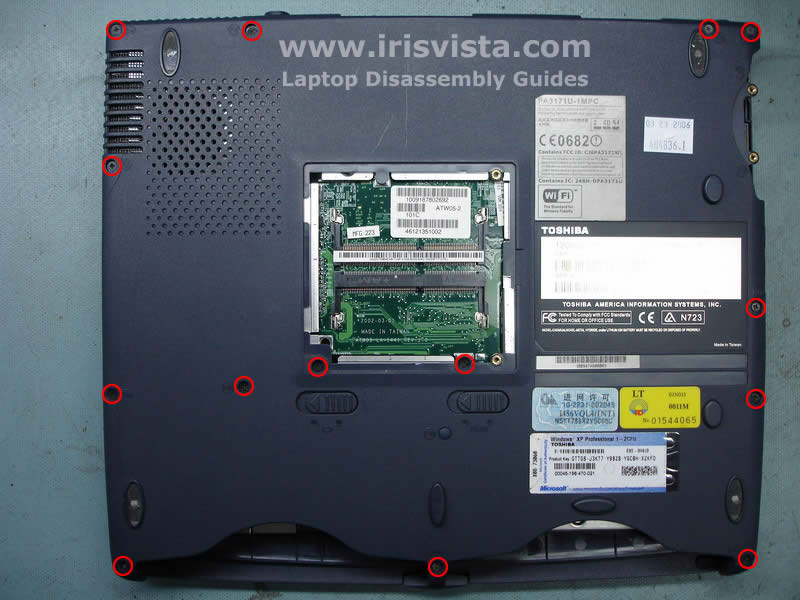
Remove the laptop memory module.
Slide the hard drive to the right to disconnect it from the system board and remove the hard drive.
|
| |
|
 |
STEP 4
Remove all marked screws on the bottom of the laptop. |
| |
|
 |
STEP 5
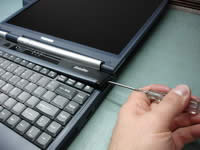
Insert a sharp object under the keyboard securing strip and carefully start lifting it up. Continue removing the strip with your fingers.
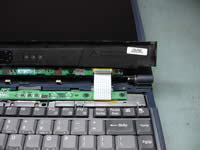
Be very careful with the strip because it has a control board attached to it.
It might take some time to remove the keyboard strip.
|
| |
|
 |
STEP 6
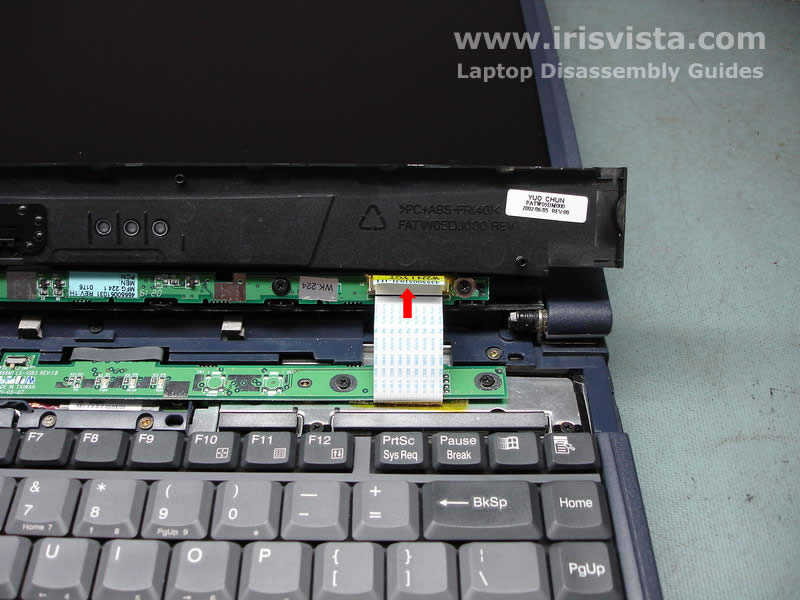
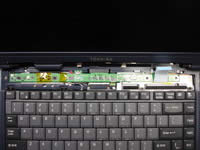
Turn over the keyboard strip and disconnect the LED board cable from the control board. |
| |
|
 |
STEP 7
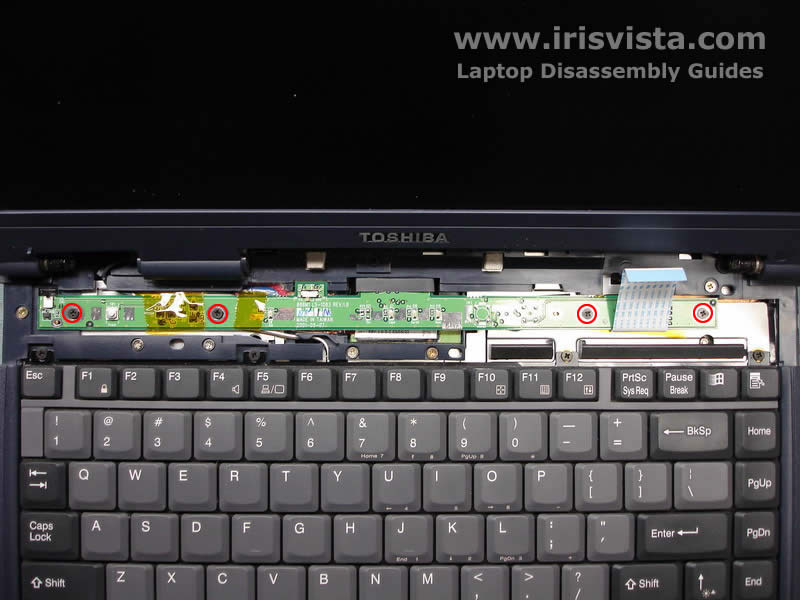
Remove four screws securing the laptop LED board. |
| |
|
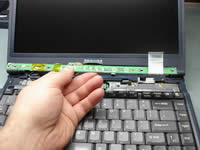 |
STEP 8
The LED board has a belt in the middle. Use the belt to lift up the LED board and disconnect it from the system board.
Remove the LED board. |
| |
|
 |
STEP 9
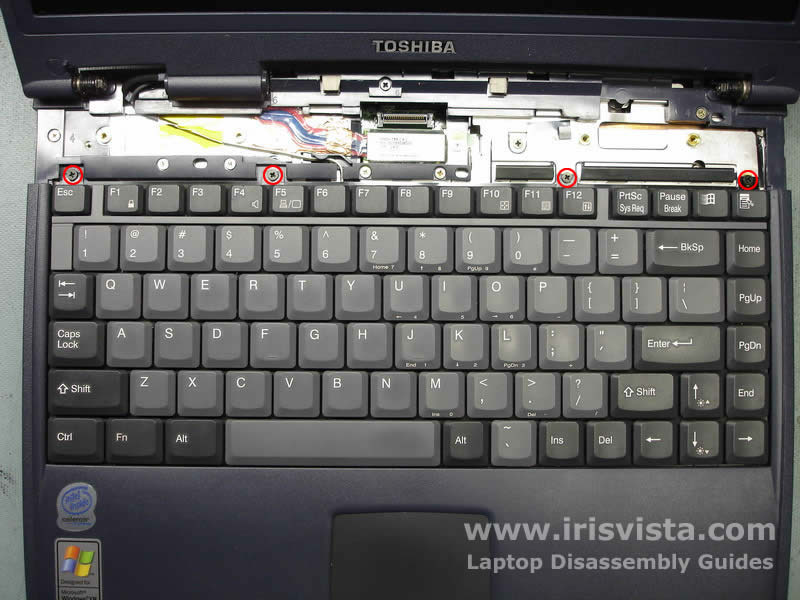
Remove four screws securing the laptop keyboard and lift it up from the laptop.
|
| |
|
 |
STEP 10
Open the keyboard connector on the system board and pull the keyboard cable.
Remove the keyboard. |
| |
|
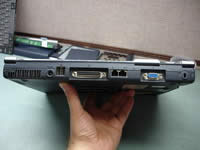 |
STEP 11
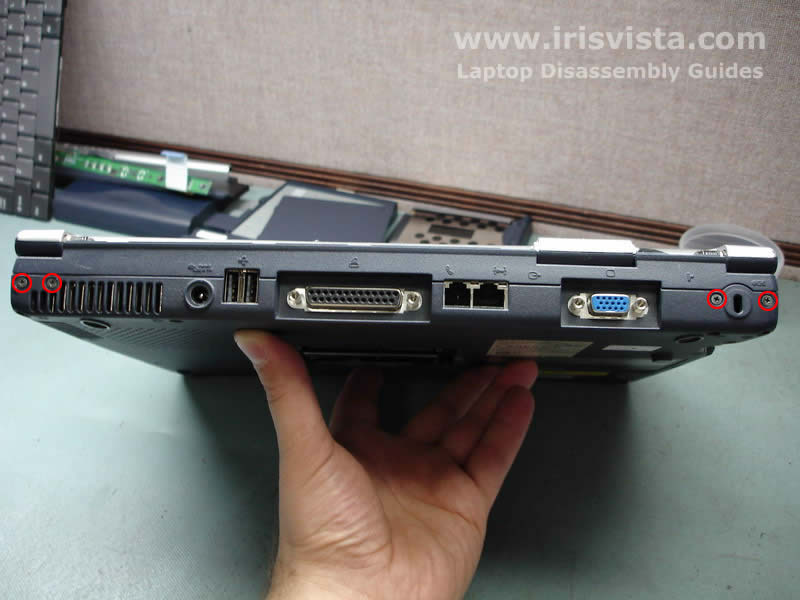
Remove four screws securing the laptop display hinges on the back of the laptop. |
| |
|
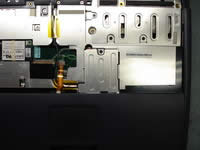 |
STEP 12
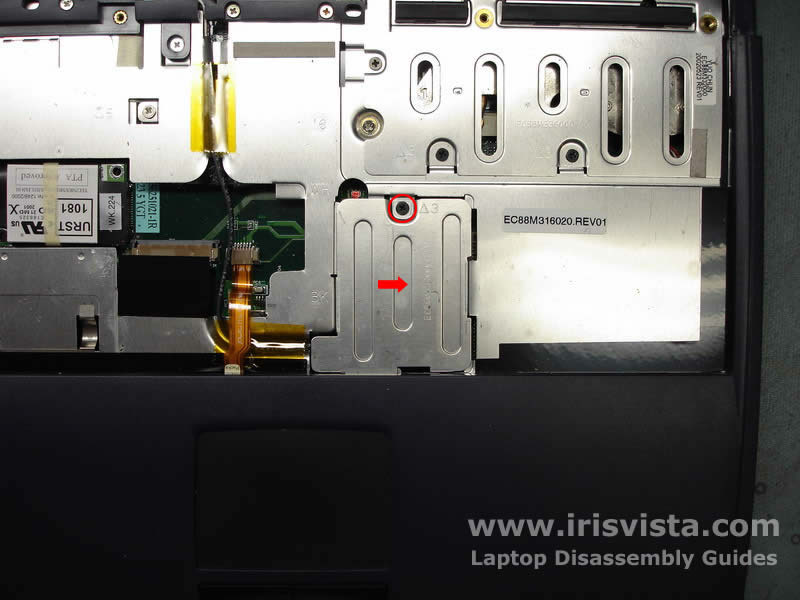
Remove one screw securing the wireless card cover.
After you remove the cover you will get an access to the wireless card antennas.
|
| |
|
 |
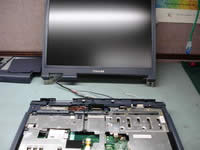
STEP 13
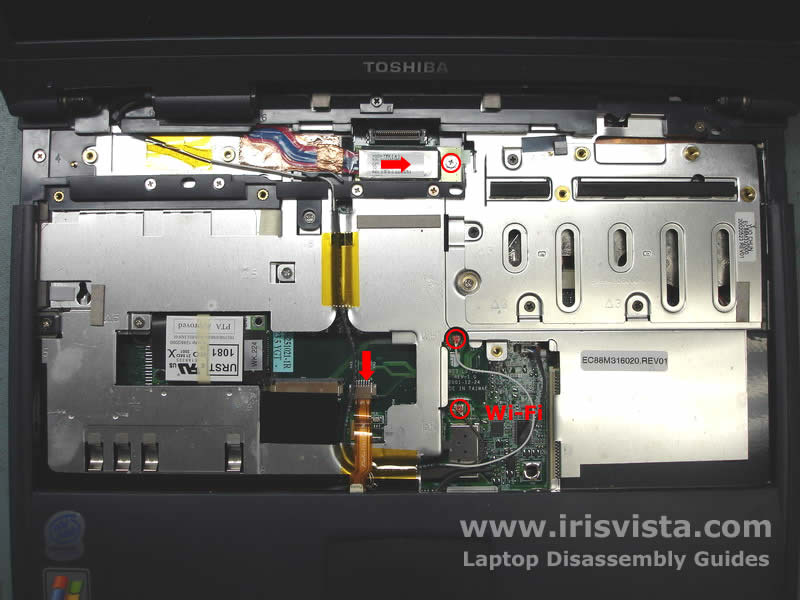
Disconnect the touchpad cable on the system board.
Disconnect the wireless card antennas from the wireless card. Remove yellow tape securing the antenna cables.
Remove one screw securing the video cable connector. Disconnect the video cable on the system board. |
| |
|
 |
STEP 14
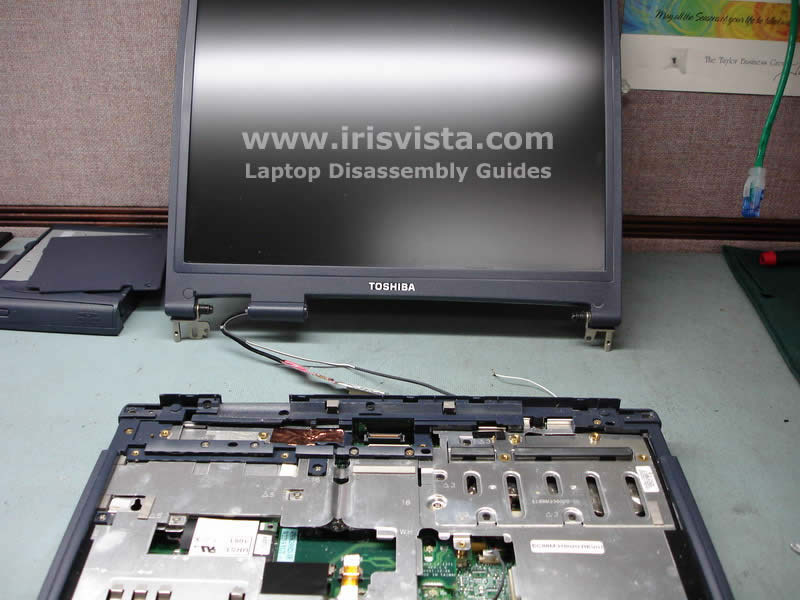
Lift up the laptop display assembly and remove it. |
| |
|
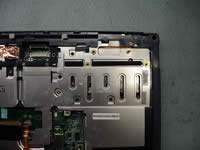 |
STEP 15
Before you start removing screws under the keyboard I would recommend to mark them somehow. There would be a lot of screws.
Remove four screws from the CPU heatsink cover and remove the cover. |
| |
|
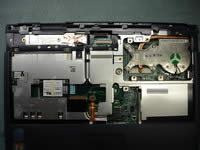 |
STEP 16
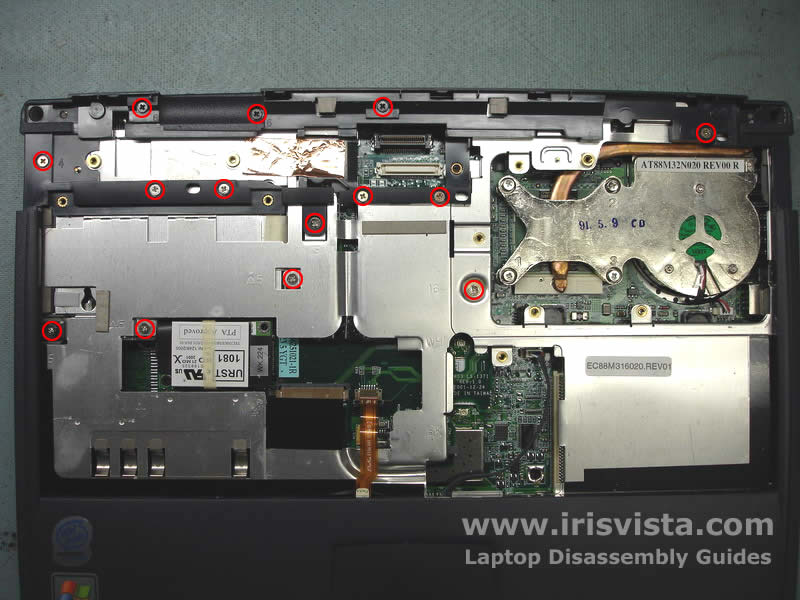
Remove all marked screws from the laptop top cover. |
| |
|
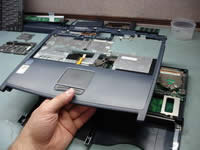 |
STEP 17
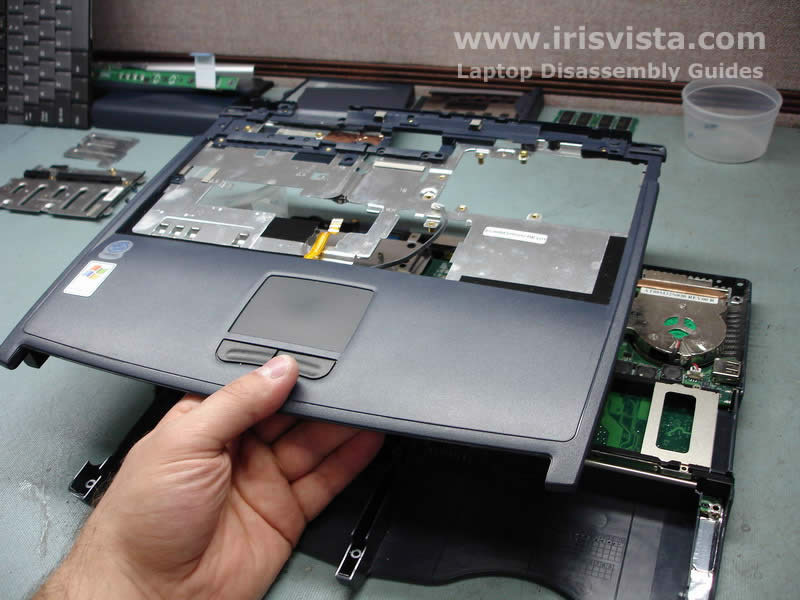
Remove the laptop top cover assembly. If you turn it over, you will get an access to the laptop touchpad. |
| |
|
 |
STEP 18
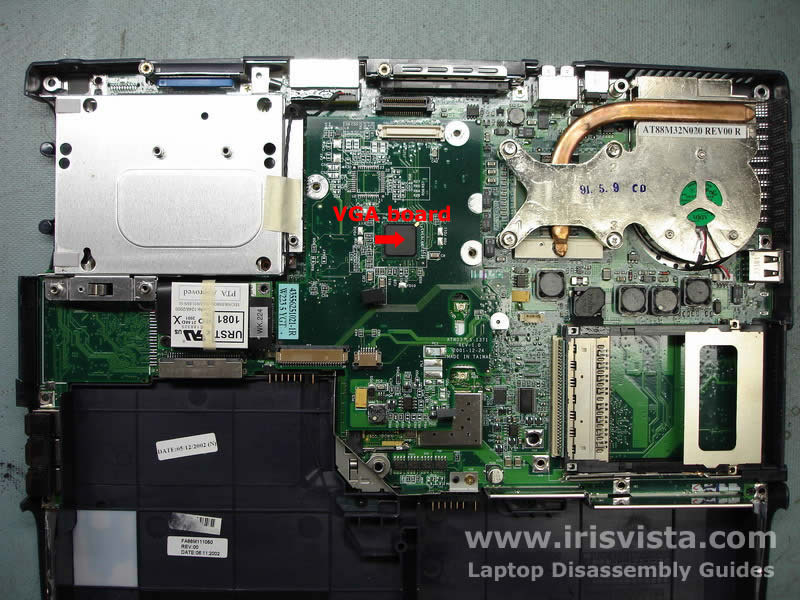
In this model the VGA board is a separate module. |
| |
|
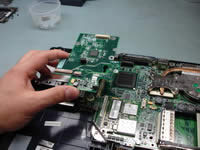 |
STEP 19
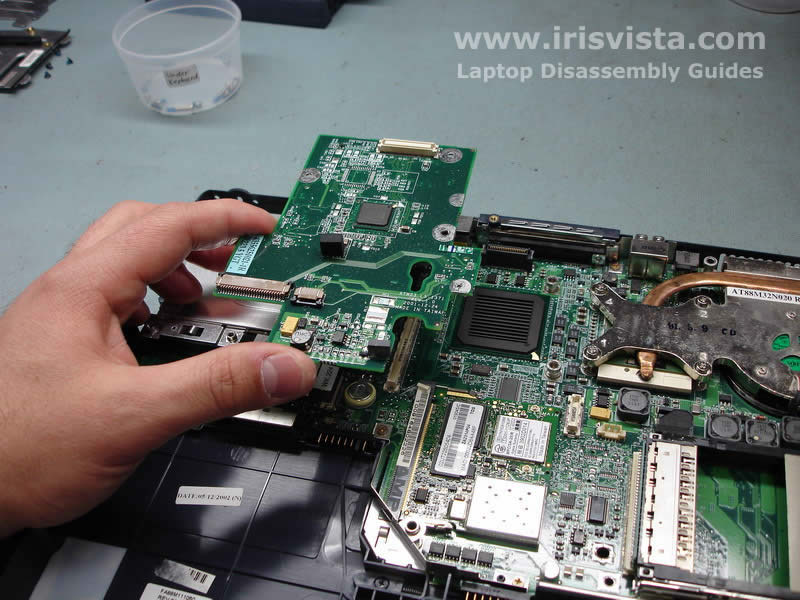
Lift the video board up to disconnect it from the connector on the system board. |
| |
|
 |
STEP 20
Remove the laptop wireless card. |
| |
|
 |
STEP 21
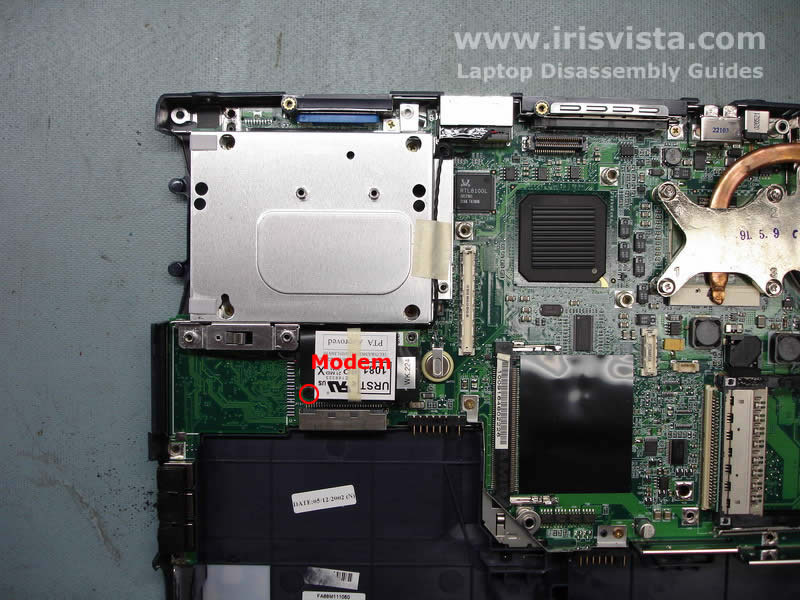
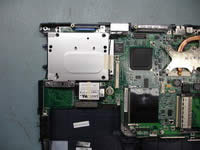
Remove one screw securing the modem card.
Lift up the card to separate it from the system board and disconnect the modem cable. |
| |
|
 |
STEP 22
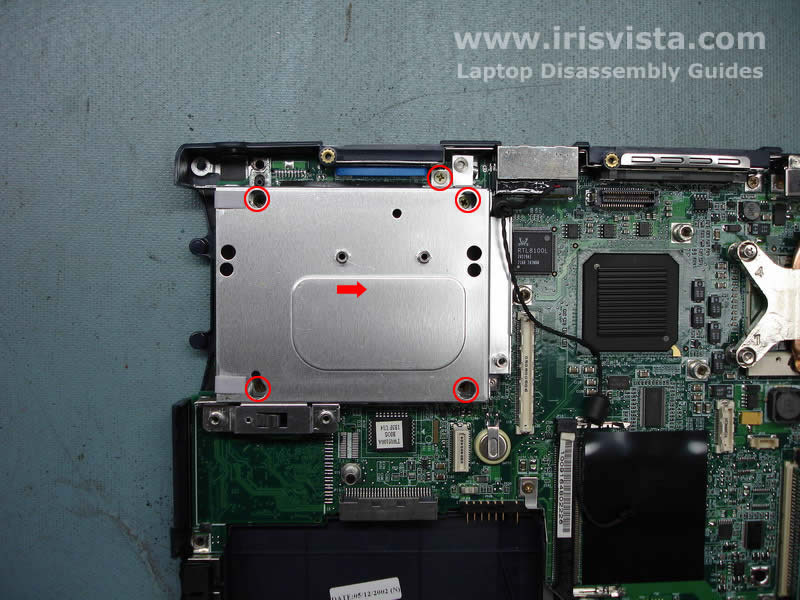
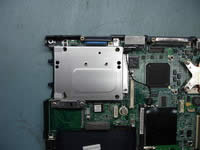
Remove five screws securing the hard drive holder and lift up the holder. |
| |
|
 |
STEP 23
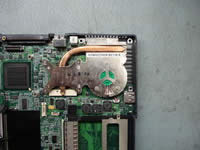
Loosen four screws securing the CPU heatsink and fan assembly.
Lift up the heatsink from the CPU. |
| |
|
 |
STEP 24
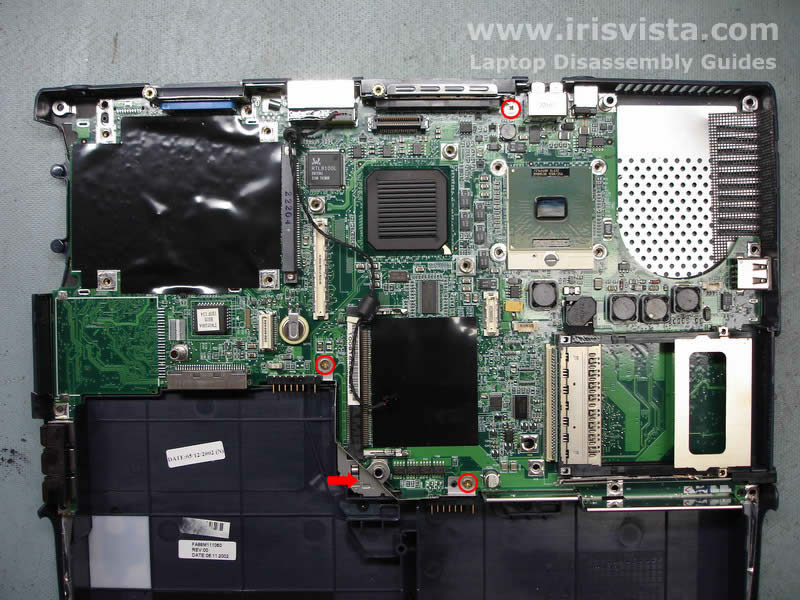
Remove three screws securing the system board and remove the metal brace. |
| |
|
 |
STEP 25
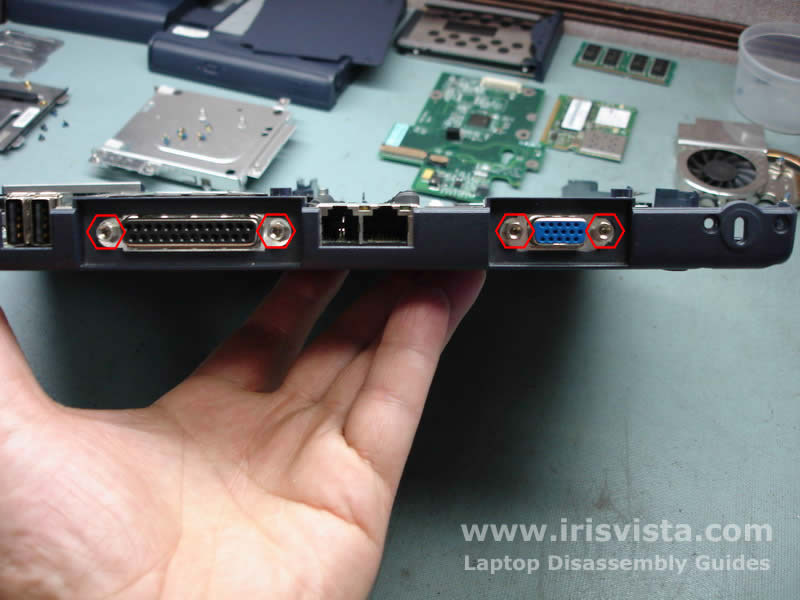
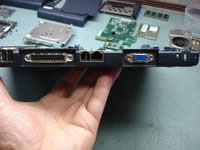
Before you can remove the system board from the base you have to remove four hex studs from the VGA port and the parallel port. |
| |
|
 |
STEP 26
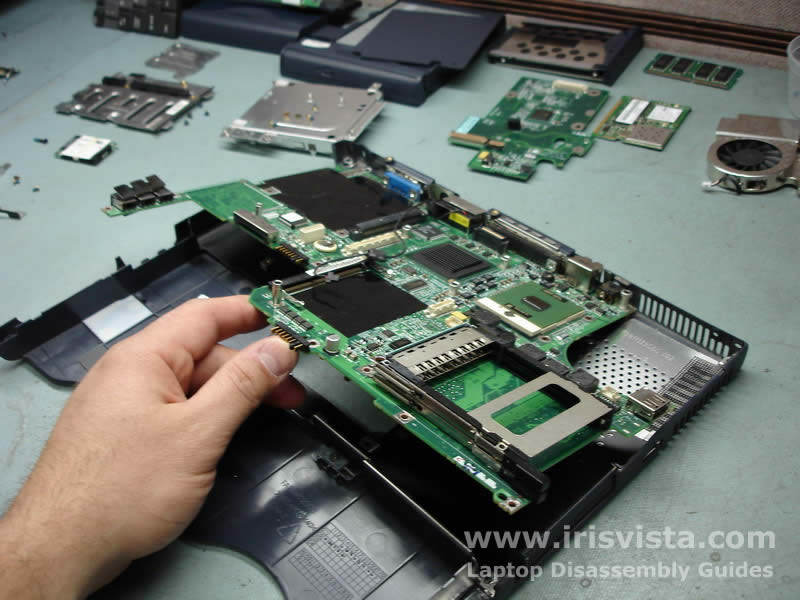
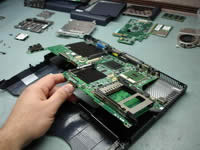
Lift up the laptop system board and remove it from the base. |
| |
|
 |
STEP 27
Unlock the laptop processor and lift it up from the socket. |
| |
|
 |
STEP 28
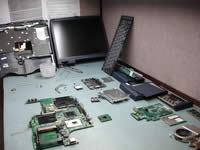
Toshiba Satellite 1200 disassembly done! |
| |
|
|
|