|
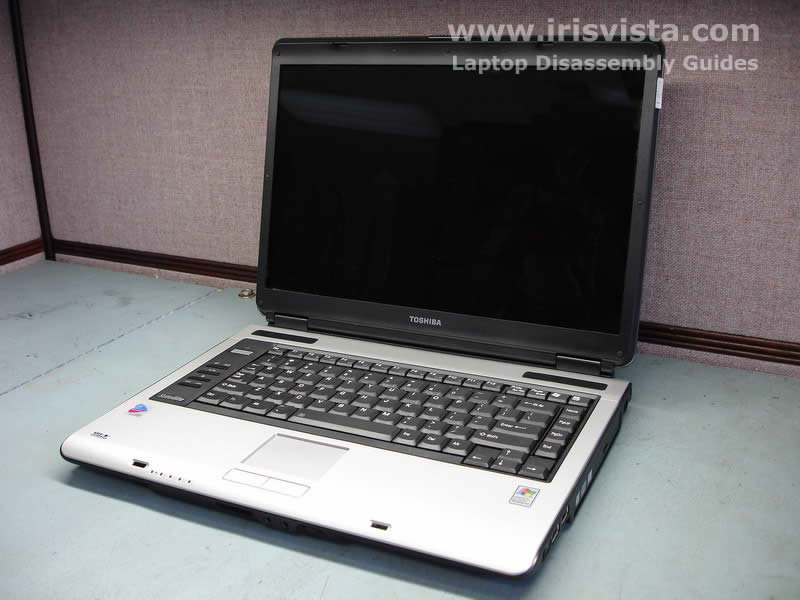
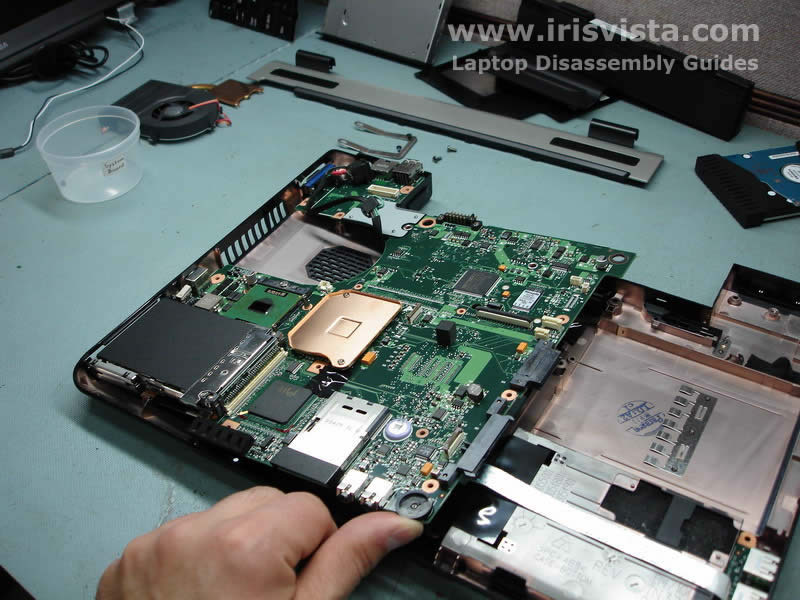
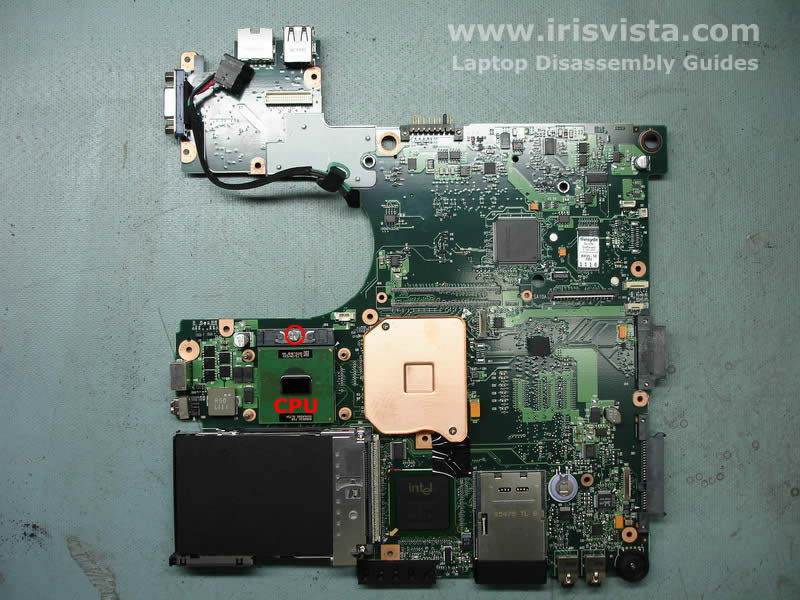
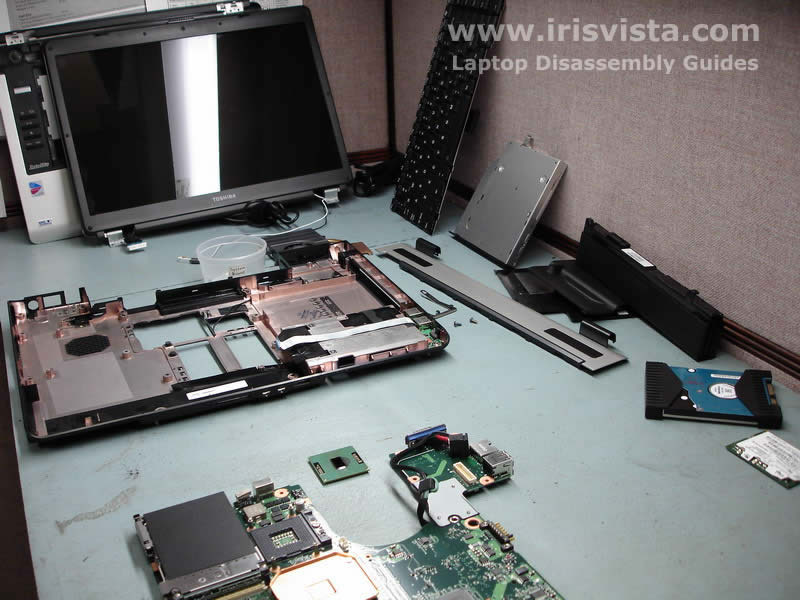
Toshiba Satellite A105, A100, Tecra A7 disassembly.
|
|
|
 |
STEP 1
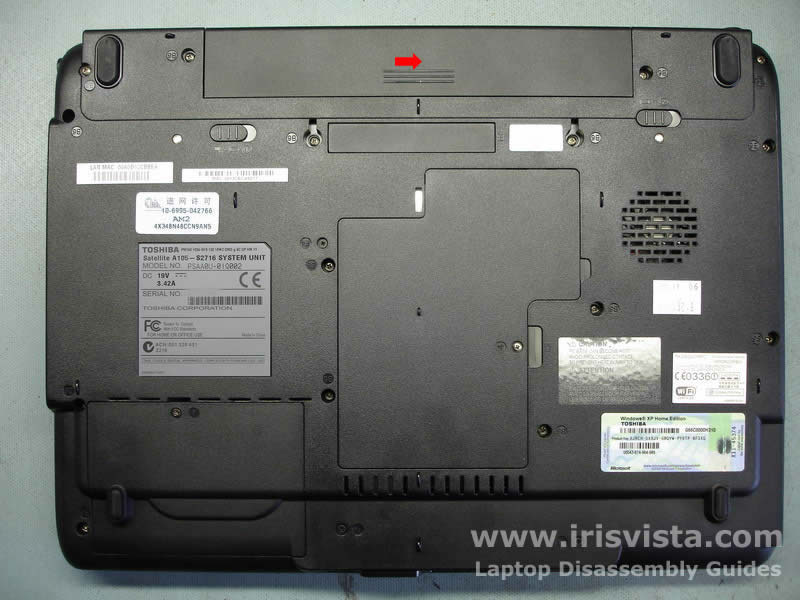
Start laptop disassembly with removing the battery.
Unlock the battery and slide it away from the laptop.
|
| |
|
 |
STEP 2
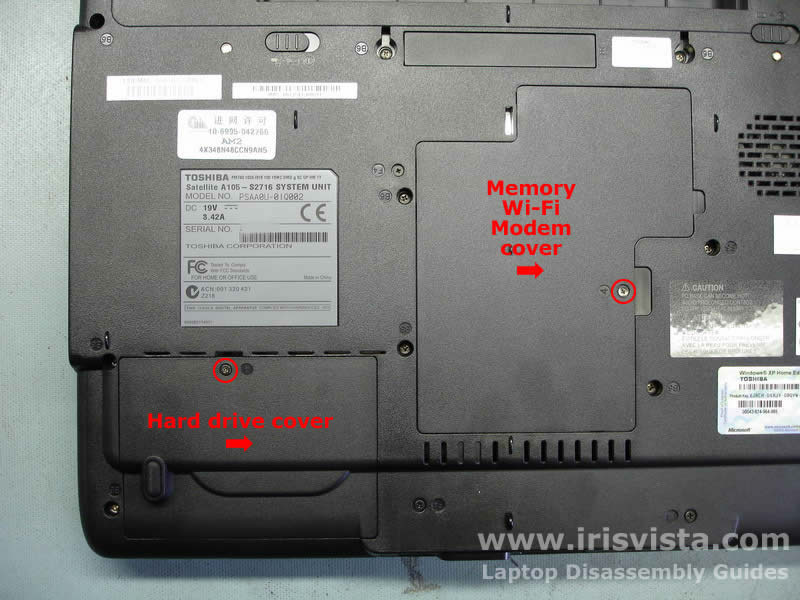
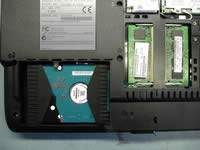
Remove the hard drive cover. You may use a sharp object to lift it up.
Remove the Wi-Fi, modem, memory cover.
|
| |
|
 |
STEP 3
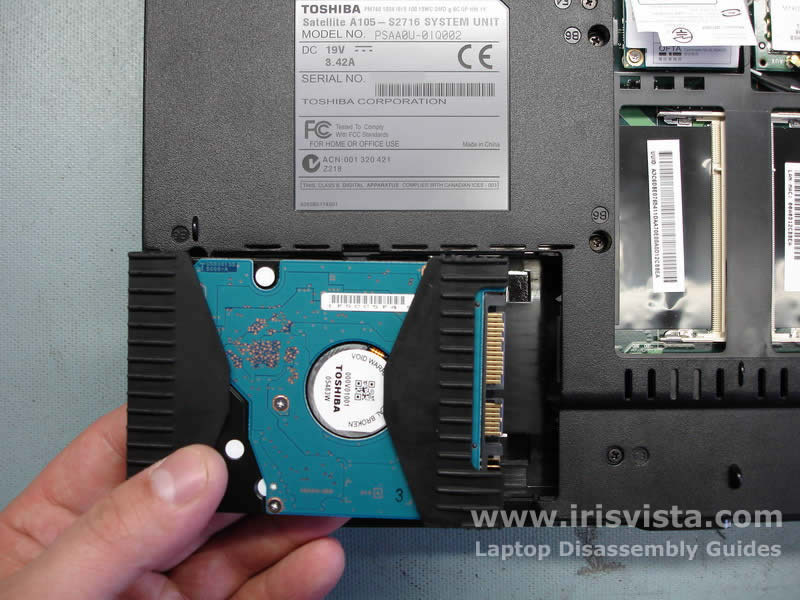
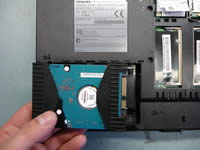
Slide the hard drive aside to disconnect it from the system board and remove it from the HDD bay.
Remove the memory modules.
|
| |
|
 |
STEP 4
The SATA hard drive has to be removed together with a rubber cover. |
| |
|
 |
STEP 5
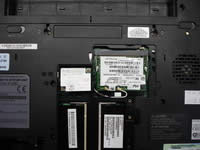
Carefully disconnect the wireless card antenna cables and remove the wireless card.
Remove two screws securing the modem card. Lift the modem card up to disconnect it from the connector on the system board. Disconnect the modem cable.
|
| |
|
 |
STEP 6
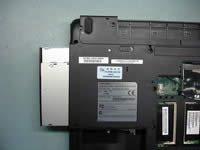
Remove one screw securing the DVD drive and push on the metal bracket to slide the drive from the case. |
| |
|
 |
STEP 7
Remove the DVD drive. |
| |
|
 |
STEP 8
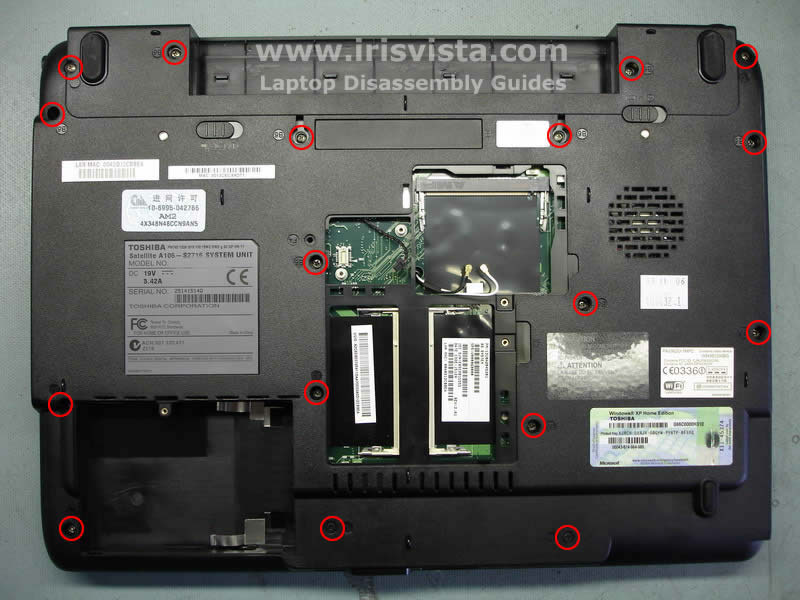
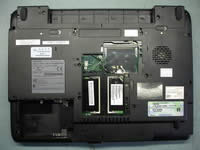
Remove all marked screws on the bottom of the notebook. |
| |
|
|
STEP 9
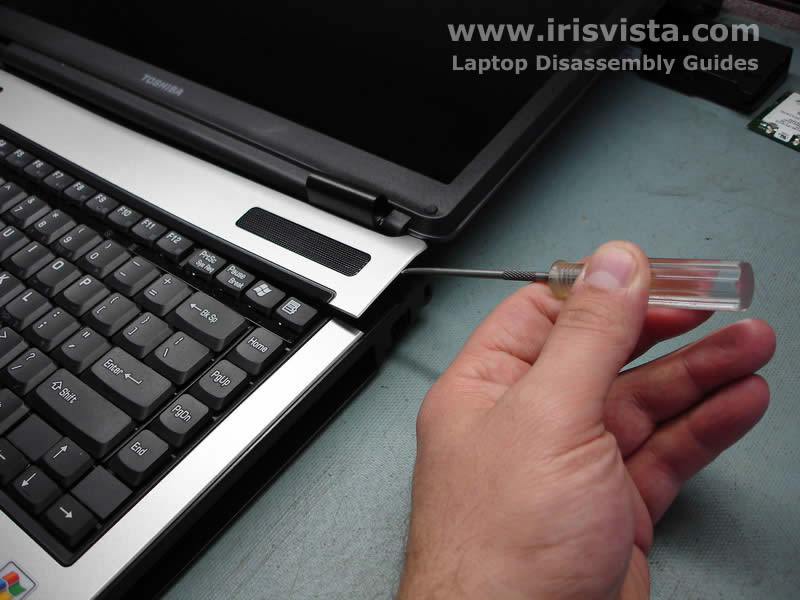
Lift up the keyboard strip with a sharp object. |
| |
|
 |
STEP 10
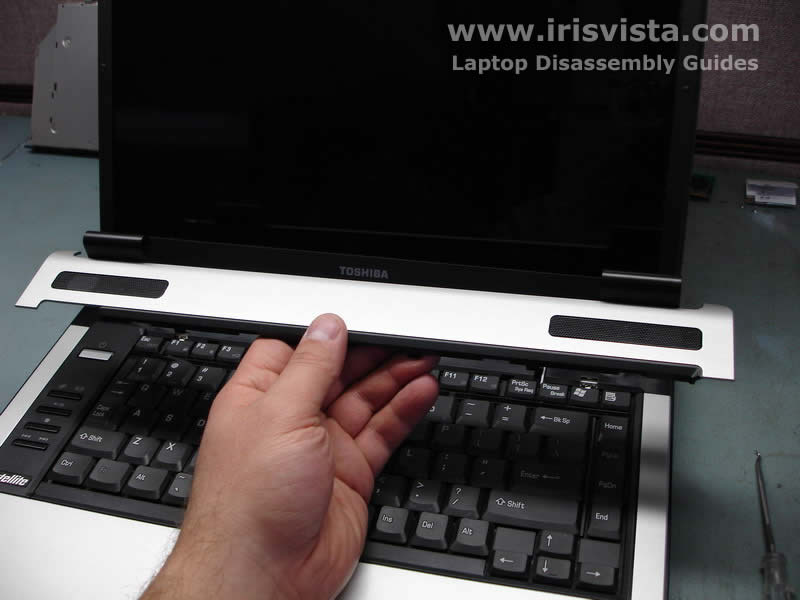
Remove the keyboard strip. It might be hard to disengage plastic latches securing the strip. Do not hurry and do not bend the strip to much. |
| |
|
 |
STEP 11
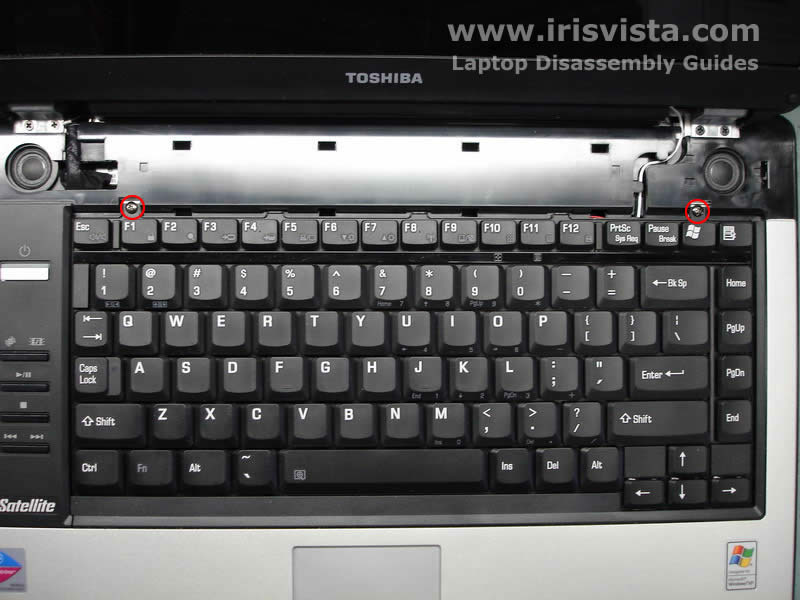
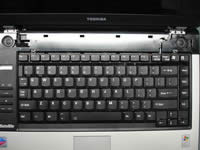
Remove two screws securing the laptop keyboard and lift it up from the case.
|
| |
|
 |
STEP 12
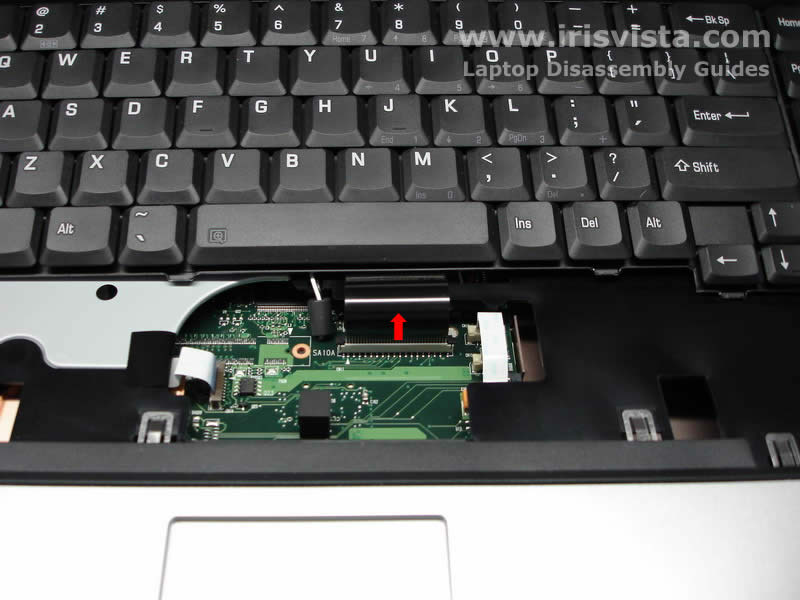
Carefully unlock the keyboard connector on the system board and pull the cable.
Remove the keyboard. |
| |
|
 |
STEP 13
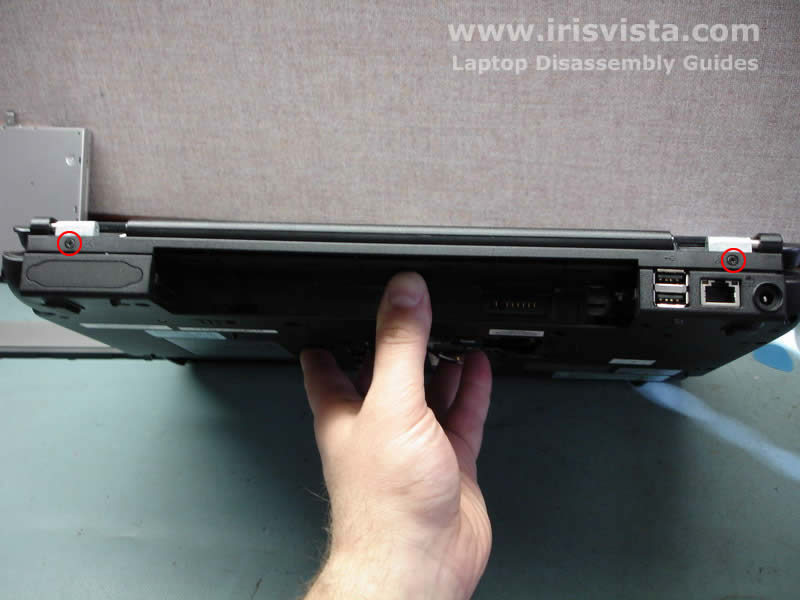
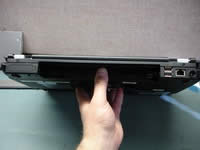
Remove two screws on the back of the laptop. |
| |
|
 |
STEP 14
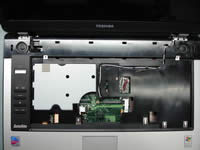
Remove four screws securing the laptop display assembly.
Carefully disconnect the video cable from the motherboard.
Pull the wireless card antenna cables through the opening.
|
| |
|
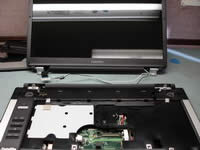 |
STEP 15
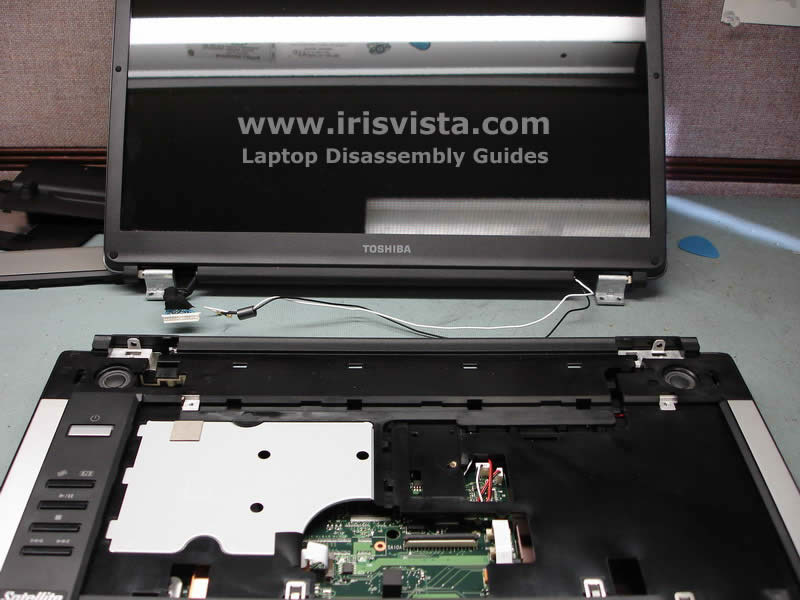
Lift up the display assembly and remove it. |
| |
|
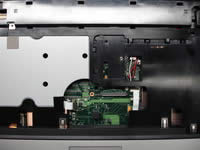 |
STEP 16
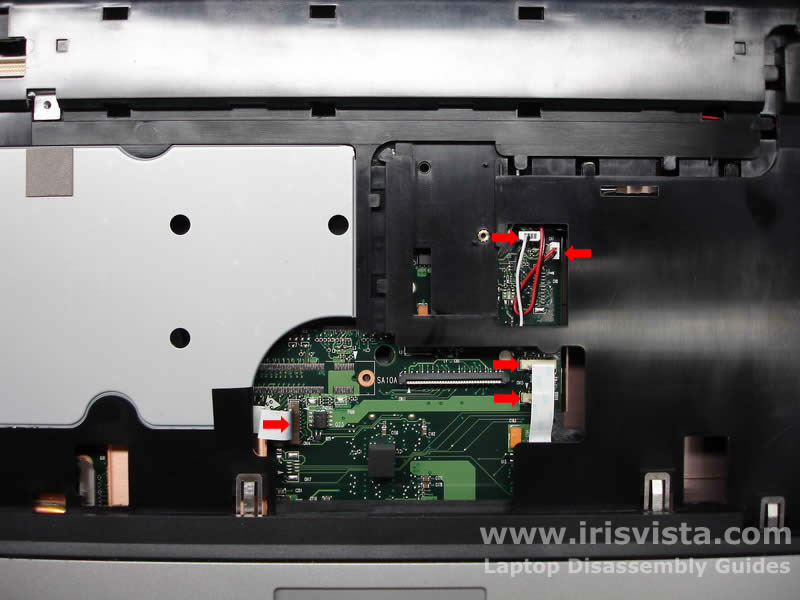
Disconnect the DVD control board cable, the touchpad cable and the speaker cables on the system board. Do not pull the cables, open the lock first. |
| |
|
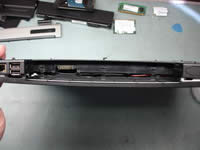 |
STEP 17
Start opening the laptop case with disengaging the plastic latches on the back. |
| |
|
|
STEP 18
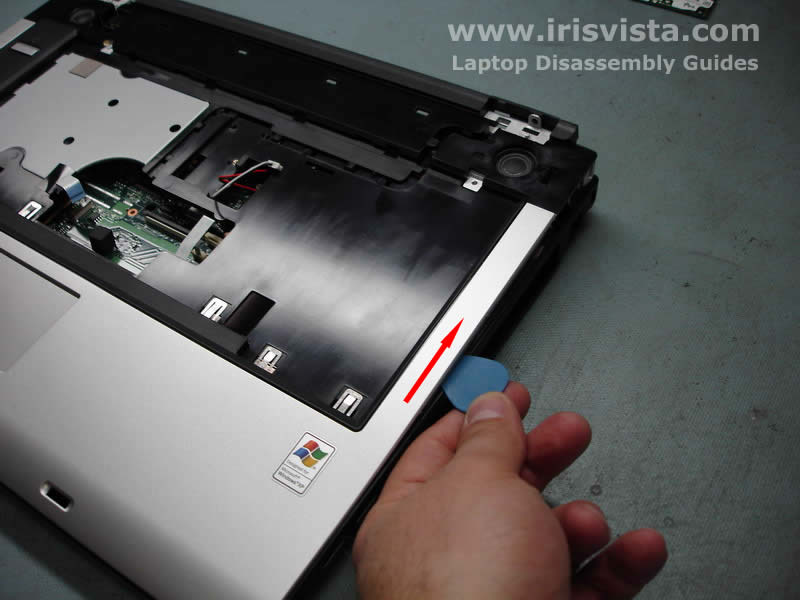
Use a guitar pick as a laptop case cracker. Move the pick along the top cover side to open plastic latches. |
| |
|
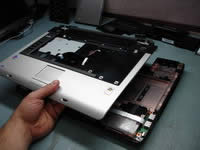 |
STEP 19
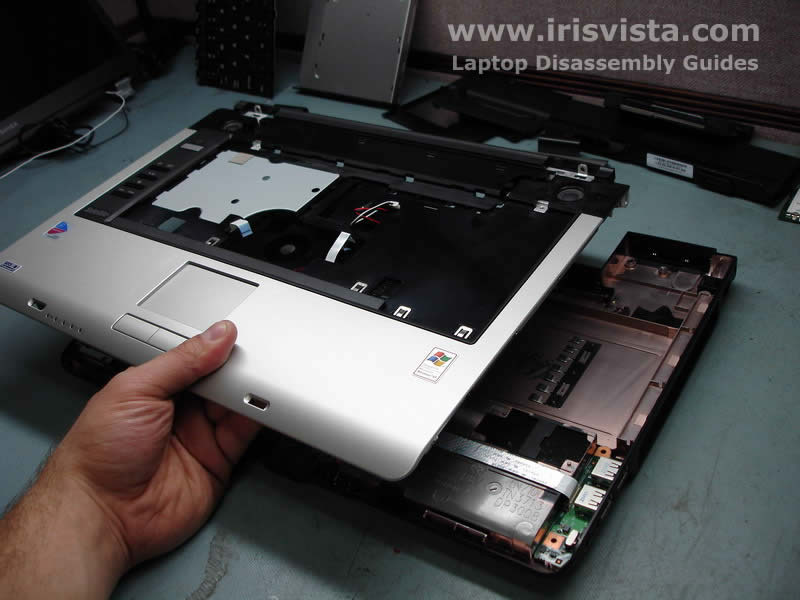
Remove the top cover assembly. |
| |
|
 |
STEP 20
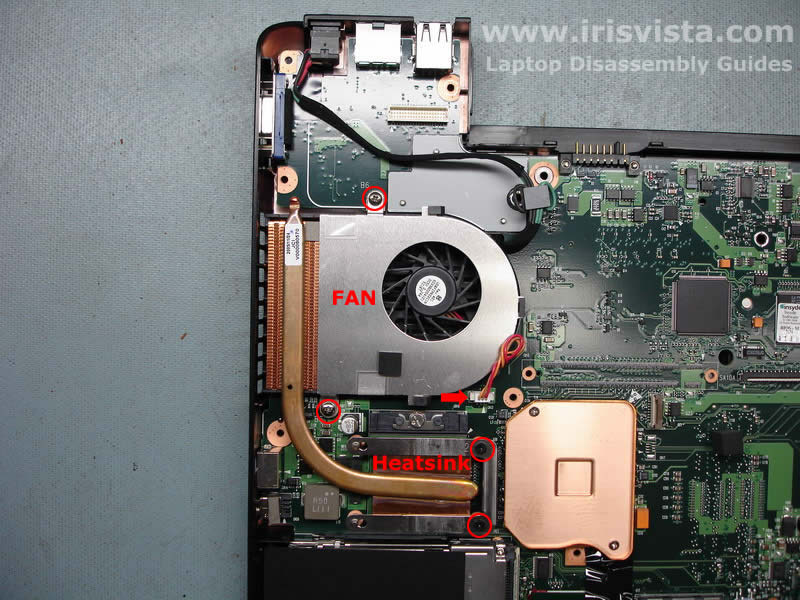
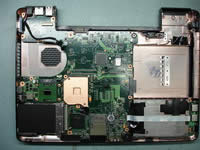
Remove two screws securing the CPU fan and disconnect the fan from the motherboard.
Remove two screws securing a metal plate over the heatsink.
Remove the heatsink and the fan. |
| |
|
 |
STEP 21
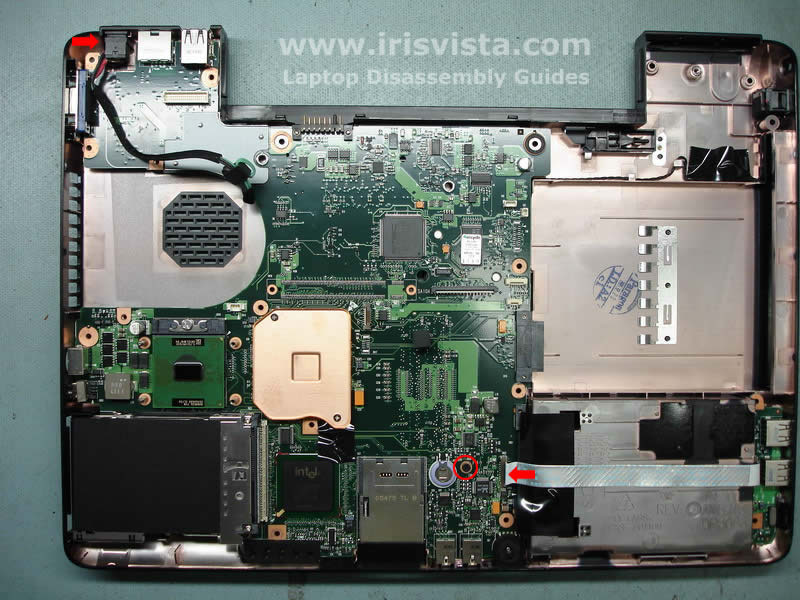
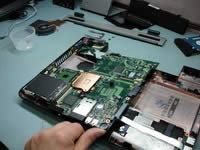
Remove one screw securing the motherboard.
Disconnect the USB board cable on the motherboard.
Lift up the DC jack from its housing. |
| |
|
 |
STEP 22
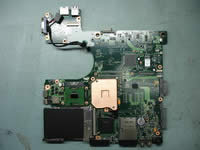
Start removing the laptop motherboard from the case. |
| |
|
 |
STEP 23
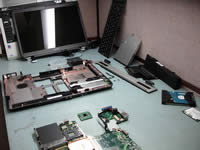
Unlock the CPU lock and remove the CPU from the socket. |
| |
|
 |
STEP 24
Toshiba Satellite A105 disassembly done! |
| |
|
|
|