|
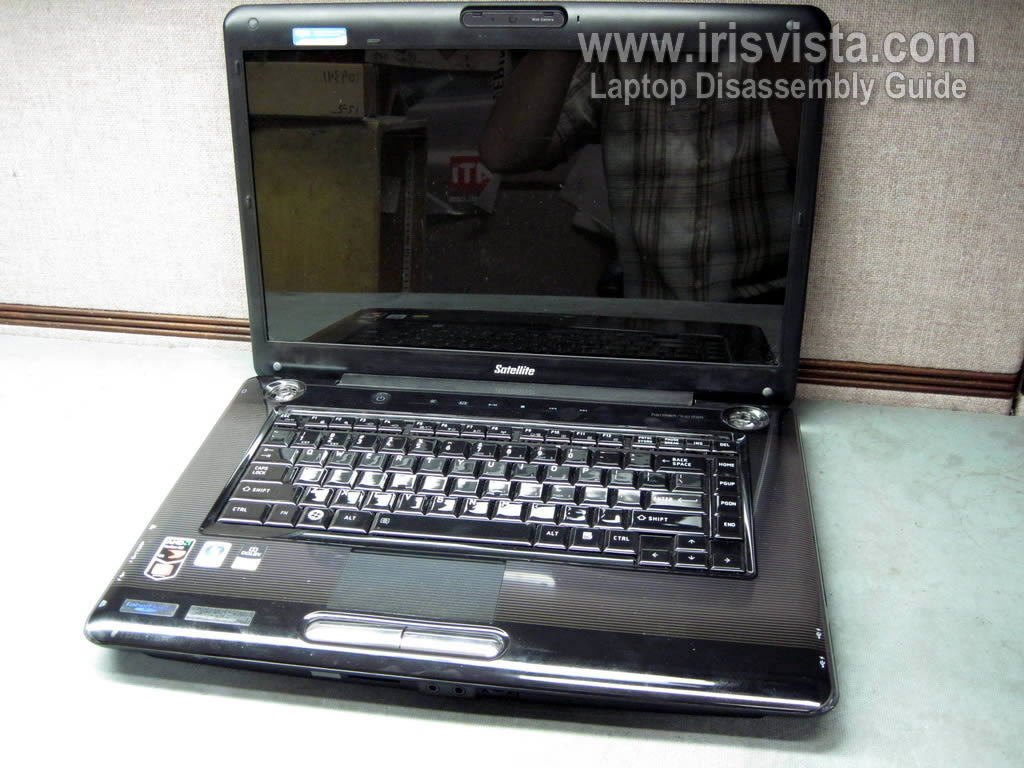
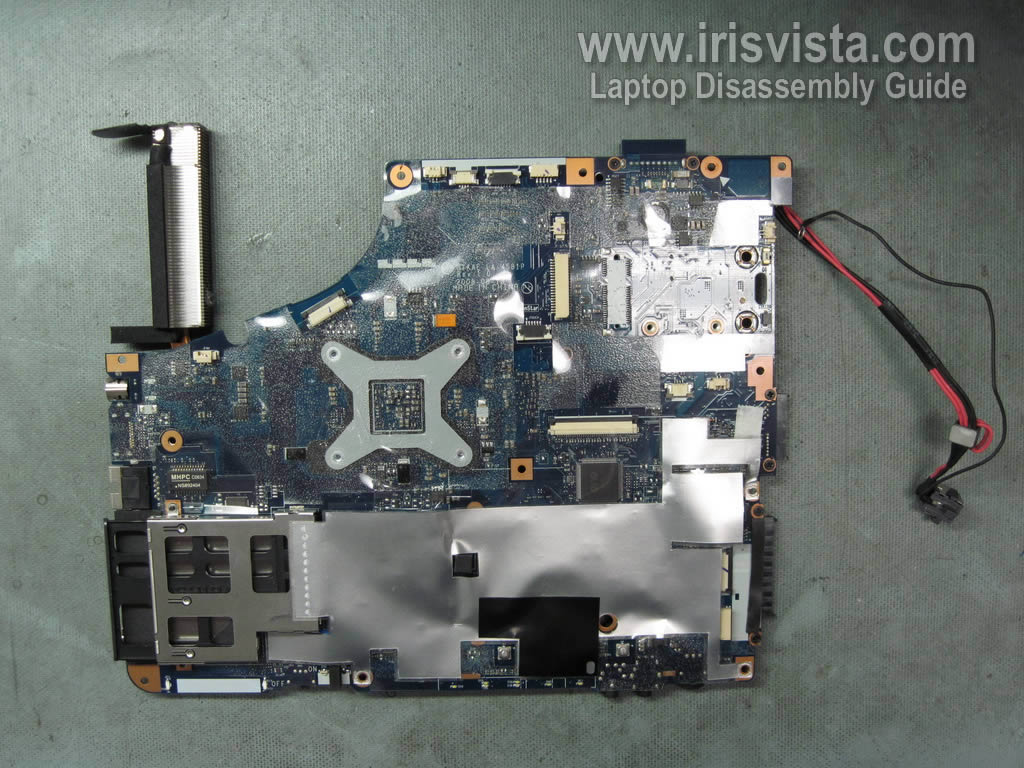
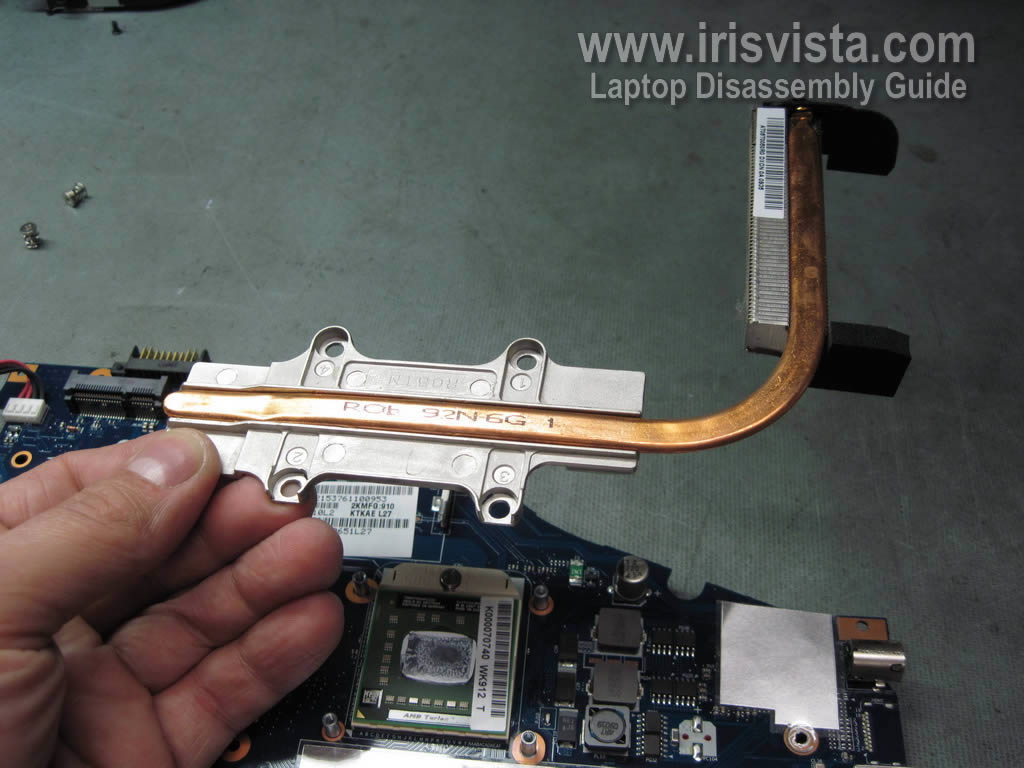
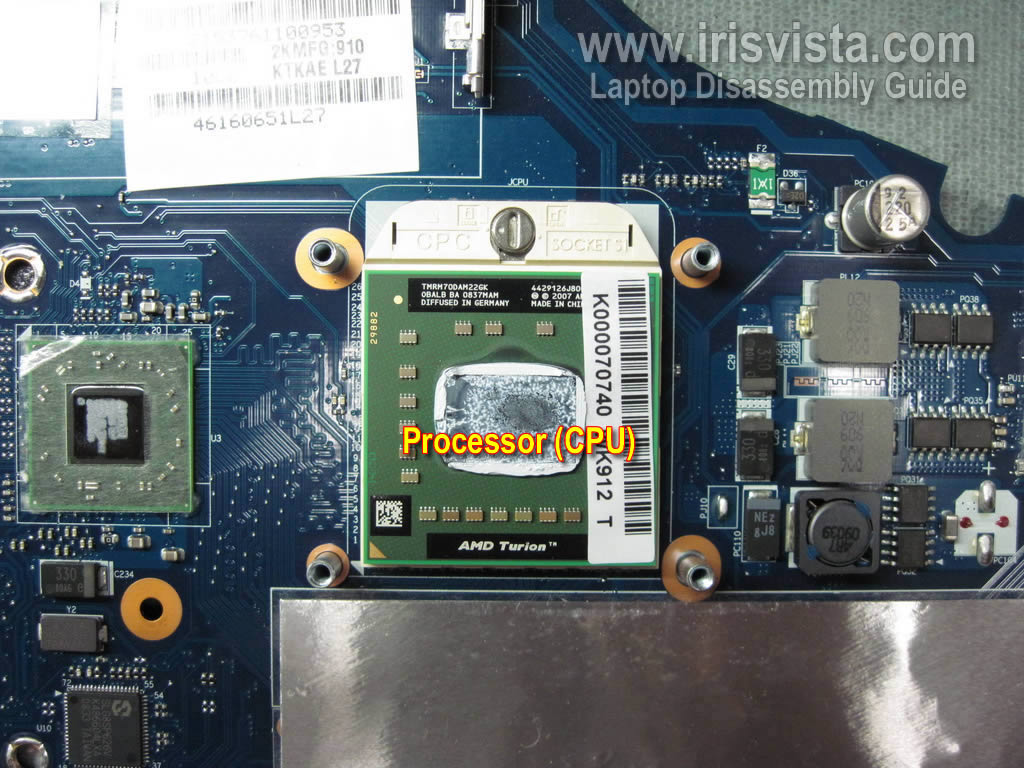
Toshiba Satellite A355, A355D, A350, A350D disassembly.
In the next guide I explain how to remove the screen. |
|
|
 |
STEP 1
Turn off the laptop and remove the battery.
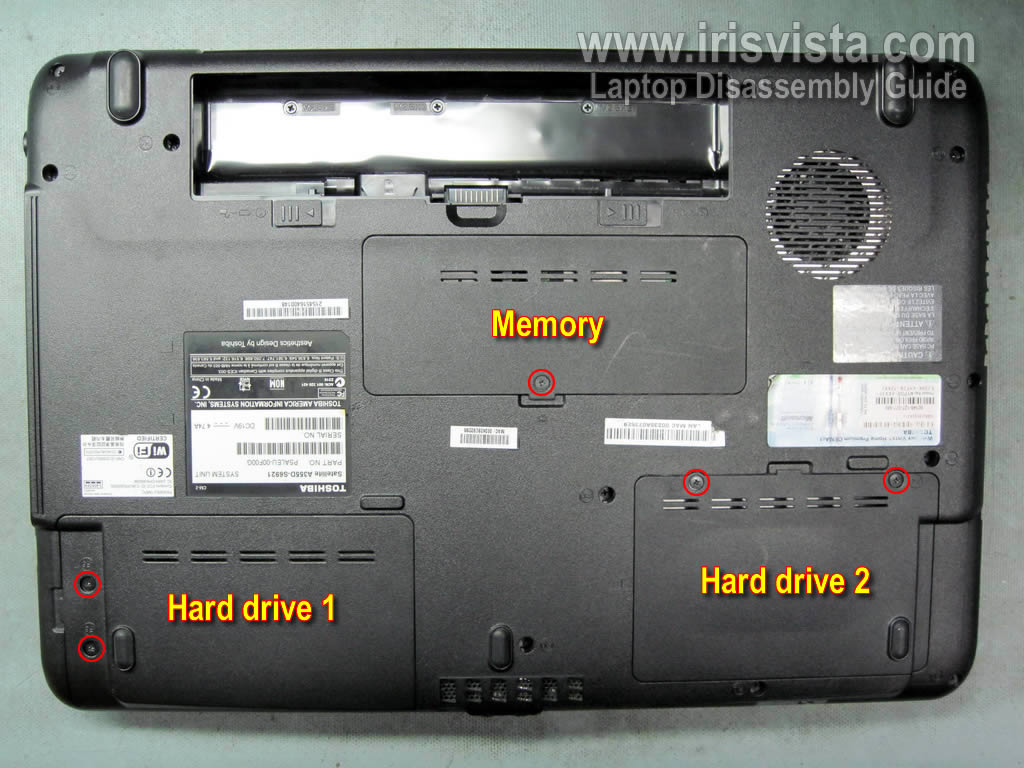
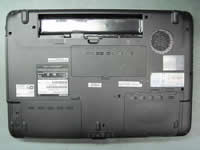
You'll find three covers on the bottom of the laptop. One memory cover and two hard drive covers.
Remove all three covers.
In my laptop there is no secondary hard drive.
|
| |
|
 |
STEP 2
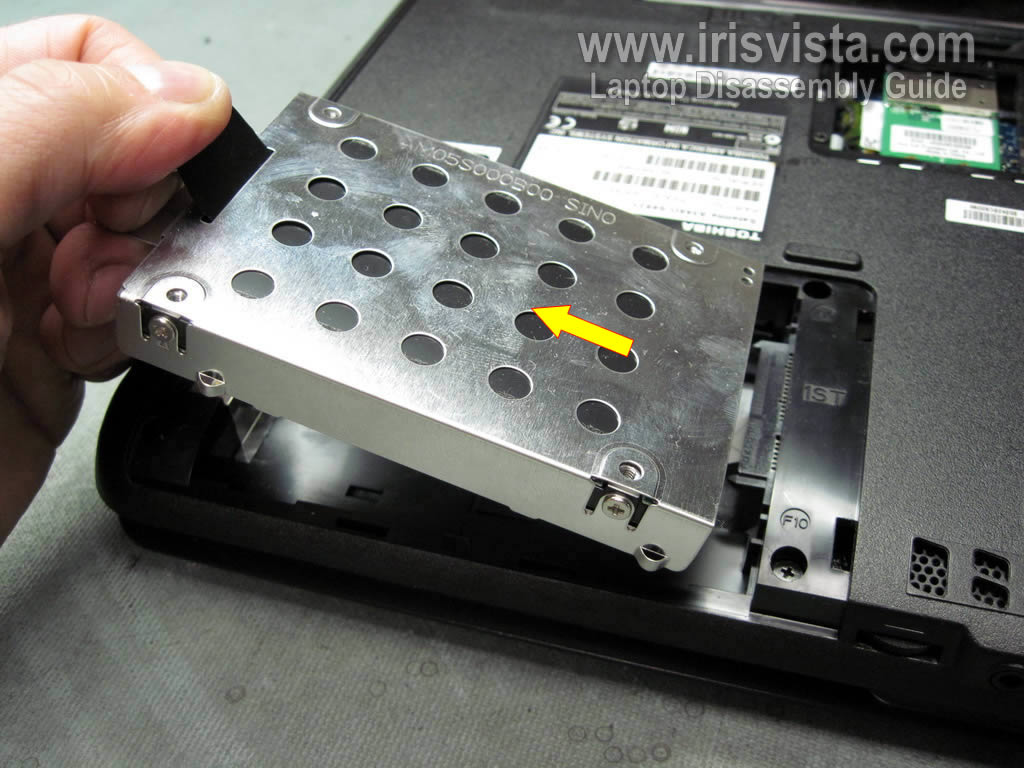
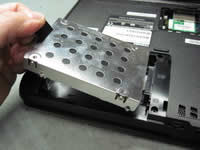
Remove the primary hard drive.
Slide the hard drive assemble to the left in order to disassemble the hard drive from the motherboard.
Lift up and remove the hard drive assemble.
If you are replacing the hard drive, you'll have to remove the hard drive caddy and transfer it to a new hard drive.
|
| |
|
 |
STEP 3
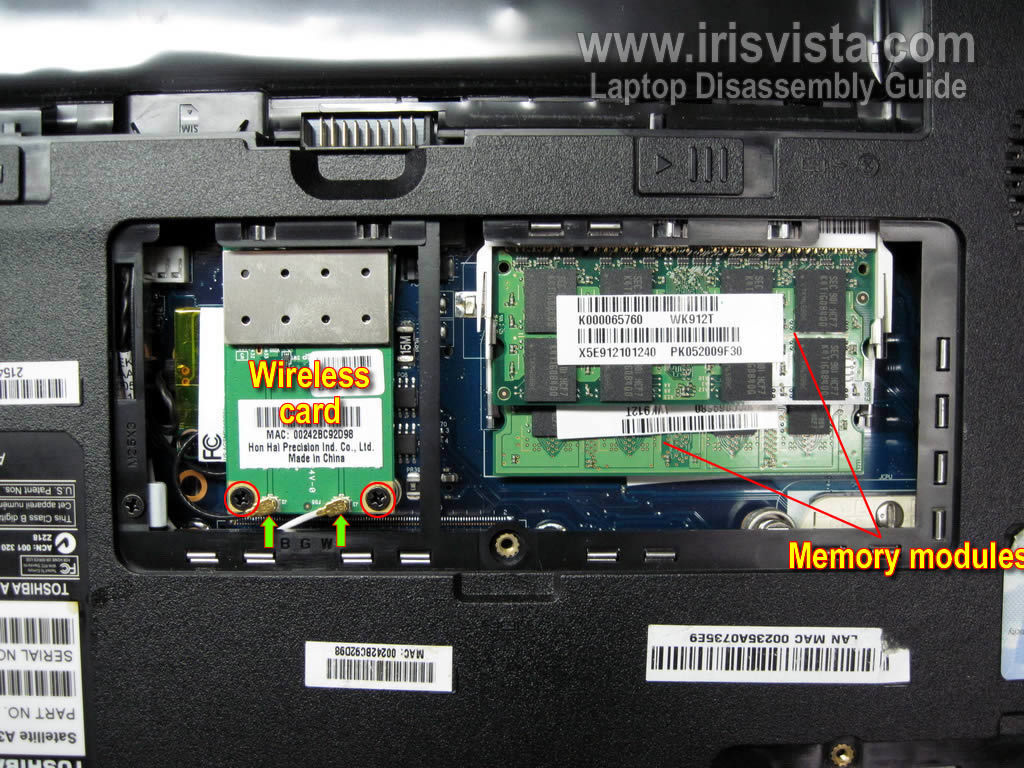
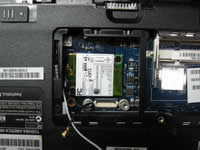
Remove both memory modules.
Disconnect both antenna cables from the wireless card.
Remove two screws securing the wireless card.
Remove the wireless card from the laptop.
|
| |
|
 |
STEP 4
The modem card is mounted under the wireless card.
Remove two screws securing the modem card.
Lift up the modem card and disconnect it from the motherboard.
Disconnect the modem cable from the left side of the card.
|
| |
|
 |
STEP 5
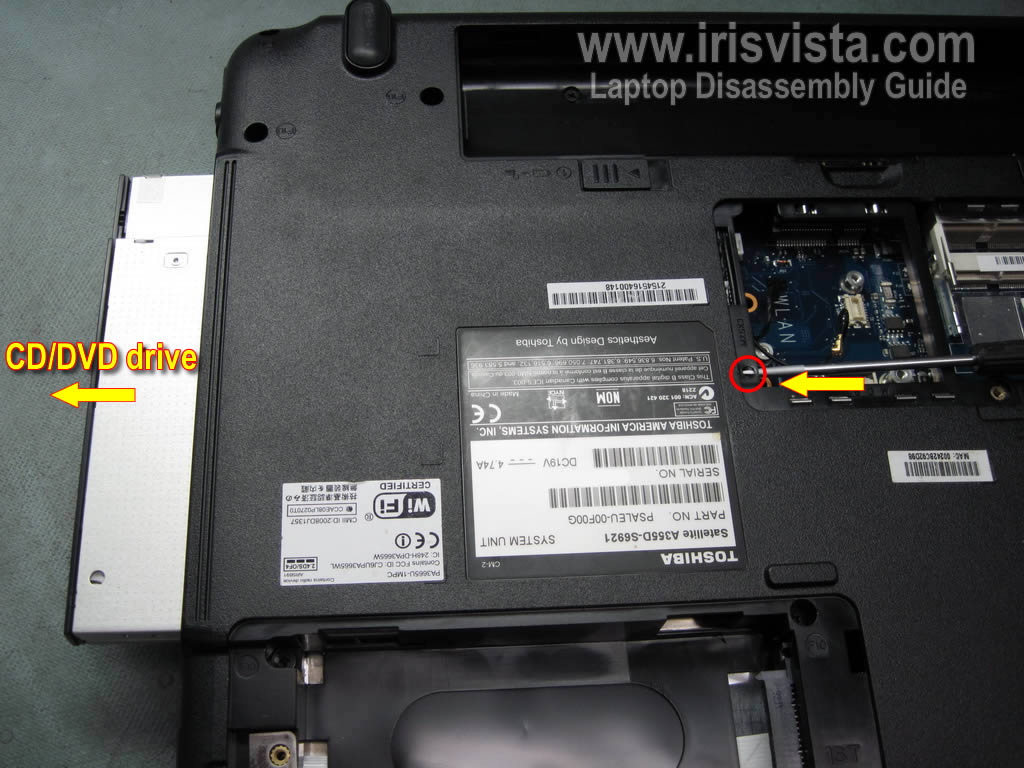
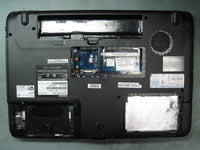
Remove one screw securing the CD/DVD drive.
Push the CD/DVD drive from the laptop with a screwdriver.
Remove the CD/DVD drive from the laptop.
|
| |
|
 |
STEP 6
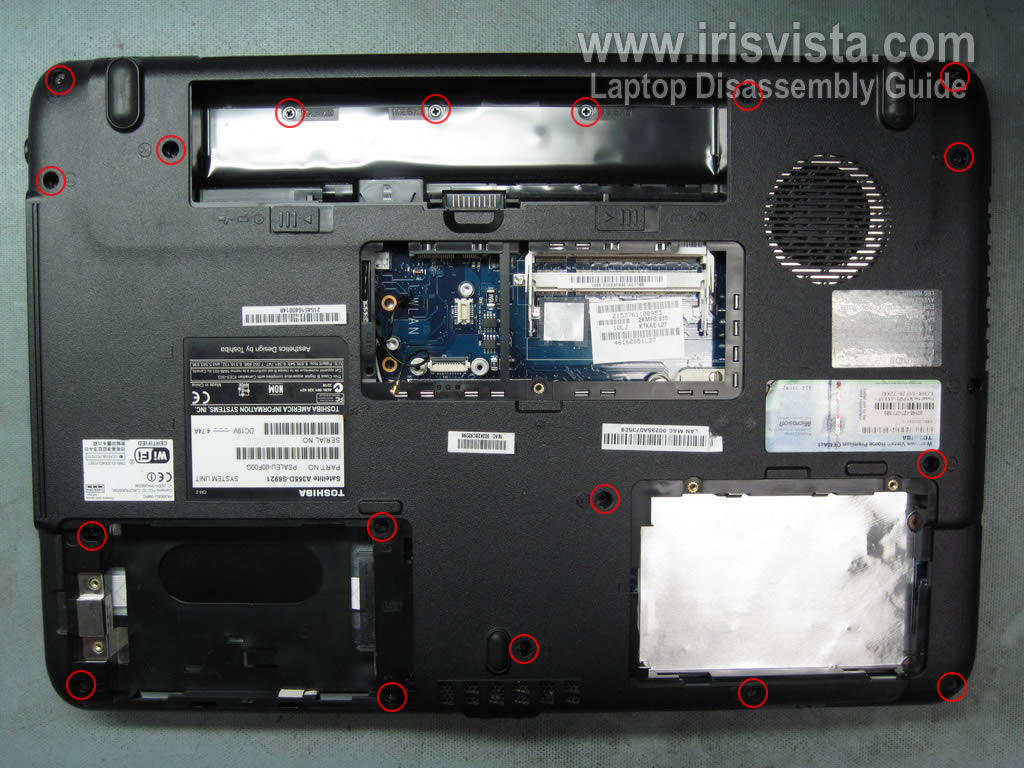
Remove all screws from the bottom of the laptop.
|
| |
|
 |
STEP 7
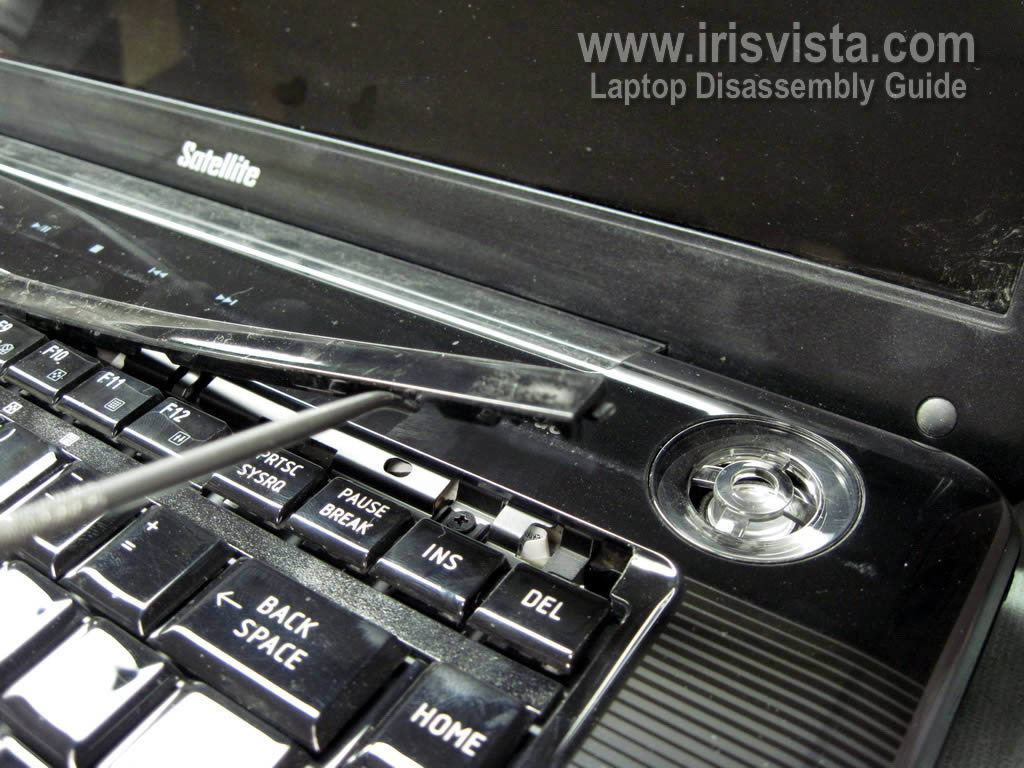
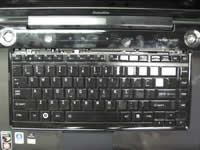
Carefully lift up the keyboard cover with a screwdriver.
Continue removing the keyboard cover with your fingers.
|
| |
|
 |
STEP 8
Remove two screws securing the keyboard.
|
| |
|
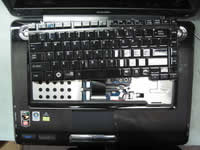 |
STEP 9
Carefully remove the keyboard from the laptop so you can access the keyboard cable underneath. |
| |
|
 |
STEP 10
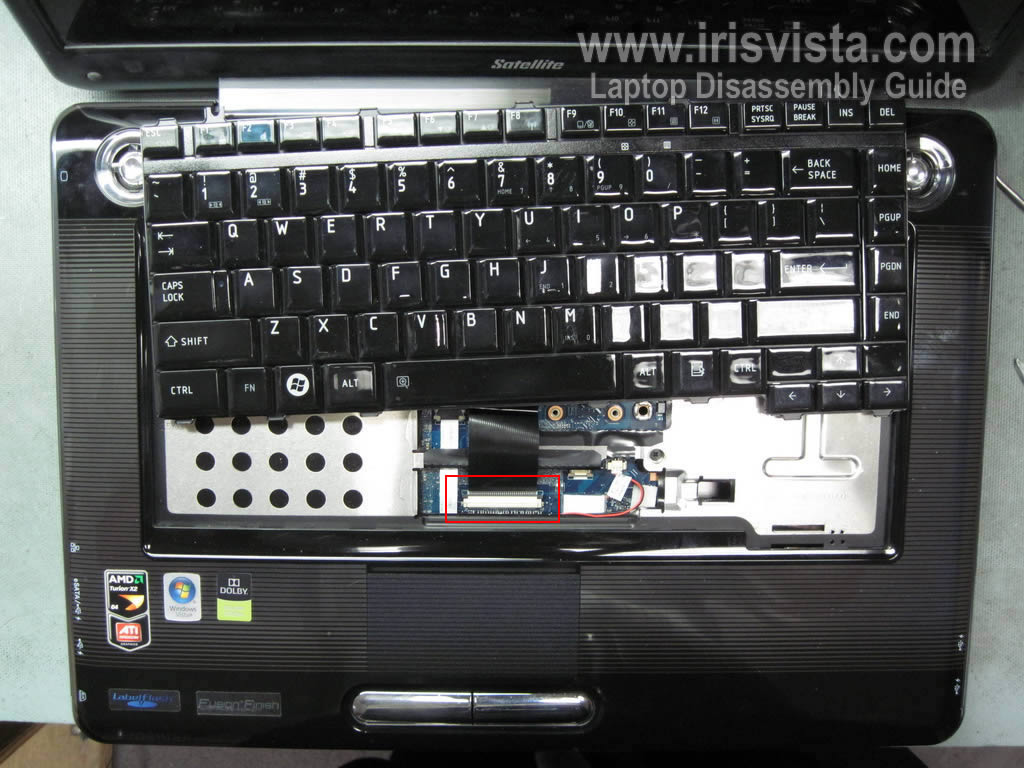
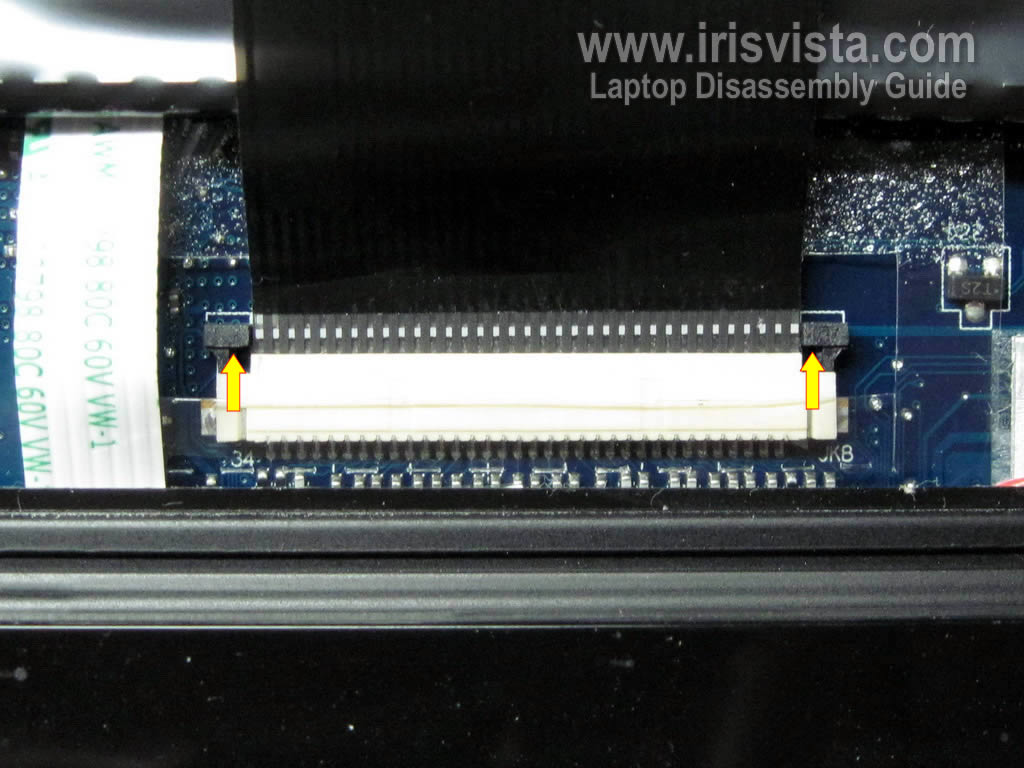
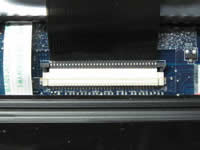
Unlock the keyboard connector on the motherboard.
Carefully move the brown locking clip about 2 millimeters towards the LCD screen.
The locking clip must stay connected to the connector base.
When the connector is unlocked you can pull the keyboard cable from the connector. |
| |
|
 |
STEP 11
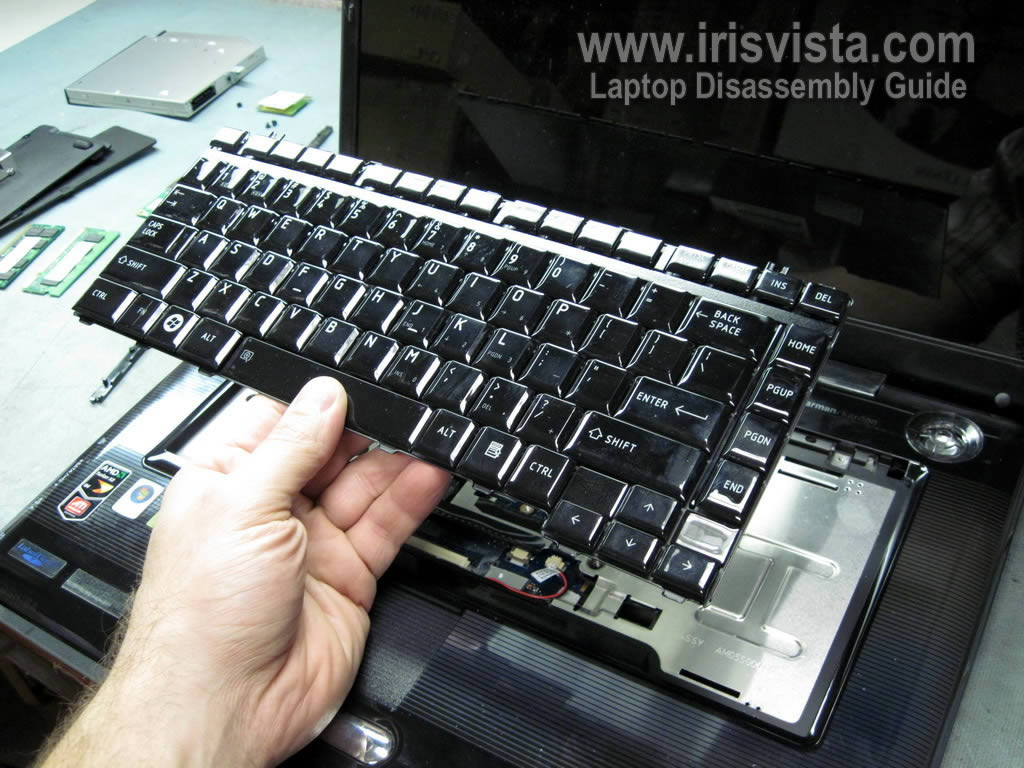
Remove the keyboard from the laptop.
|
| |
|
 |
STEP 12
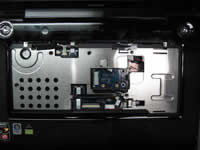
Remove five screws securing the top cover assembly.
Disconnect all cables pointed with arrows. |
| |
|
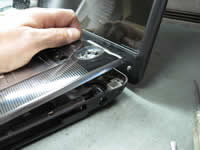 |
STEP 13
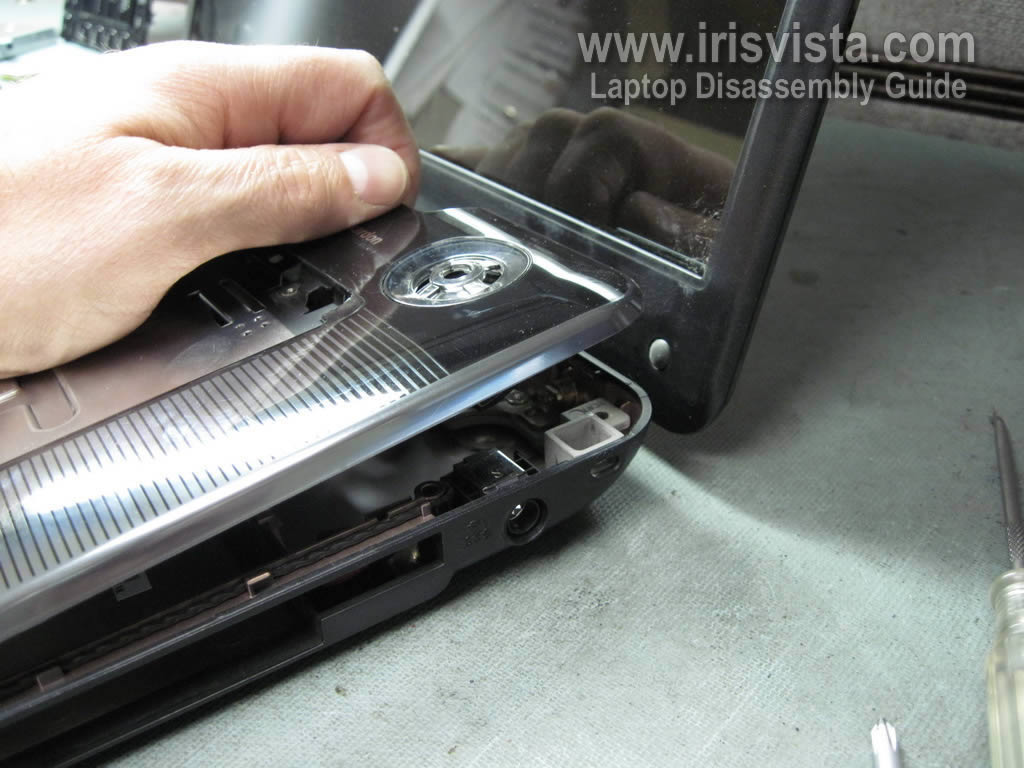
Start separating the top cover assemble as it shown on the picture. |
| |
|
 |
STEP 14
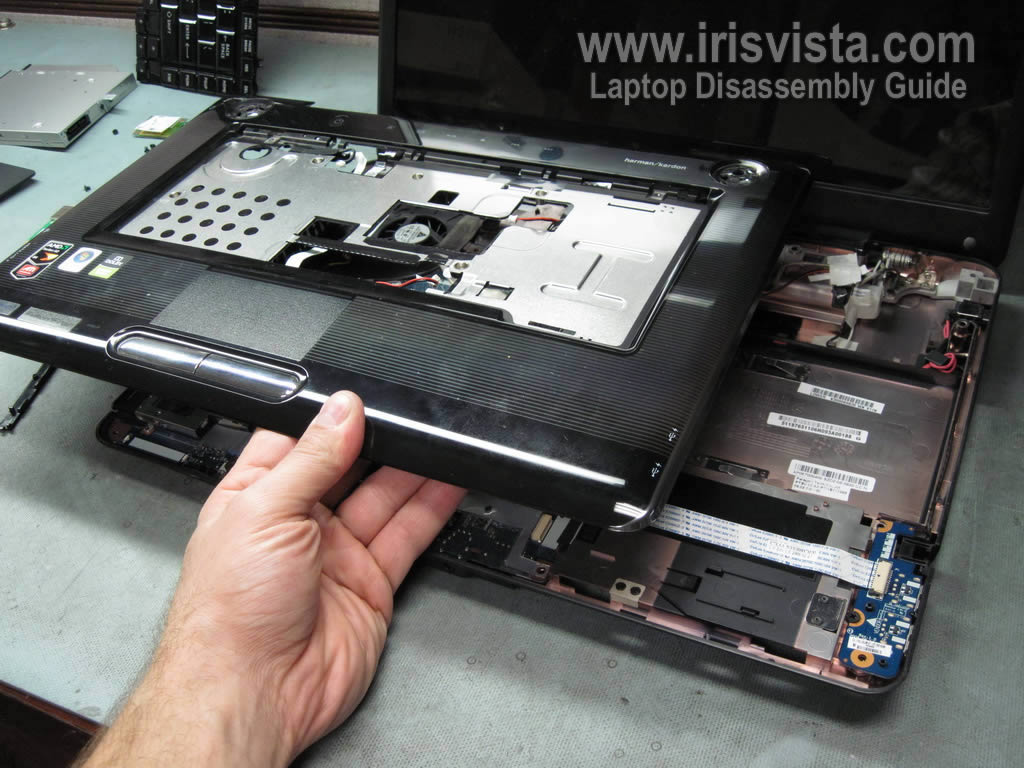
Remove the top cover assembly. |
| |
|
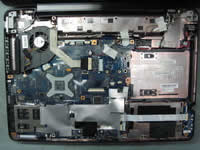 |
STEP 15
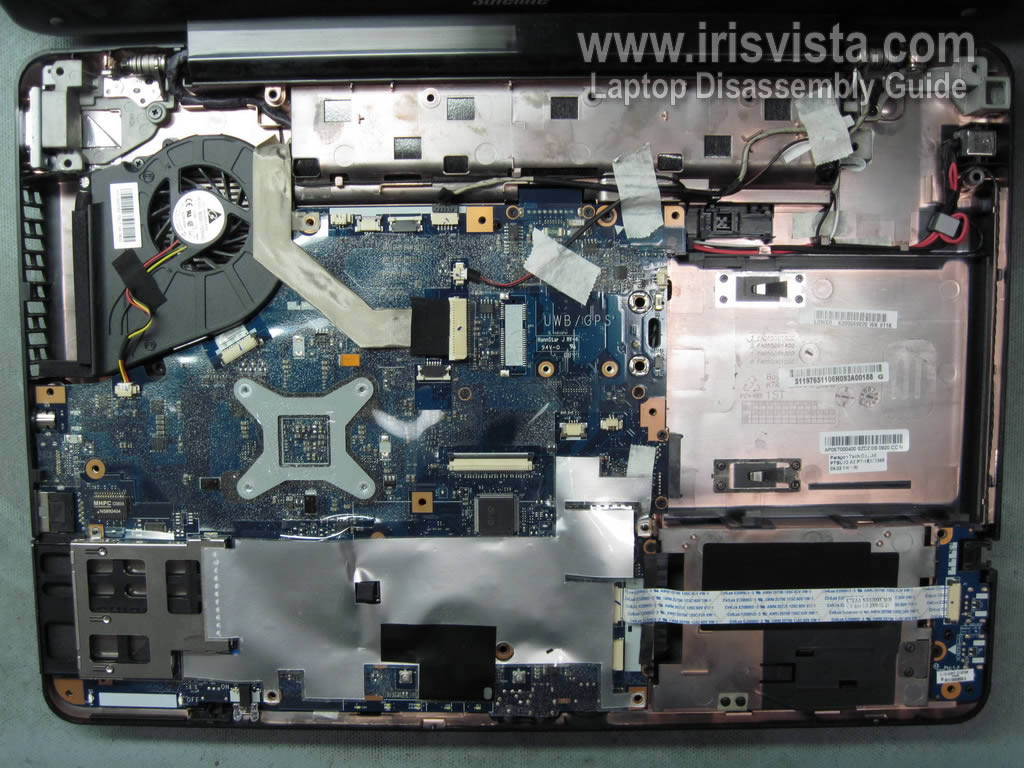
The top cover assembly has been removed. |
| |
|
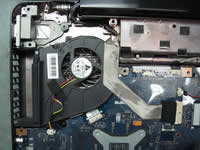 |
STEP 16
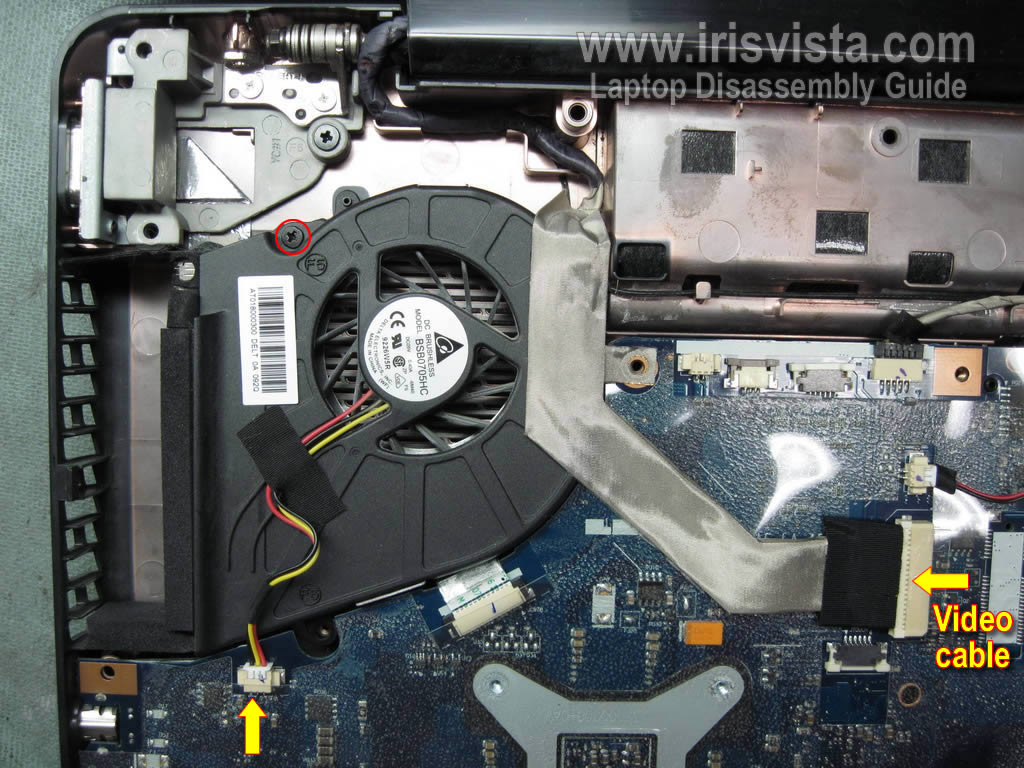
In order to remove the cooling fan you'll have to disconnect the video cable from the motherboard.
Remove one screws securing the cooling fan.
Disconnect the cooling fan cable from the motherboard. |
| |
|
 |
STEP 17
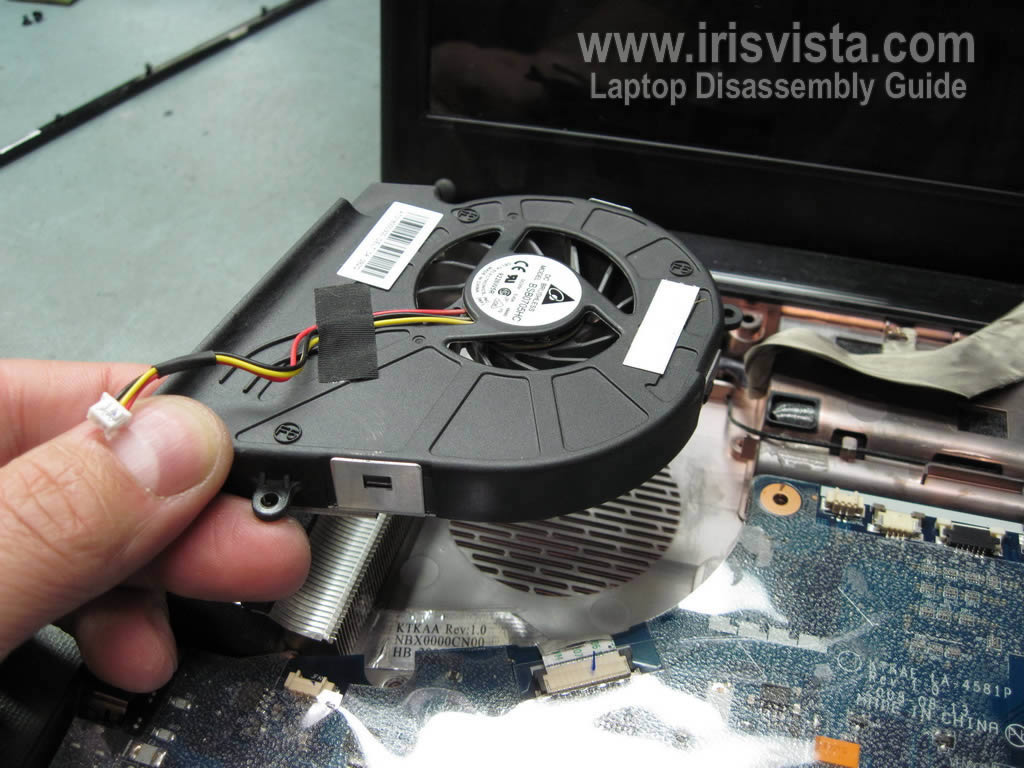
Remove the cooling fan from the laptop. |
| |
|
 |
STEP 18
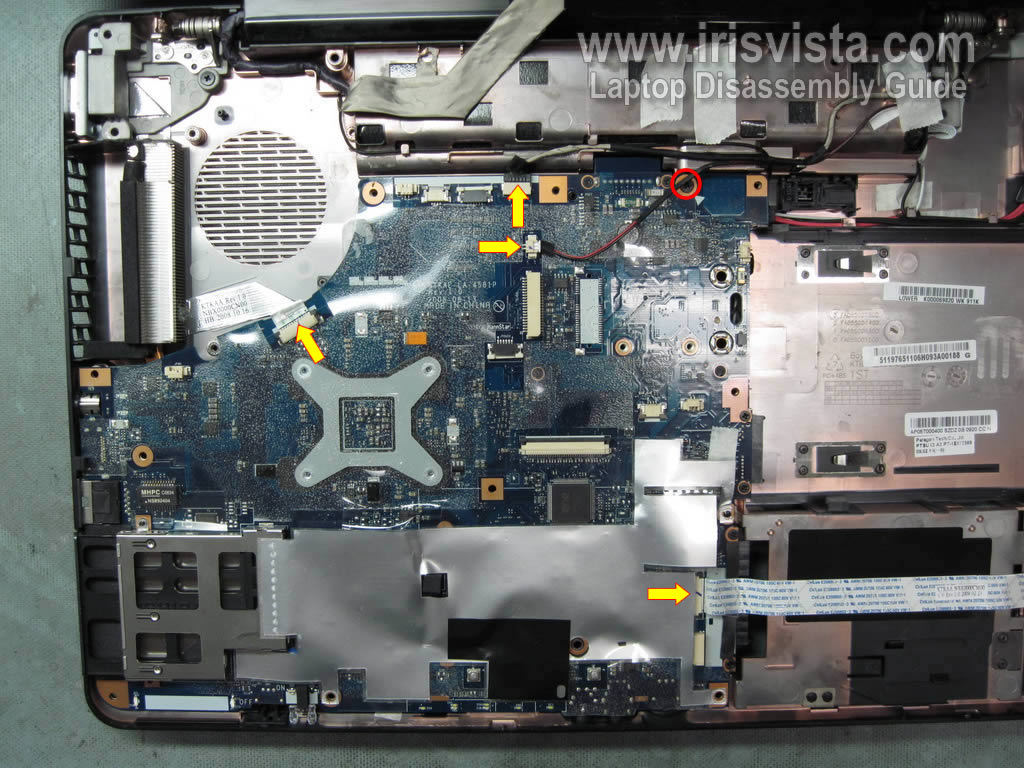
Remove one screw securing the motherboard.
Disconnect all cables pointed with arrows.
|
| |
|
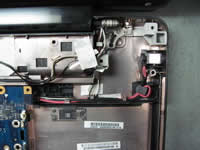 |
STEP 19
Lift up the DC power jack from the laptop base.
Un-route the DC jack harness. |
| |
|
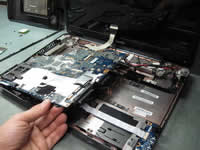 |
STEP 20
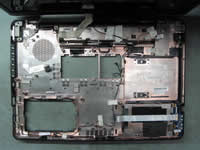
Carefully remove the motherboard from the laptop base. |
| |
|
 |
STEP 21
The motherboard has been removed. |
| |
|
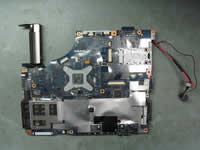 |
STEP 22
There is nothing to remove on this side of the motherboard.
Turn the motherboard over.
|
| |
|
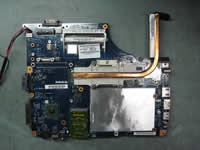 |
STEP 23
Remove four screws securing the CPU heat sink assembly. |
| |
|
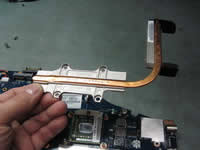 |
STEP 24
Remove the CPU heat sink assembly. |
| |
|
 |
STEP 25
Turn the CPU socket lock (screw) into the unlocked position.
Carefully lift up and remove the CPU from the socket. |
| |
|
|
|