|
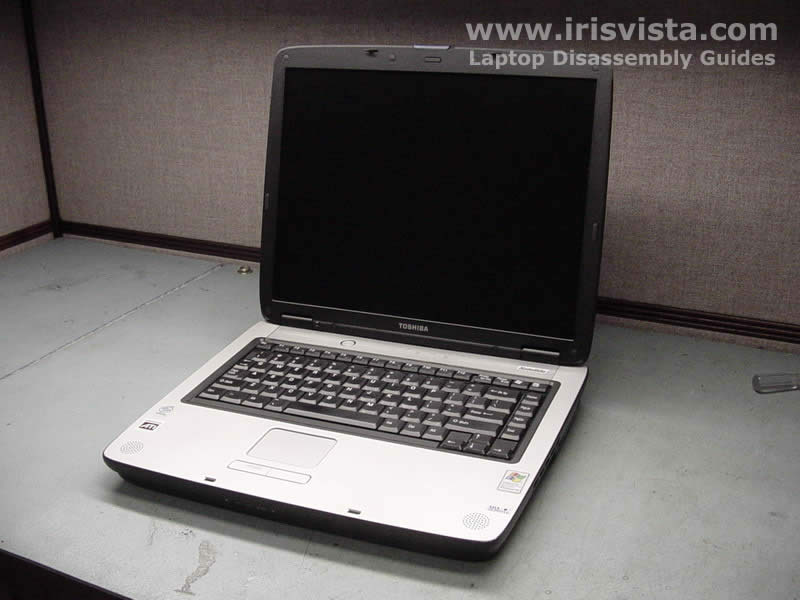
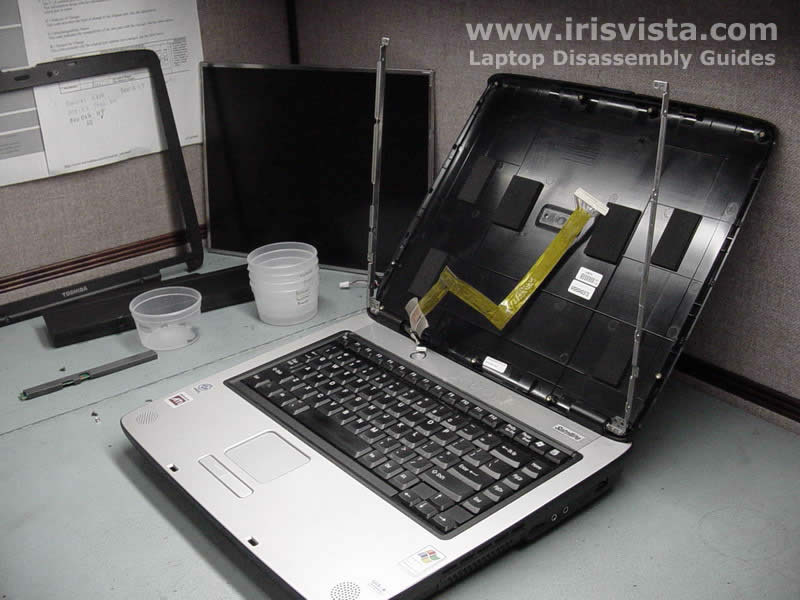
Toshiba Satellite A60/A65 screen removal. |
|
|
 |
STEP 1
Unlock and remove the laptop battery.
|
| |
|
 |
STEP 2
Remove eight screw seals. You can glue them on the LCD mask so you don't loose it.
Remove eight screws securing the LCD mask.
|
| |
|
 |
STEP 3
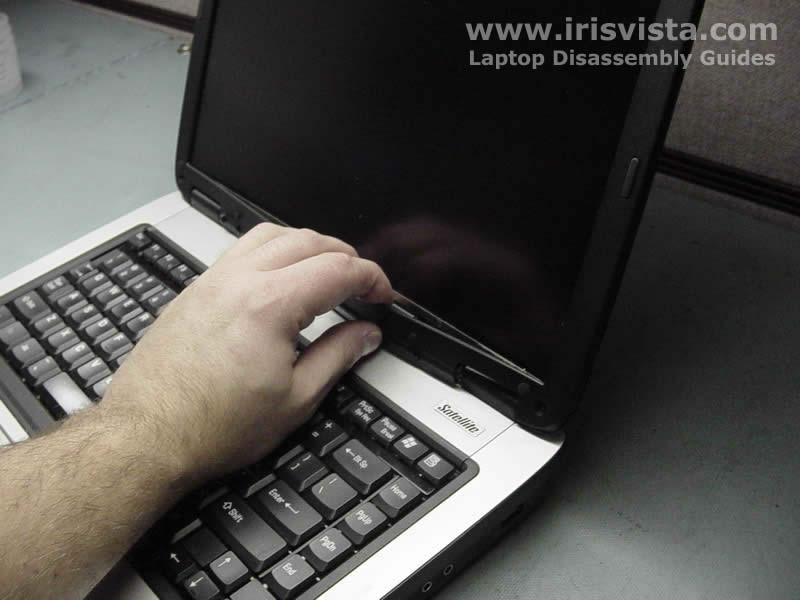
Place fingers between the LCD mask and the screen and carefully release plastic latches.
|
| |
|
 |
STEP 4
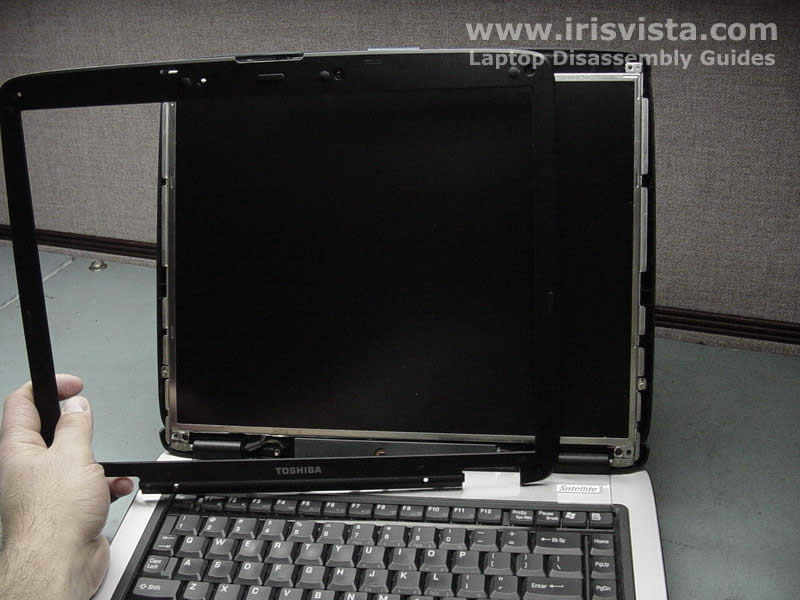
After you released all plastic latches, remove the mask from the screen. |
| |
|
 |
STEP 5
Remove one screw from the FL inverter board and lift up the inverter.
|
| |
|
 |
STEP 6
Carefully unplug cables on both ends of the FL inverter board.
|
| |
|
 |
STEP 7
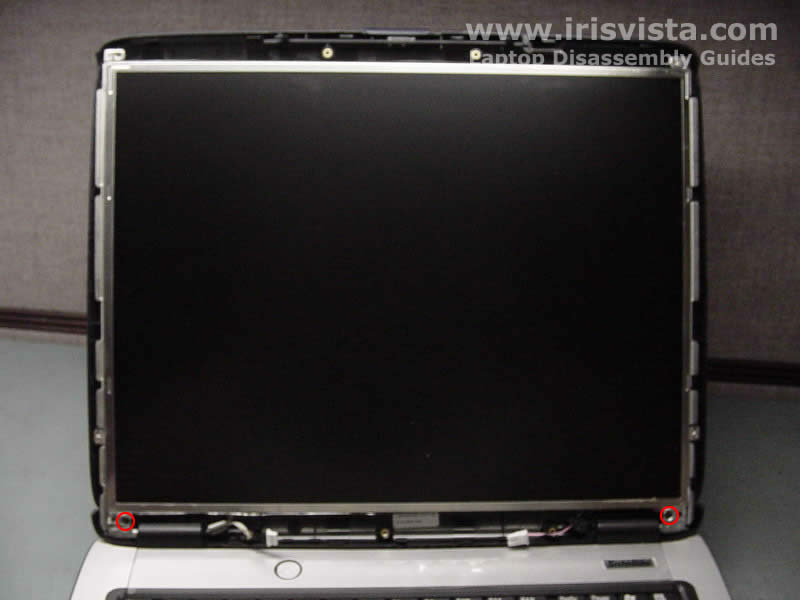
Remove two screws on the bottom of the screen. |
| |
|
 |
STEP 8
Move aside the LCD screen cover.
Remove three screws on each side of the screen. |
| |
|
 |
STEP 9
Carefully place the screen on the palmrest and remove black tape covering the video cable connector.
|
| |
|
 |
STEP 10
Unplug the video cable from the connector on the back of the LCD screen.
Unglue the video cable from the foil cover. |
| |
|
 |
STEP 11
Toshiba Satellite A65 without LCD screen. |
| |
|
 |
STEP 12
If you replacing the screen, do not forget to transfer the foil cover. |
| |
|
|
|