|
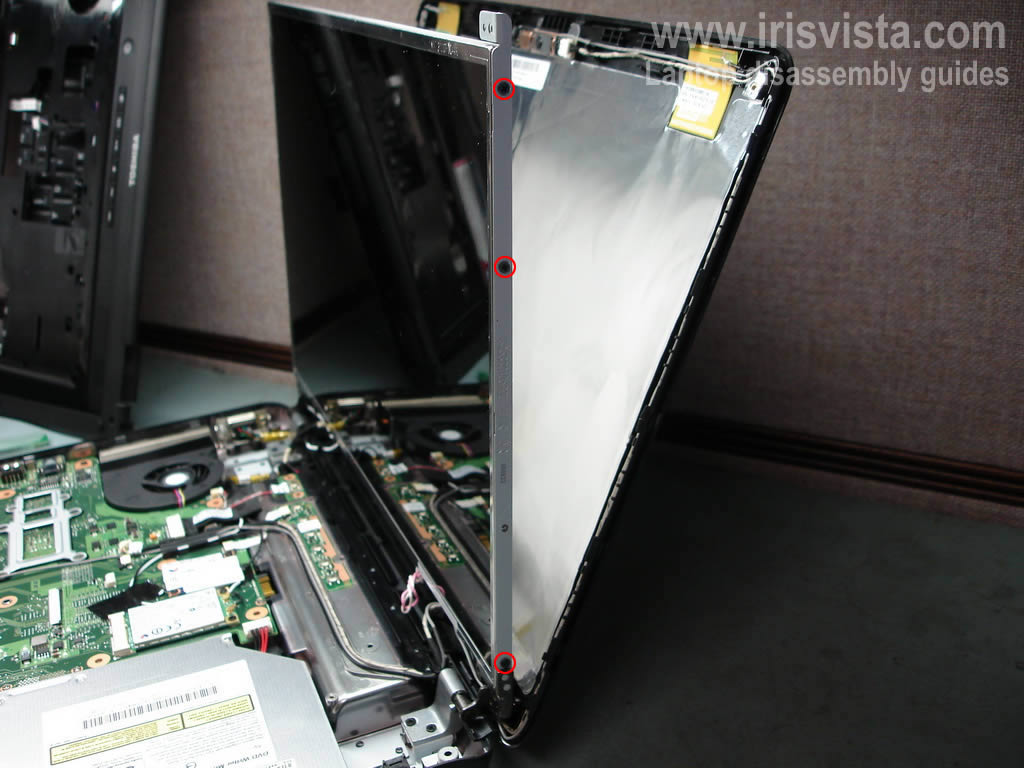
Toshiba Satellite L305, L305D, L300, L300D screen removal.
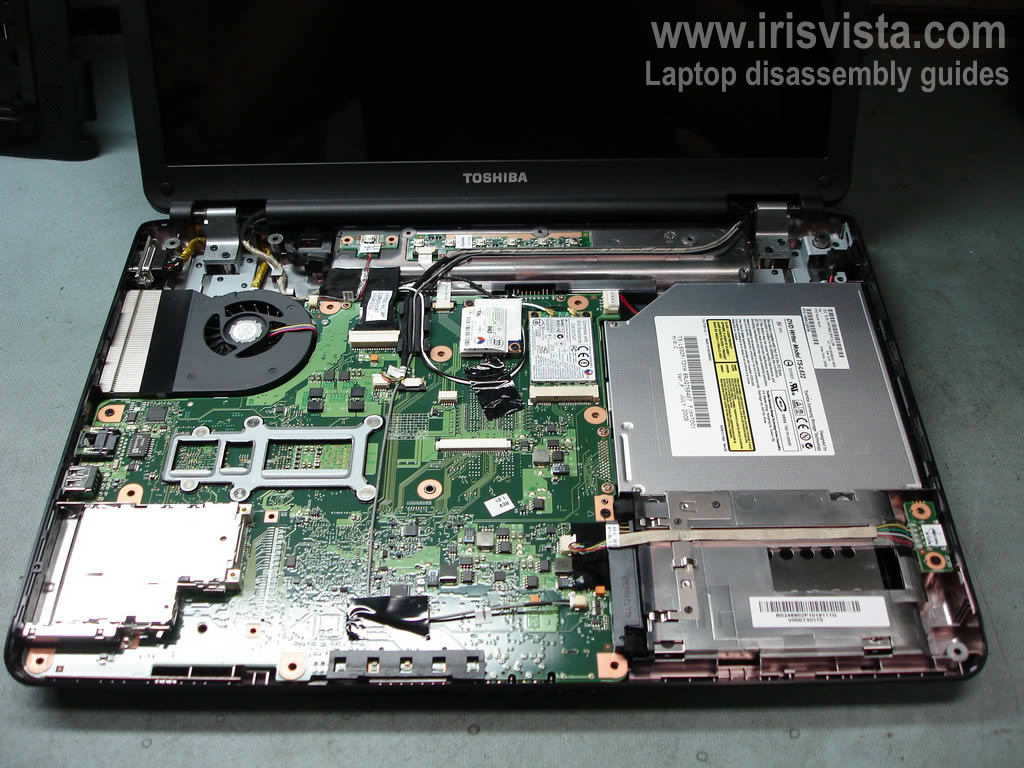
In order to replace the video cable, we'll have to remove the top cover and disassemble the display panel.
This guide has 3 pages, make sure to read through all pages before you start.
|
|
|
 |
STEP 1
Turn off the laptop, unplug the power adapter and remove the battery.
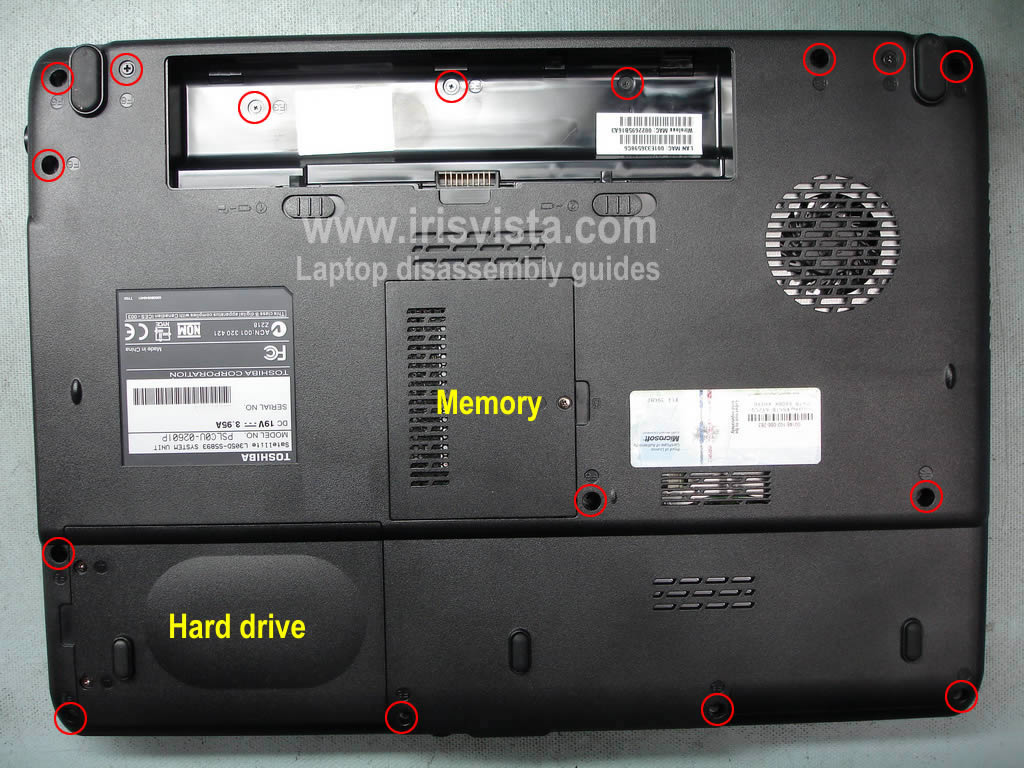
Remove all marked screws on the bottom. |
| |
|
 |
STEP 2
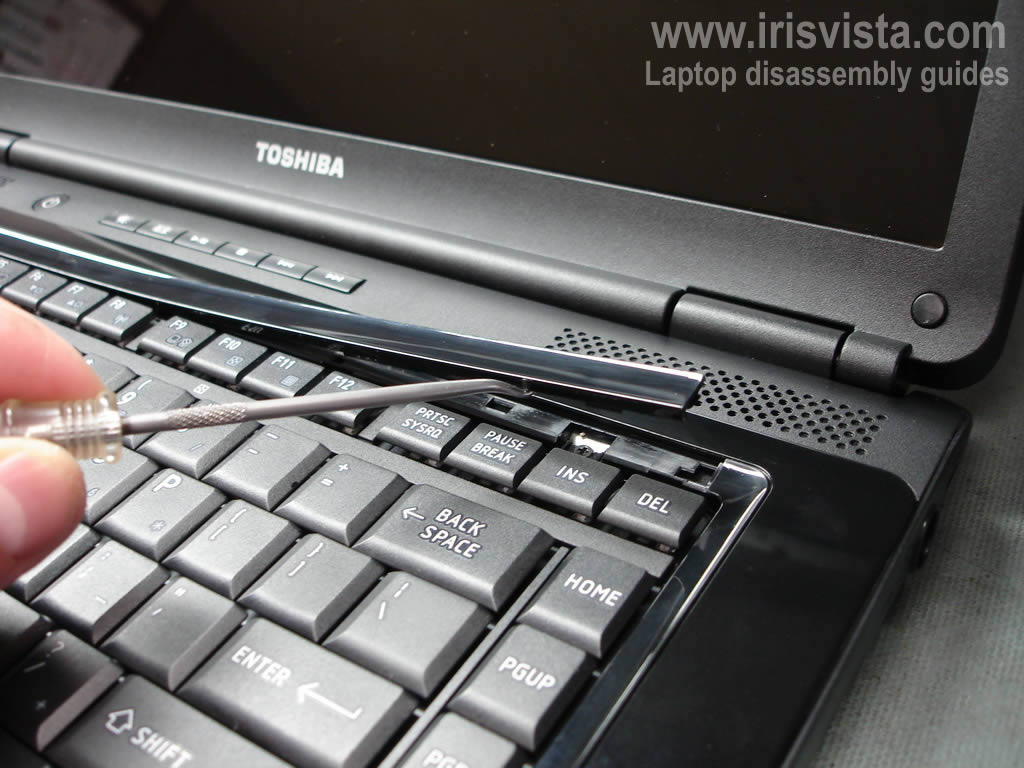
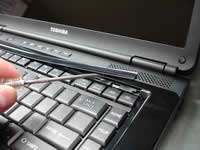
Insert a small flathead screwdriver under the keyboard bezel and carefully lift the bezel up.
Continue removing the bezel with your fingers.
|
| |
|
 |
STEP 3
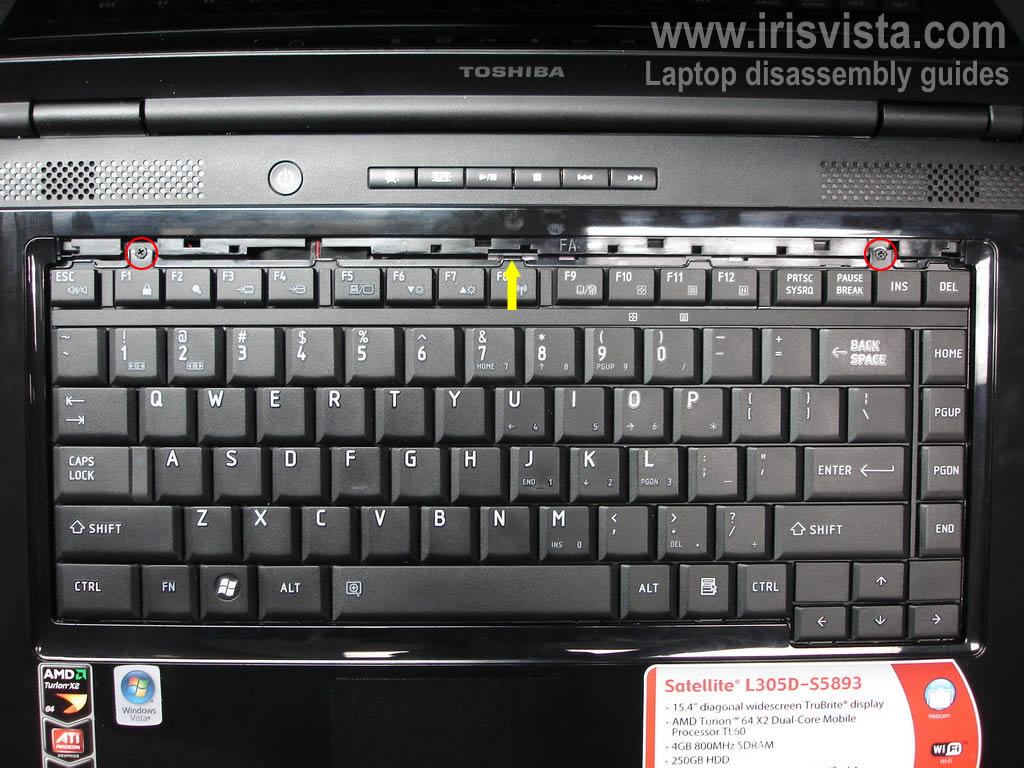
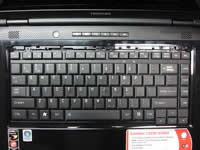
Remove two screws securing the keyboard.
Push on the plastic tab pointed with an arrow.
|
| |
|
 |
STEP 4
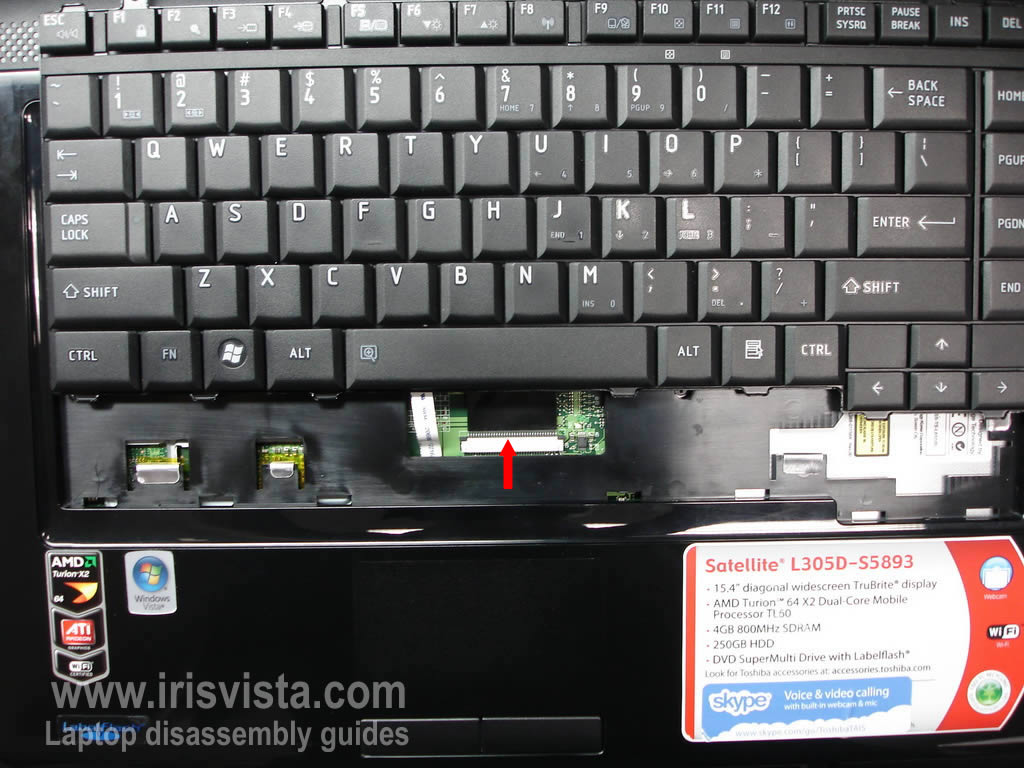
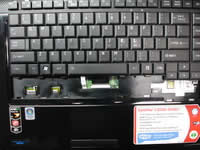
Carefully lift up the keyboard and place is so you can access the ribbon cable underneath the keyboard.
Unlock the connector and release the keyboard cable.
Remove the keyboard. |
| |
|
 |
STEP 5
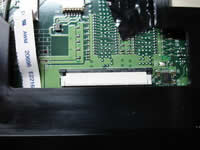
In order to unlock the connector you'll have to move the brown tab about 2 millimeters away from the connector base.
On this picture you see the unlocked connector.
|
| |
|
 |
STEP 6
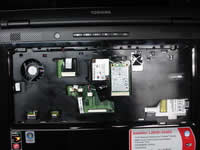
Remove five screws securing the laptop top cover.
Unplug the touch pad cable and the speaker cable from the motherboard.
|
| |
|
 |
STEP 7
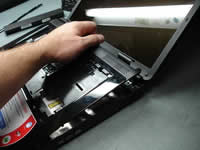
Carefully start removing the top cover assembly. |
| |
|
|
STEP 8
Remove the top cover assembly. |
| |
|
 |
STEP 9
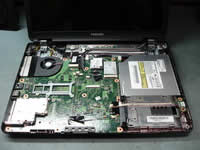
The top cover has been removed.
Now we'll start taking apart the display panel.
|
| |
|
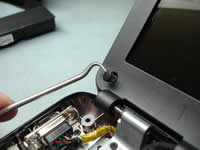 |
STEP 10
There are four rubber screw seals in each corner of the display panel.
Remove screw seals with a sharp object and glue them somewhere on the screen bezel so they don't get lost.
|
| |
|
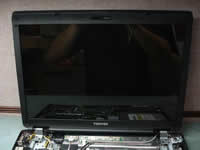 |
STEP 11
Remove four screws securing the screen bezel. |
| |
|
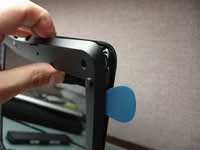 |
STEP 12
Start separating the screen bezel from the cover with your fingers.
You can use a piece of soft plastic to unlock the latches. As you see I'm using a guitar pick. |
| |
|
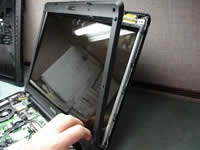 |
STEP 13
Continue removing the screen bezel with your fingers. |
| |
|
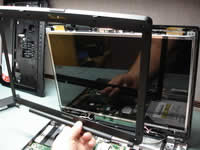 |
STEP 14
The bezel has been removed.
|
| |
|
|
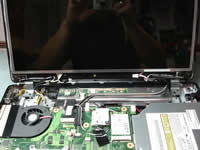
STEP 15
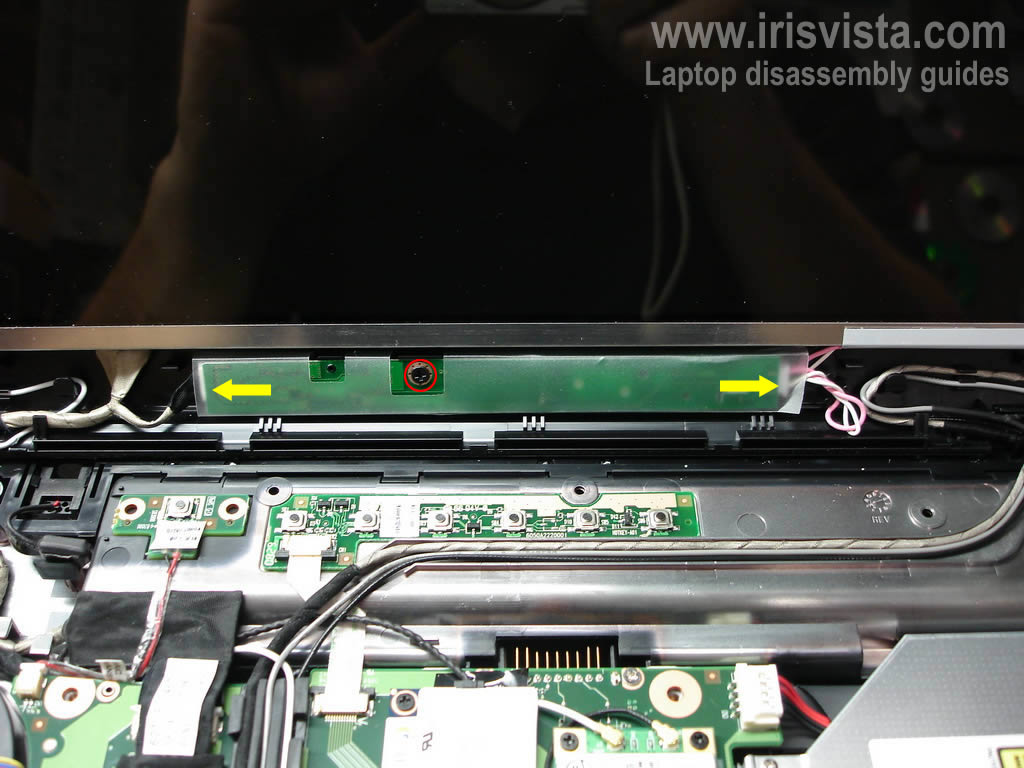
Remove one screw securing the screen inverter.
Unplug cables from both sides of the inverter board.
Remove the inverter. |
| |
|
 |
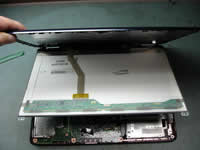
STEP 16
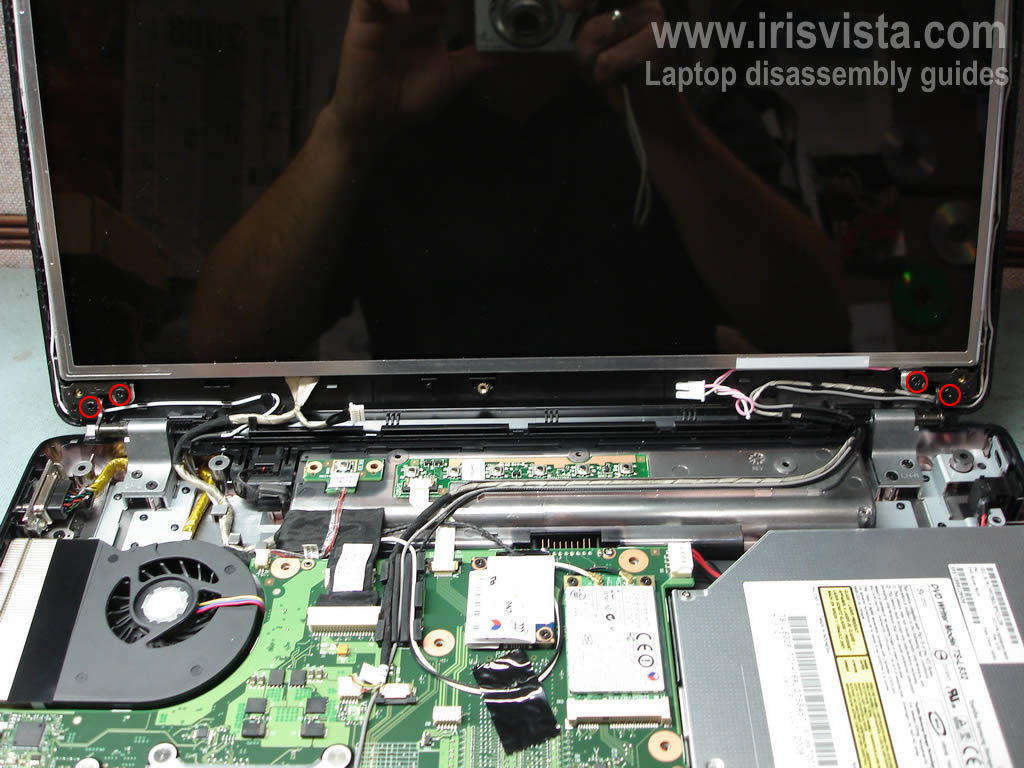
Remove four screws securing display hinges, two screws from each hinge. |
| |
|
 |
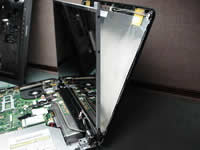
STEP 17
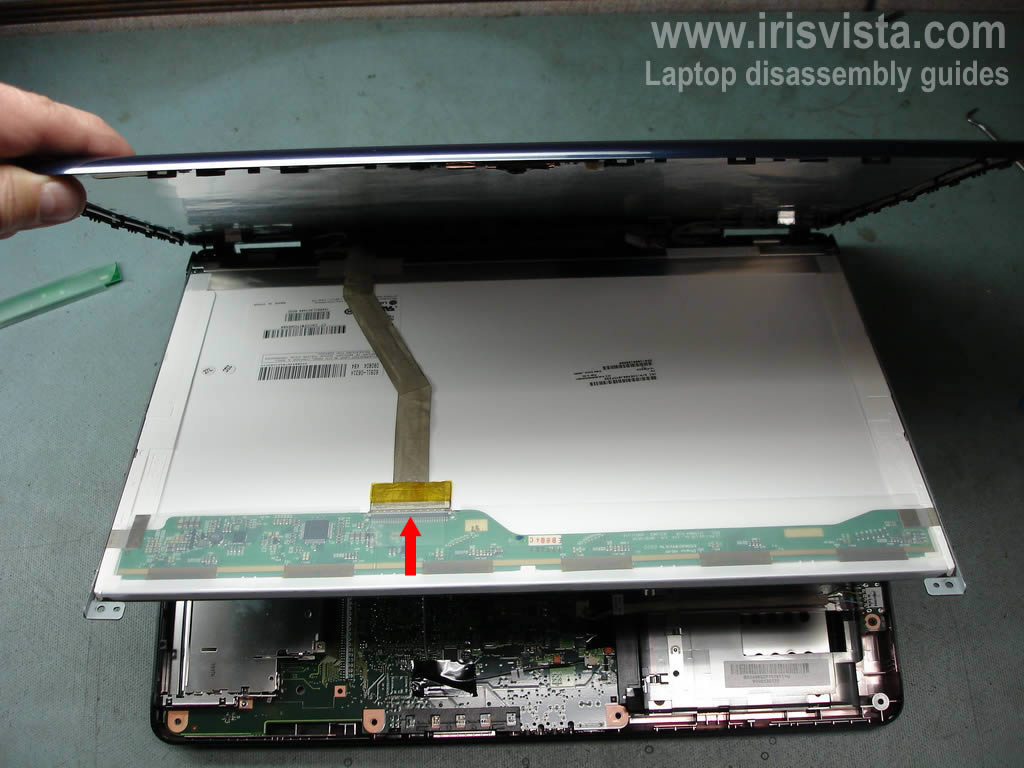
Carefully separate the display cover from the screen and access the back side of the LCD screen.
Unglue the sticky tape covering the video cable connector and unplug the cable from the LCD screen. |
| |
|
 |
STEP 18
Remove three screws from each side of the screen.
These screws secure the LCD screen to the brackets. |
| |
|
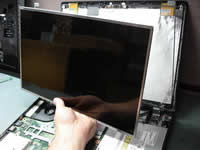 |
STEP 19
Carefully remove the LCD screen and replace it with a new one if needed. |
| |
|
 |
STEP 20
Unplug the video cable from the motherboard. |
| |
|
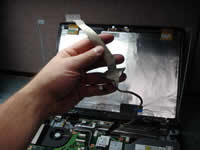 |
STEP 21
Carefully remove the video cable and remove it with a new one if needed. |
| |
|
|
|