|
Toshiba Satellite L505, L505D, L500, L500D screen replacement.
Before you can take apart the display panel, you'll have to remove the top cover (follow steps 1-17).
You cannot remove the screen bezel when the top cover is installed on the laptop. |
|
|
 |
STEP 1
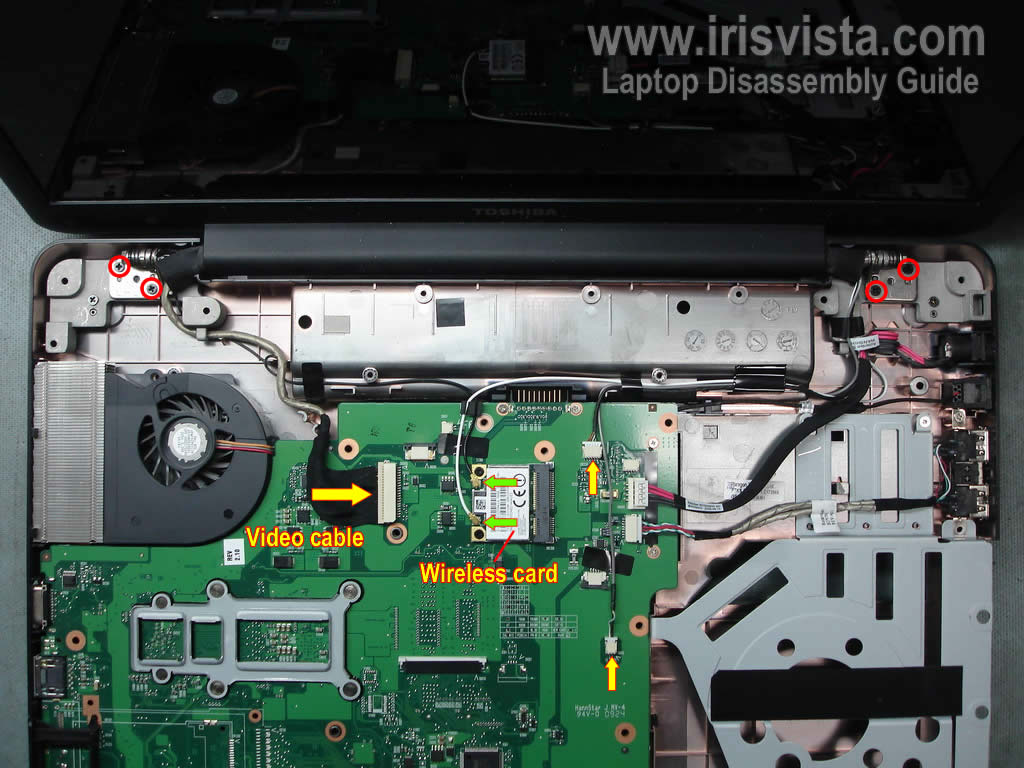
Disconnect the video cable connector from the motherboard.
Disconnect two antenna cables (white and black) from the wireless card.
Disconnect the microphone and webcam cables.
Remove four screws securing display hinges.
|
| |
|
 |
STEP 2
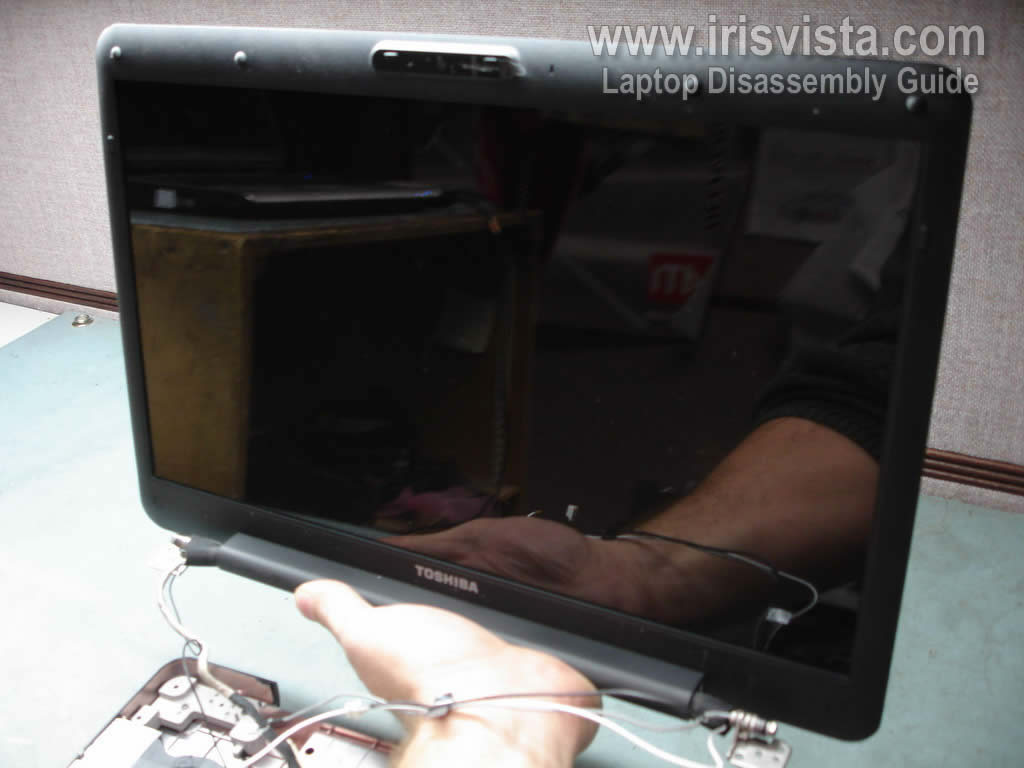
Remove the display panel assembly from the laptop.
|
| |
|
 |
STEP 3
There are six screws hidden under rubber seals.
These screws securing the screen bezel to the display cover.
|
| |
|
 |
STEP 4
Remove rubber seals with a sharp object or small screwdriver.
Remove all six screws found under those seals.
|
| |
|
 |
STEP 5
Start separating the screen bezel from the display cover.
|
| |
|
 |
STEP 6
Continue removing the bezel. |
| |
|
 |
STEP 7
The screen bezel has been removed. |
| |
|
 |
STEP 8
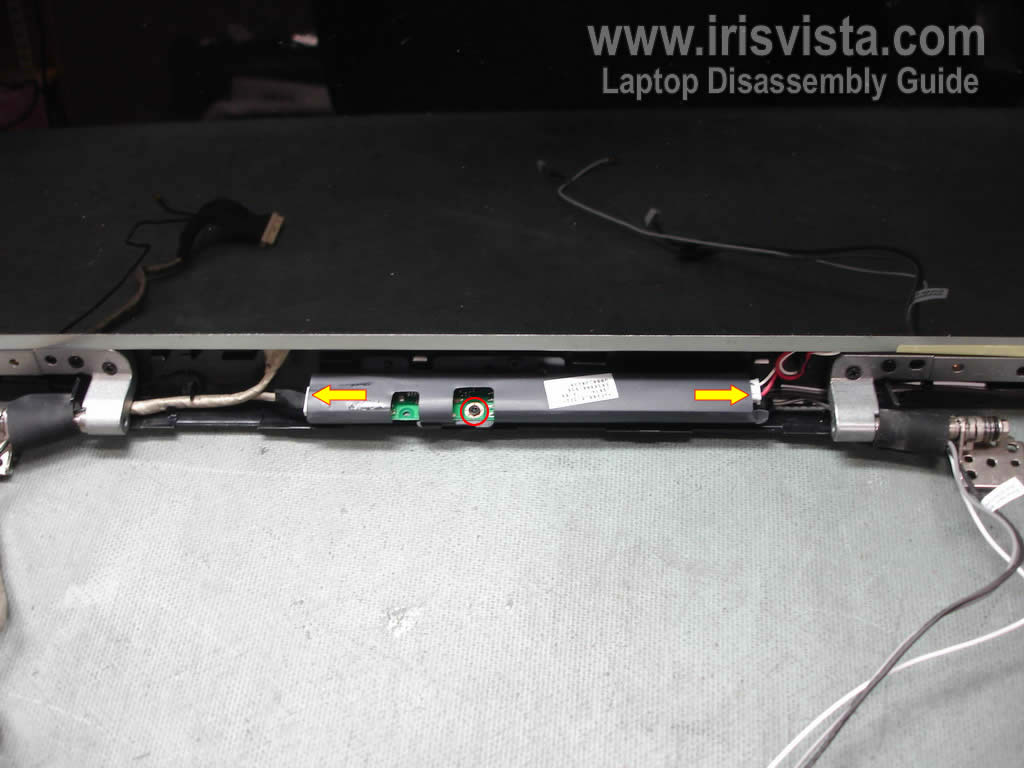
The LCD screen inverter board is mounted below the screen.
Remove one screw securing the inverter board to the display cover.
Unplug the video cable from the left side of the inverter.
Unplug the backlight lamp cable from the right side of the inverter.
Remove the inverter board. |
| |
|
 |
STEP 9
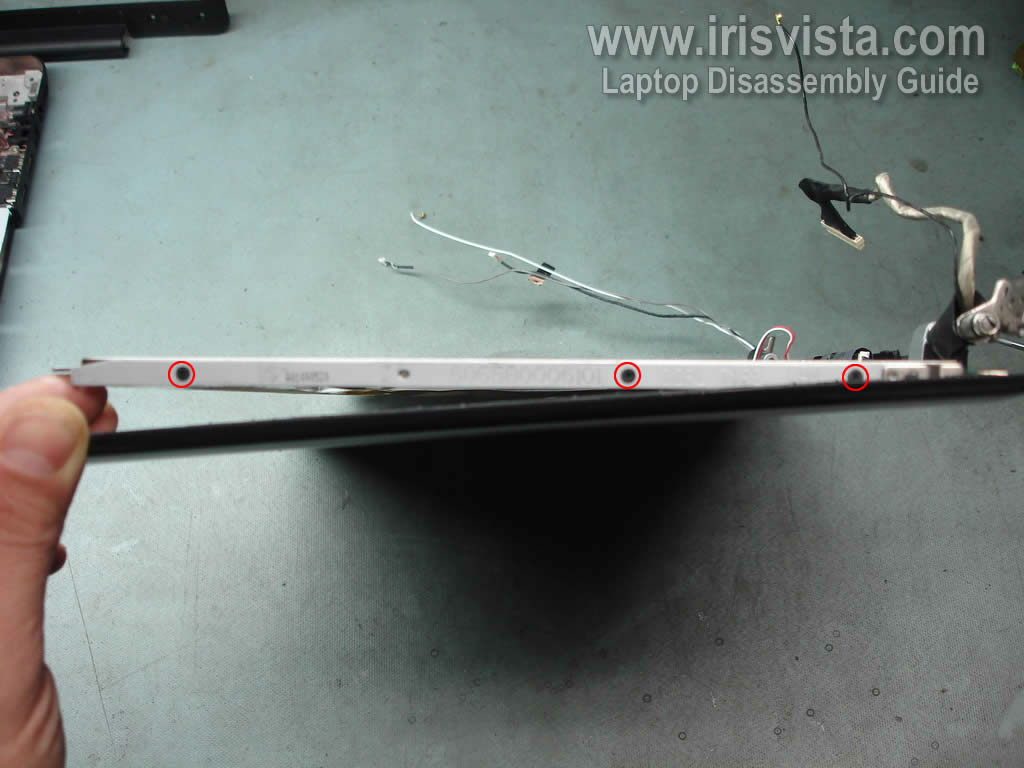
Remove three screws from the right side of the display assembly. |
| |
|
 |
STEP 10
Remove three screws from the left side of the display assembly.
|
| |
|
 |
STEP 11
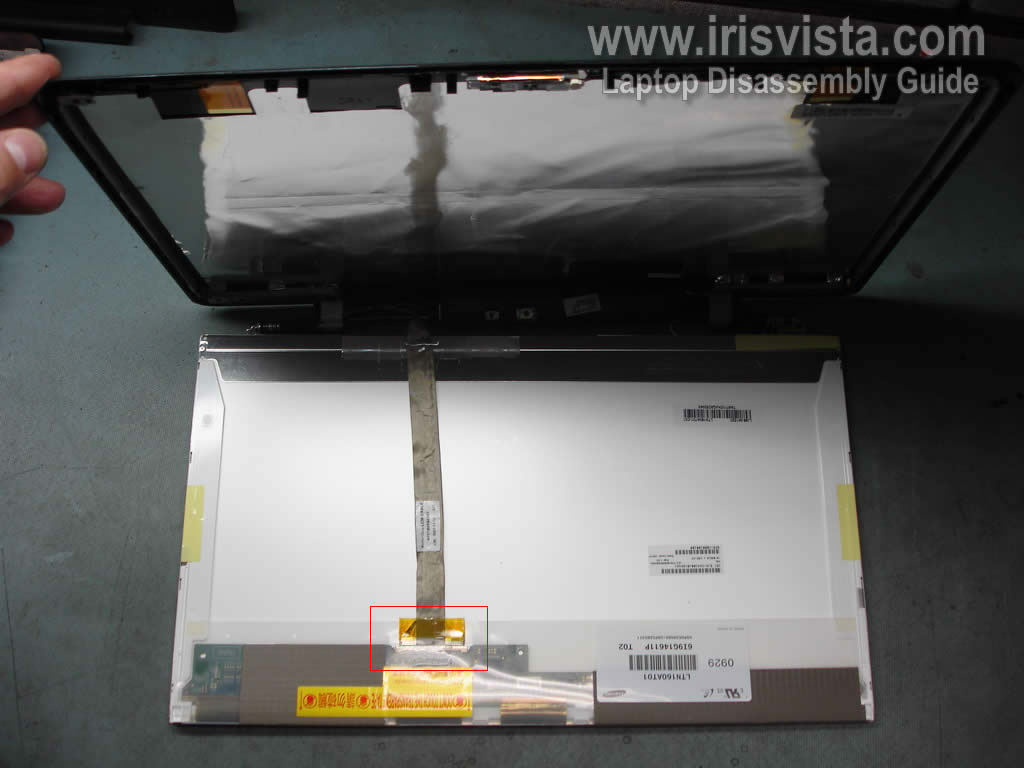
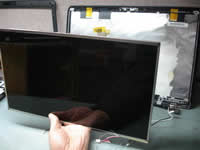
Separate the LCD screen from the display cover and carefully place it face down on the table. |
| |
|
 |
STEP 12
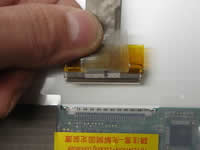
Unplug the video cable connector from the LCD screen. |
| |
|
 |
STEP 13
Now you can replace the LCD screen with a new one if needed. |
| |
|
 |
STEP 14
On this picture you can see the display cover with the LCD screen removed. |
| |
|
|
|