 |
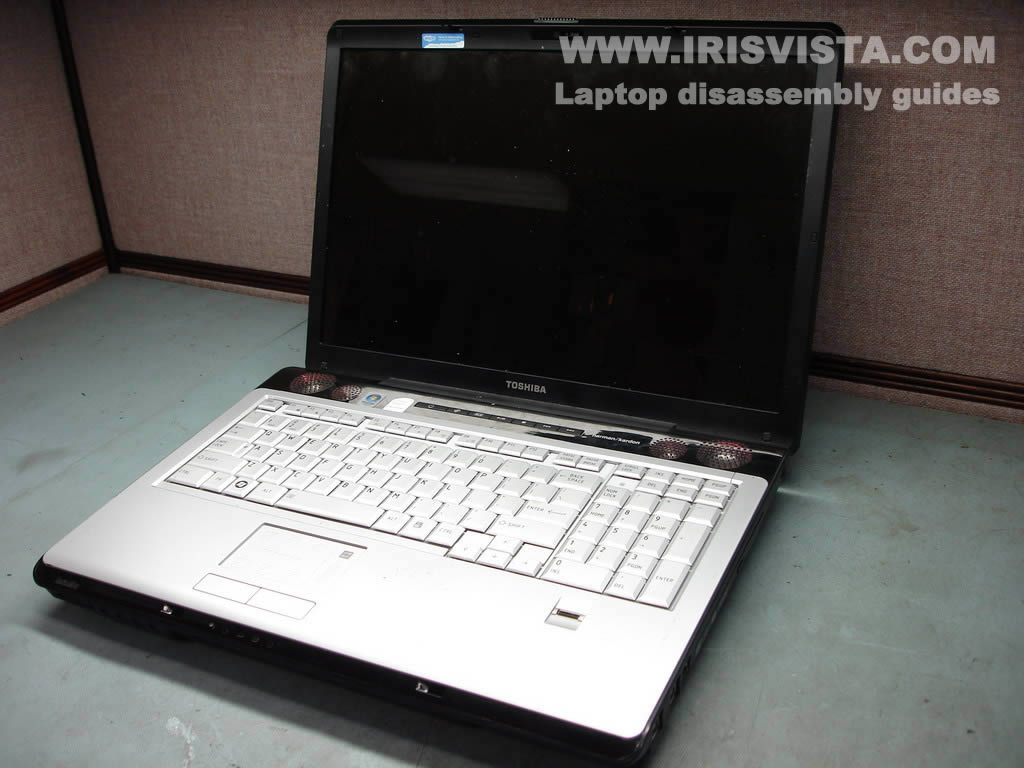
Toshiba Satellite X205, X200 disassembly. |
|
|
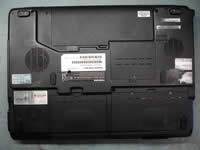 |
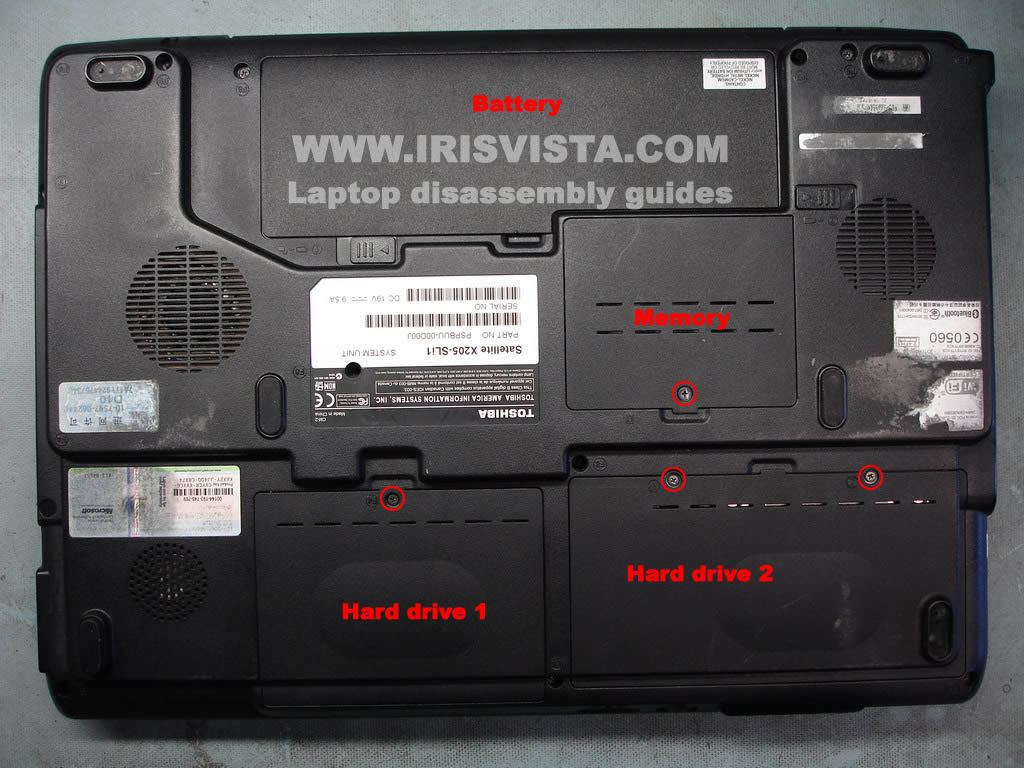
STEP 1
Remove laptop battery.
Remove covers from both laptop hard drives.
Remove memory module cover.
|
| |
|
 |
STEP 2
Slide the left hard drive to the left and remove the hard drive.
Slide the right hard drive to the right and remove the hard drive.
Remove both memory modules.
|
| |
|
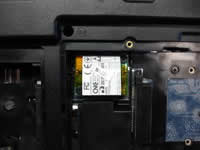 |
STEP 3
Remove two screws securing the dial-up modem.
Lift up the modem and siconnect it from the connector on the motherboard.
Disconnect the modem cable on the left side.
|
| |
|
 |
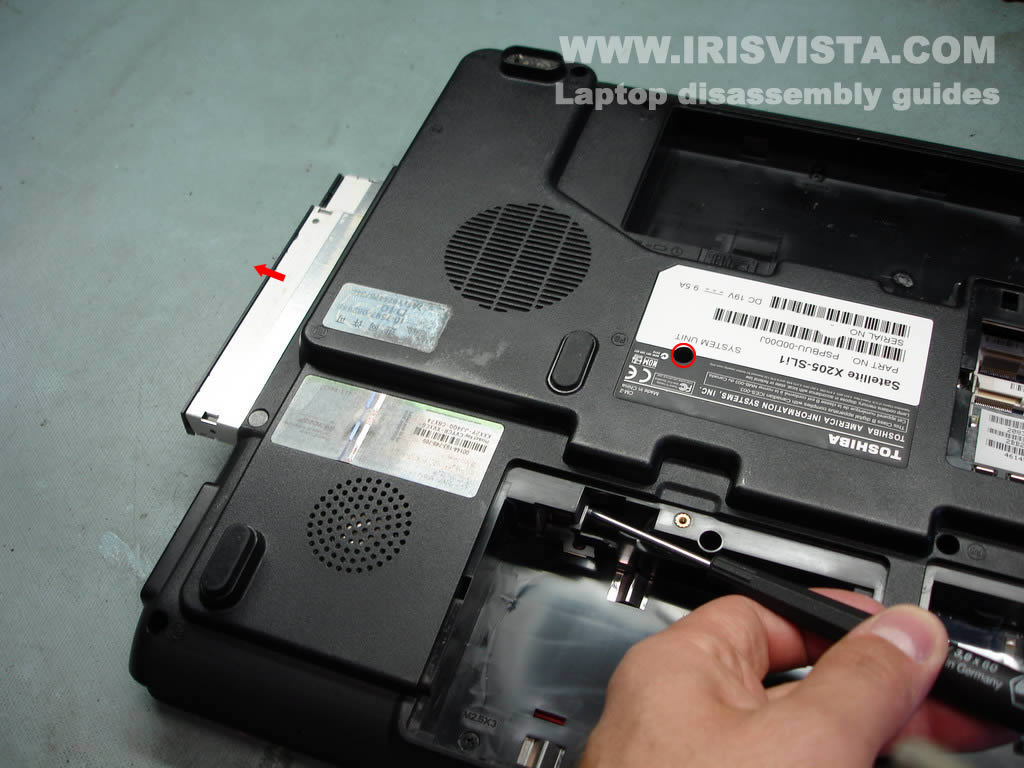
STEP 4
Remove one screw securing the DVD drive.
Push the DVD drive from the laptop with a screwdriver.
Remove the DVD drive.
|
| |
|
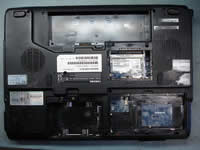 |
STEP 5
Remove all screws from the bottom of the laptop. |
| |
|
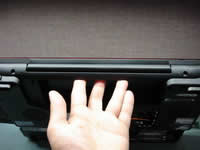 |
STEP 6
Remove two screws on the back side of the laptop. |
| |
|
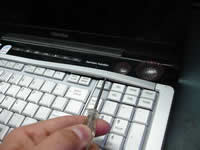 |
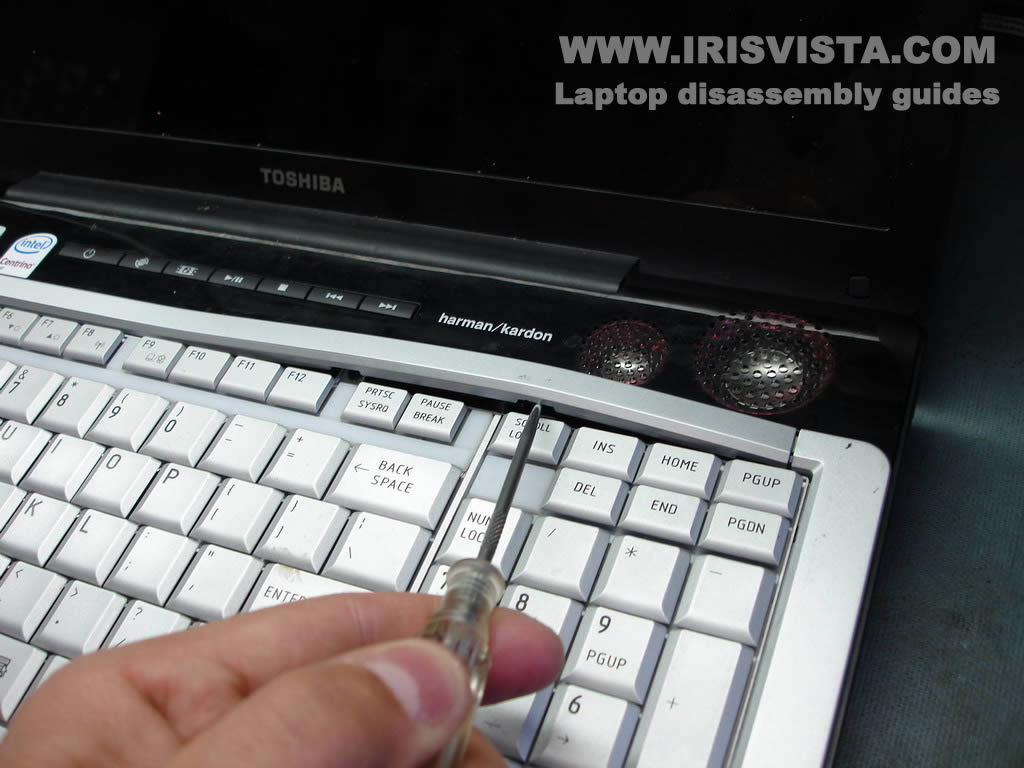
STEP 7
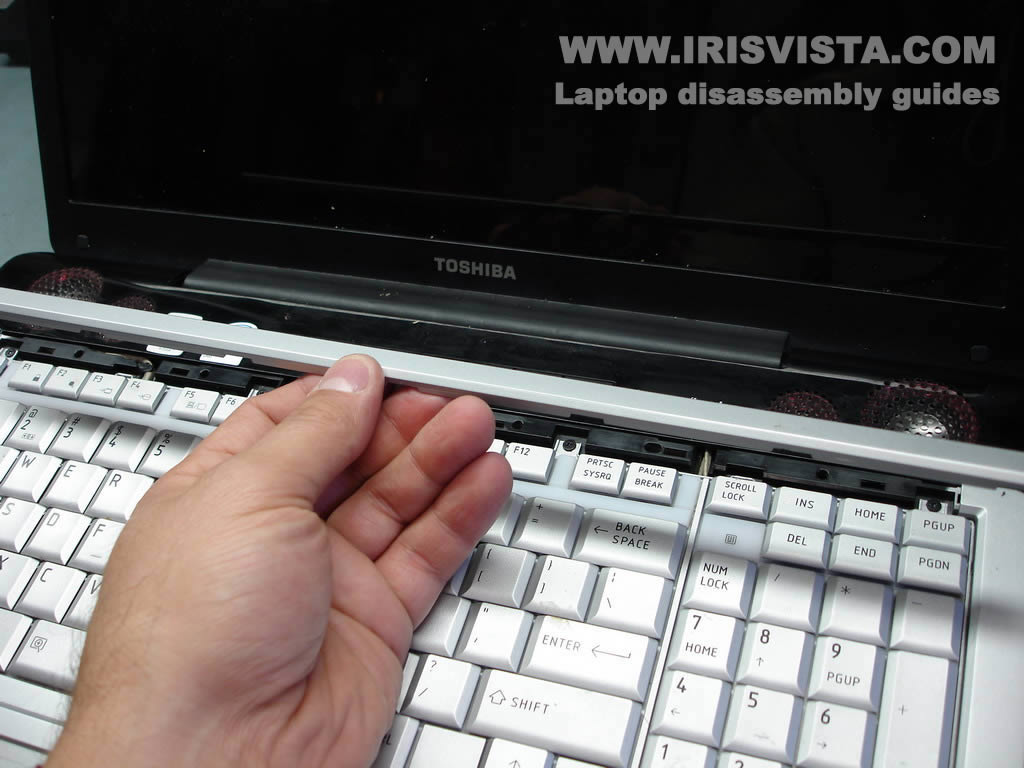
Lift up the keyboard bezel with a small screwdriver.
Continue removing the bezel with your fingers.
|
| |
|
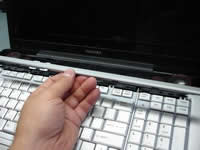 |
STEP 8
The keyboard bezel has been removed. |
| |
|
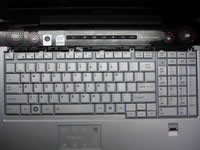 |
STEP 9
Remove four screws securing the keyboard.
Carefully lift up the laptop, it's still attached to the motherboard. |
| |
|
 |
STEP 10
Unlock the connector on the motherboard.
Pull the keyboard cable from the connector.
Remove the keyboard. |
| |
|
 |
STEP 11
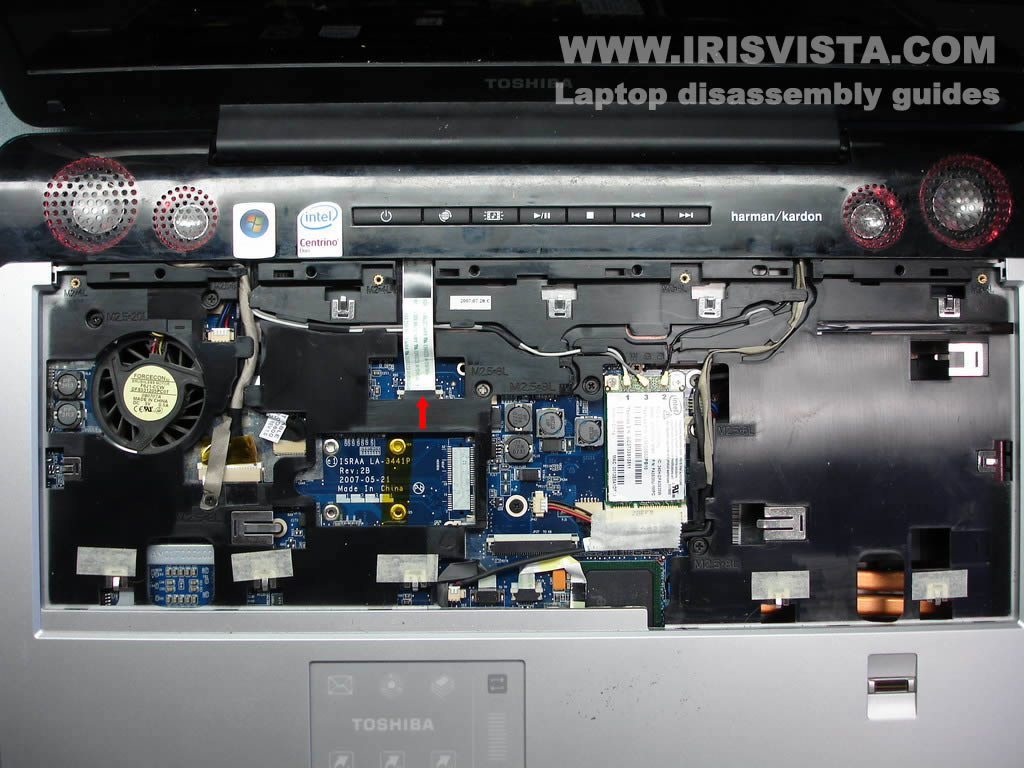
Disconnect the 7-button board cable from the motherboard.
First, unlock the connector and then pull the cable.
|
| |
|
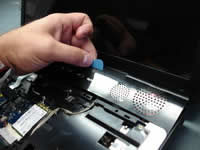 |
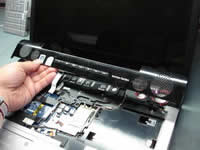
STEP 12
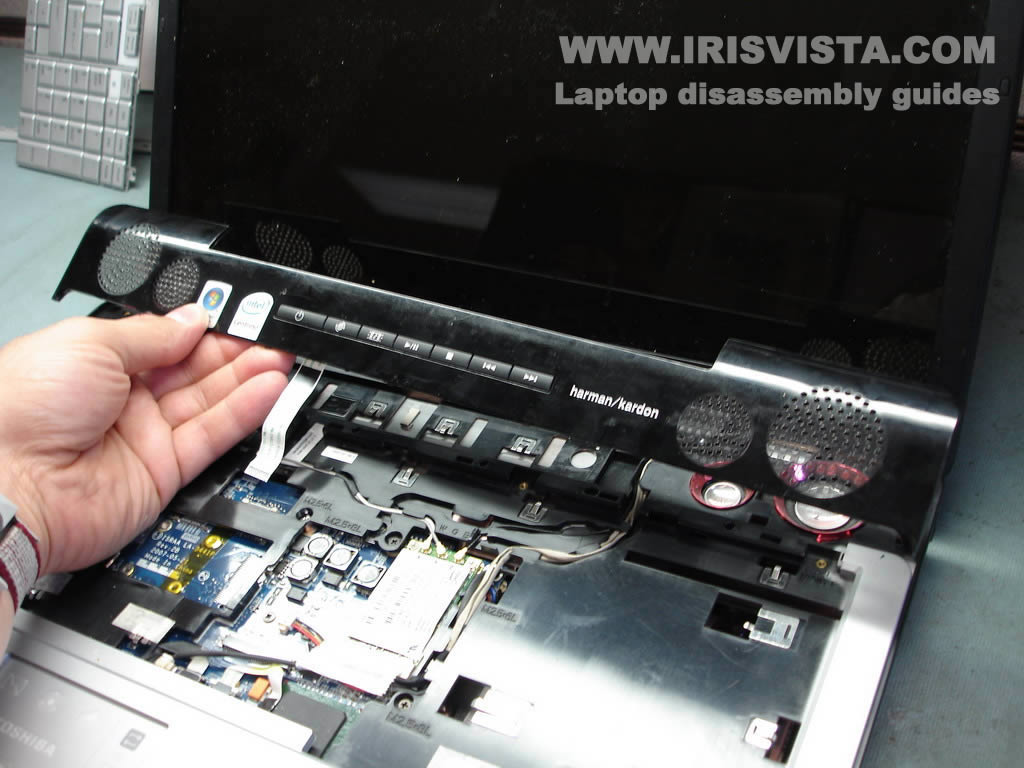
Separate the speaker cover from the laptop base.
Usually, for this purpose, I'm using a guitar pick. |
| |
|
 |
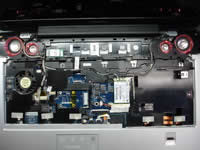
STEP 13
Lift up and remove the speaker cover with the 7-button board. |
| |
|
 |
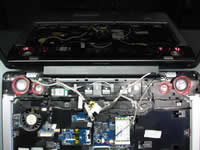
STEP 14
Disconnect three antenna cables from the wireless card.
Remove two screws securing the video cable and unplug the video cable from the motherboard.
Disconnect two other cables pointed with red arrows.
Unroute all cables as it shown on the next picture. |
| |
|
 |
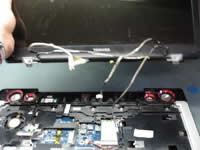
STEP 15
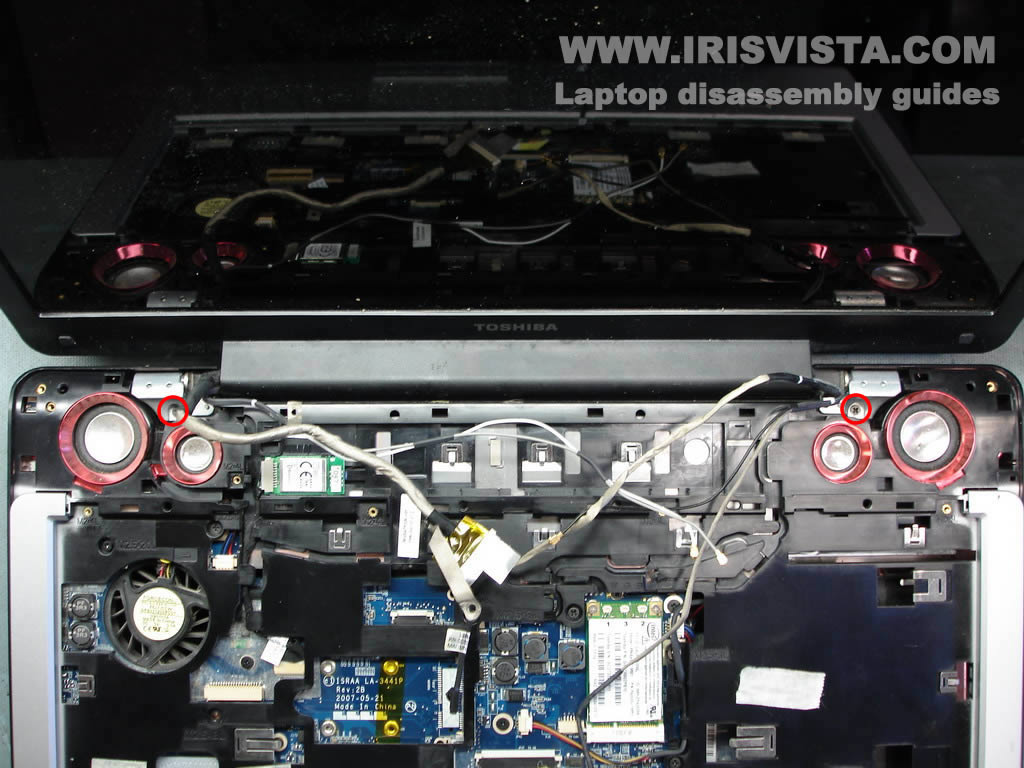
Remove two screws securing the display panel hinges. |
| |
|
 |
STEP 16
Lift up and remove the display panel. |
| |
|
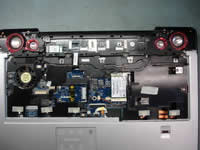 |
STEP 17
Unplug five more cables (speakers, Bluetooth module, touch pad, finger scanner).
Remove five screws securing the top cover assembly. |
| |
|
 |
STEP 18
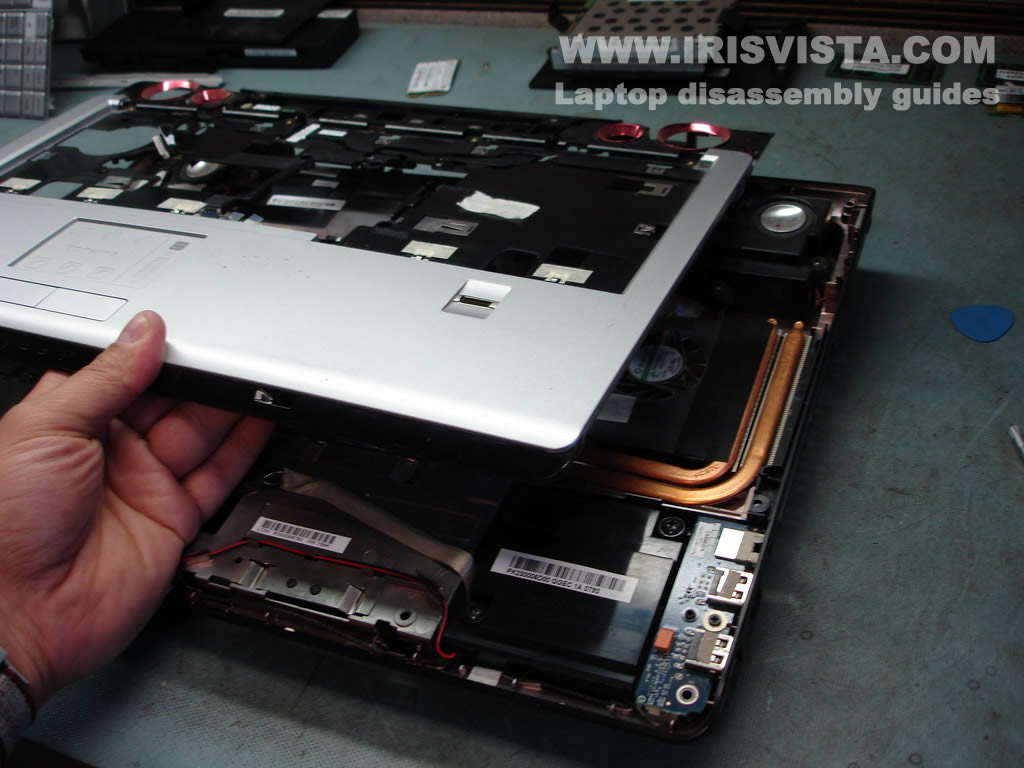
Separate the top cover assembly from the bottom case.
Lift up and start removing the top cover assembly.
|
| |
|
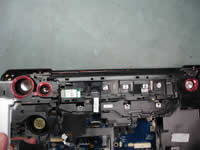 |
STEP 19
You'll have to unlock a few latches on the back side of the laptop case. |
| |
|
 |
STEP 20
Lift up and remove the top cover assembly. |
| |
|
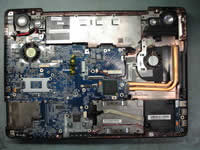 |
STEP 21
Unplug cables pointed with red arrows from the motherboard.
|
| |
|
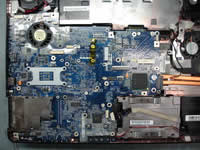 |
STEP 22
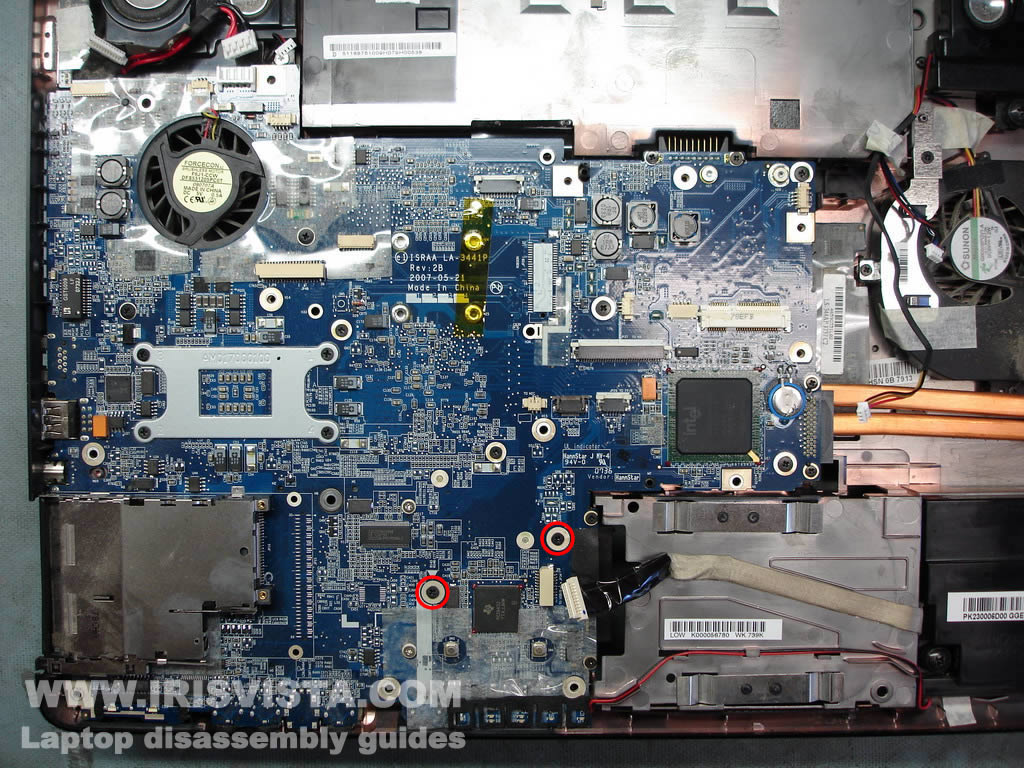
Remove two screws securing the motherboard.
|
| |
|
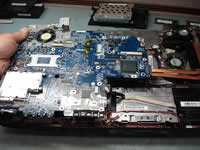 |
STEP 23
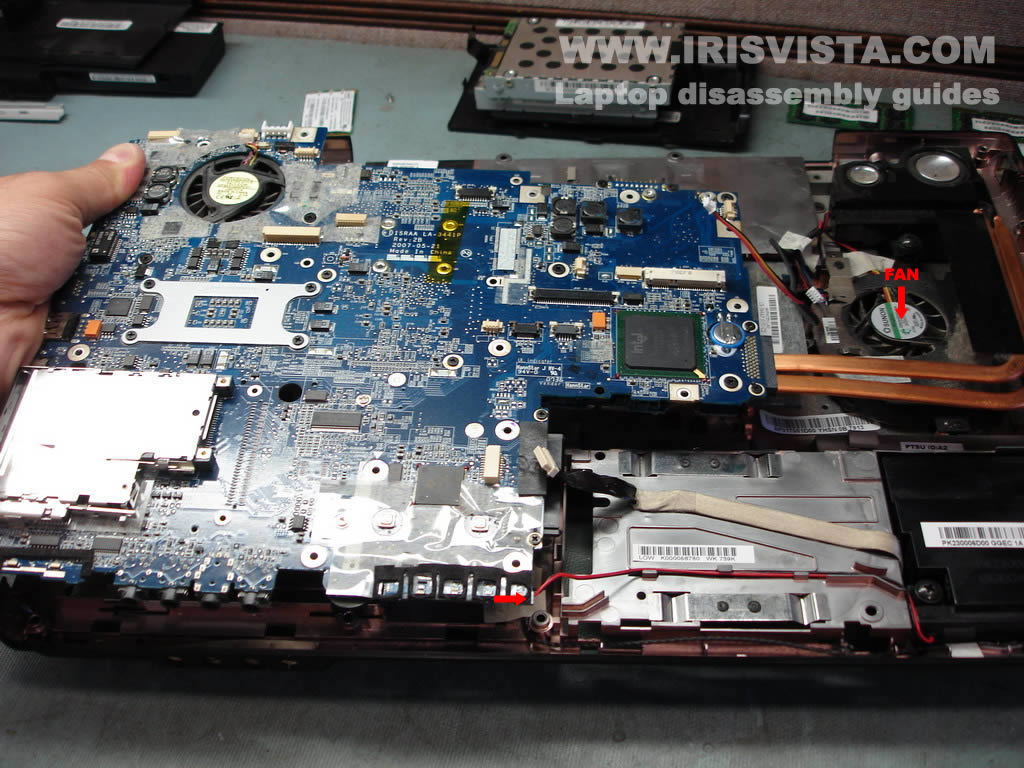
Start removing the motherboard from the bottom case.
There will be one more cable that you have to unplug. |
| |
|
 |
STEP 24
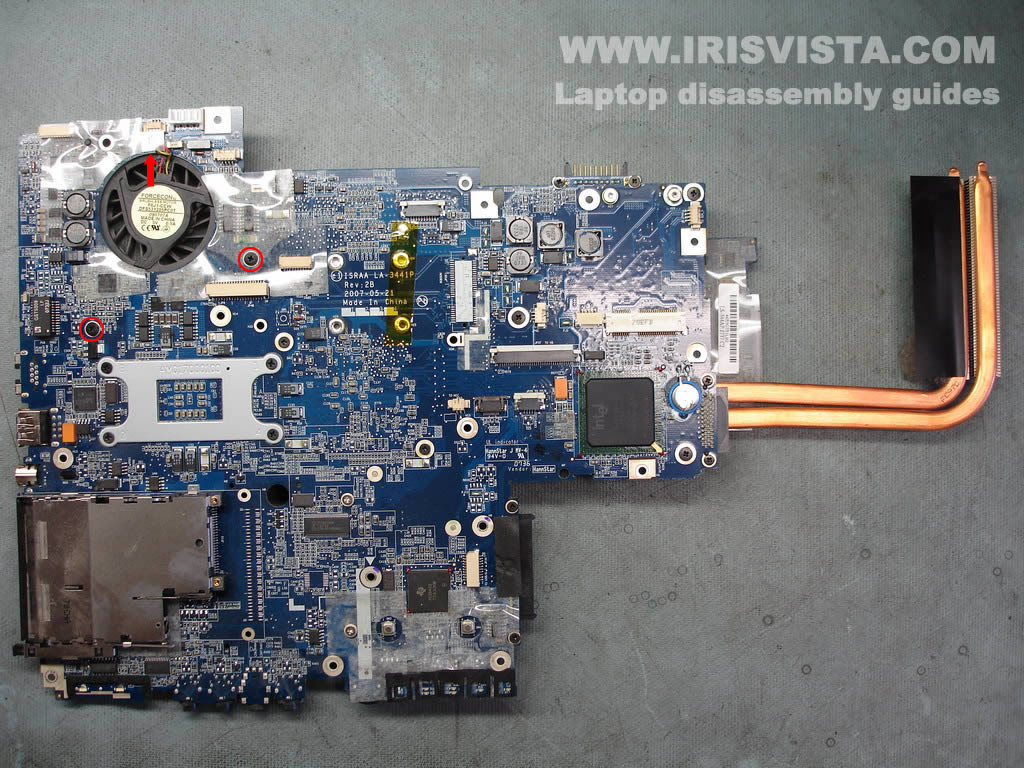
The laptop motherboard has been removed.
Remove two screws securing the CPU fan and unplug the fan cable from the motherboard. |
| |
|
 |
STEP 25
Turn the motherboard over so you can remove the CPU fan. |
| |
|
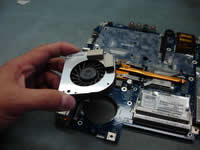 |
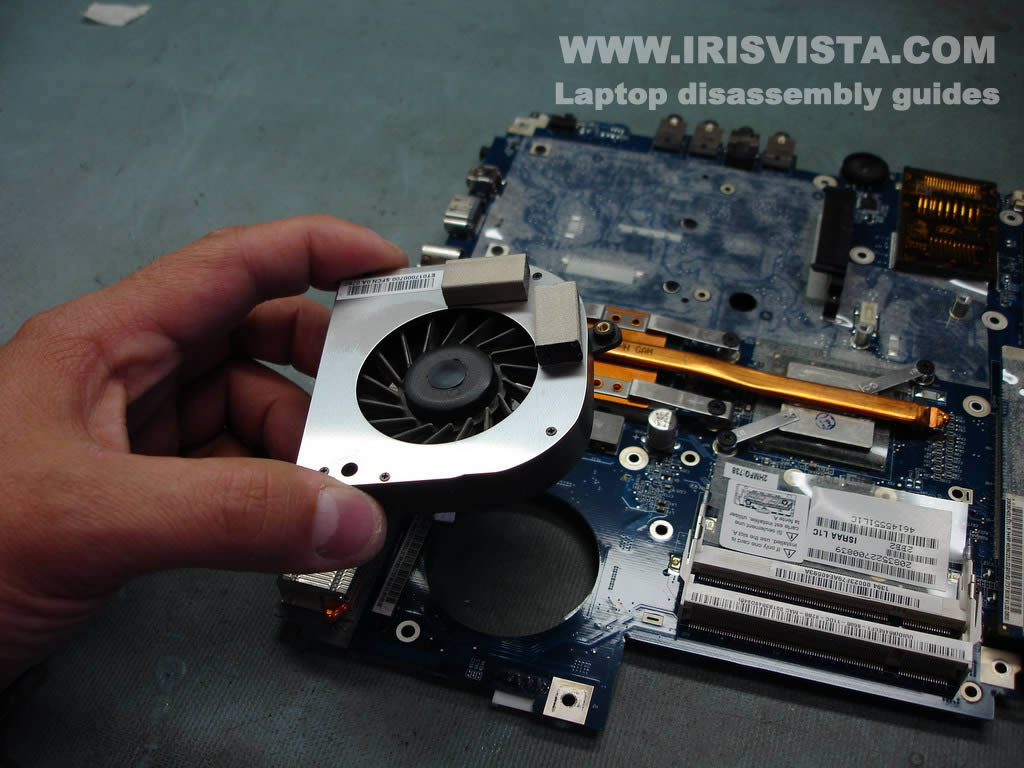
STEP 26
Lift up and remove the CPU fan. |
| |
|
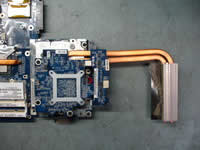 |
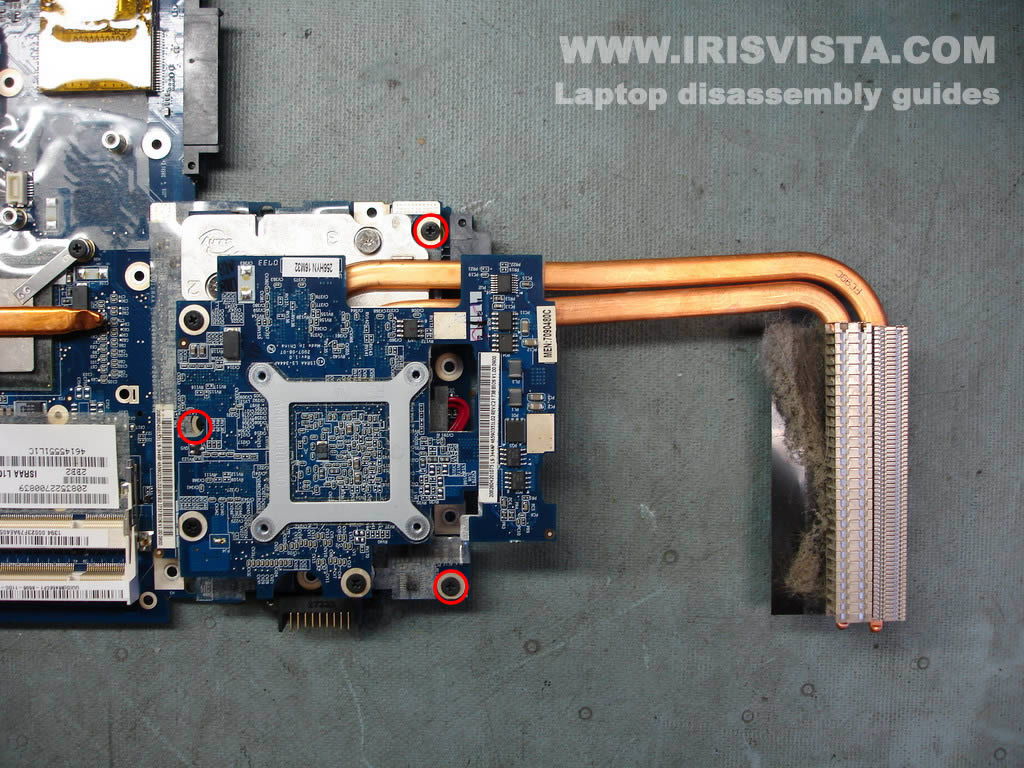
STEP 27
Remove three screws securing the laptop video card. |
| |
|
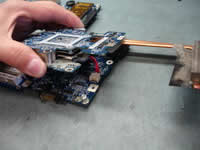 |
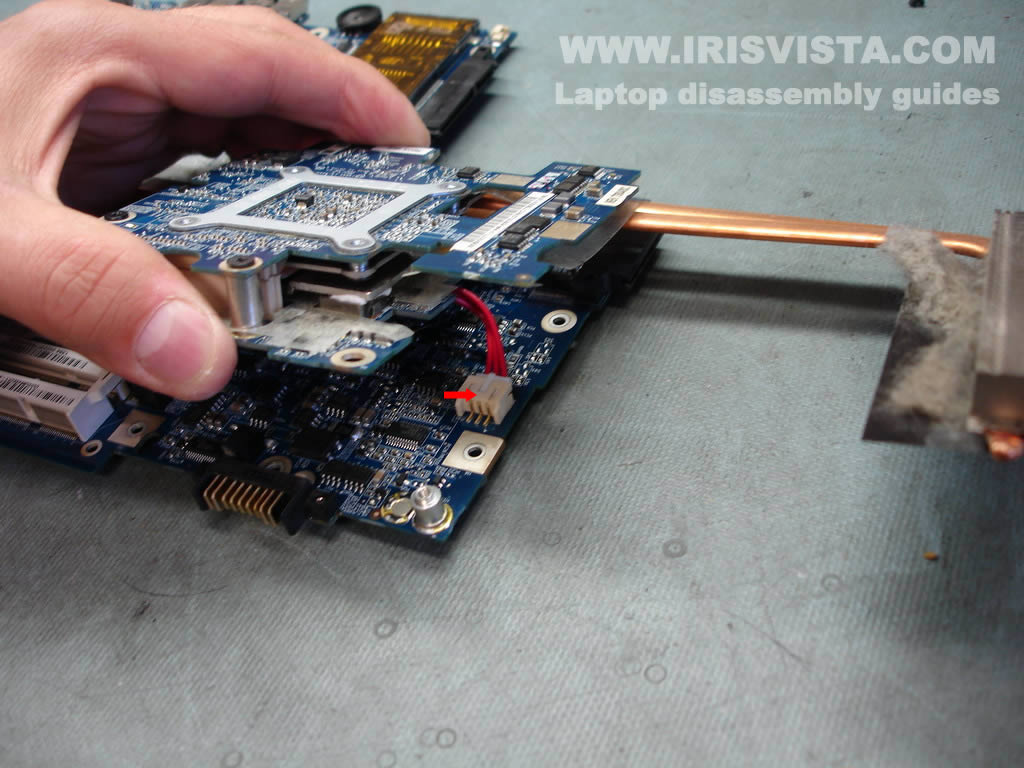
STEP 28
Carefully lift up the video card to disconnect it from the motherboard.
Before you can remove the video card you have to unplug the cable.
Clean the video card heat sink with compressed air. |
| |
|
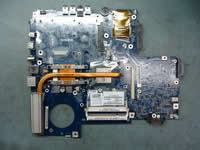 |
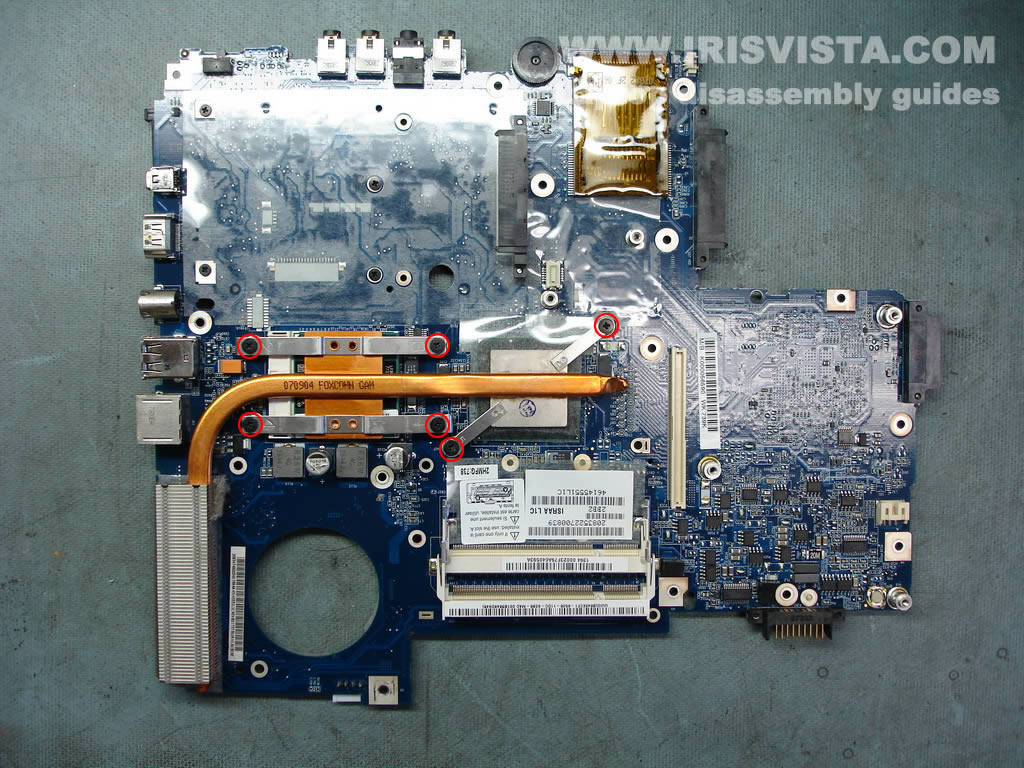
STEP 29
Remove six screws securing the processor heat sink. |
| |
|
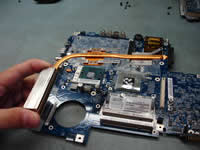 |
STEP 30
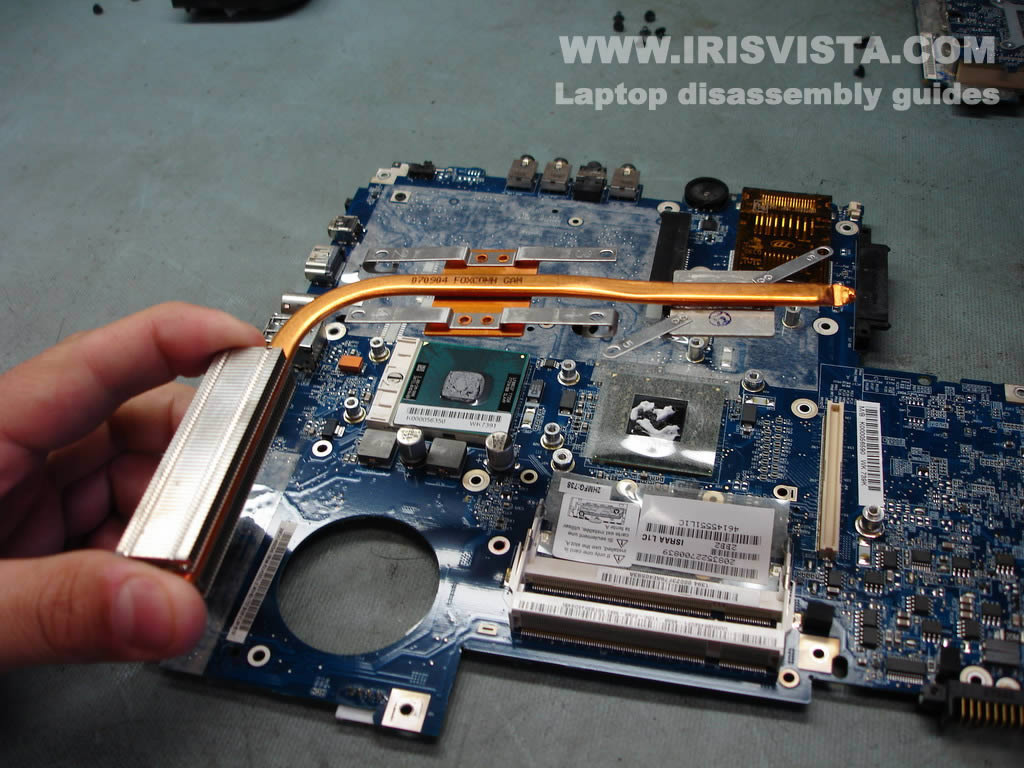
Lift up the heat sink and clean it with compressed air.
|
| |
|
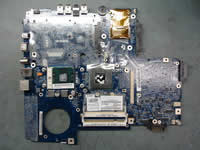 |
STEP 31
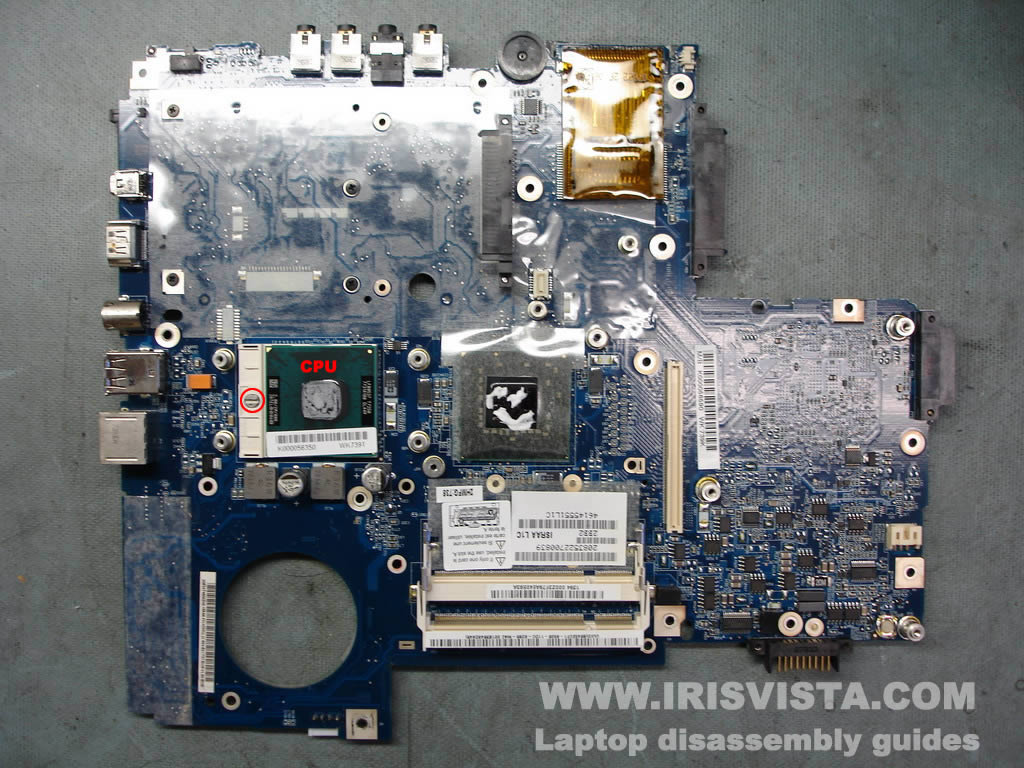
Unlock the processor socket.
|
| |
|
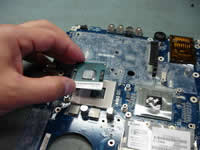 |
STEP 32
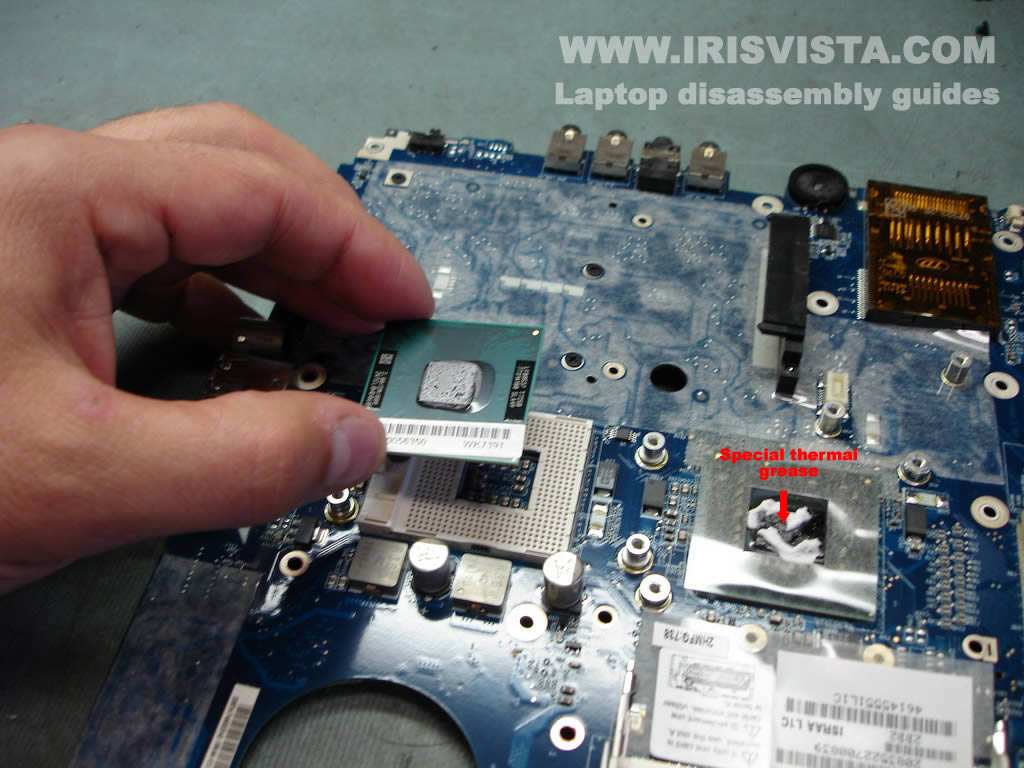
Now you can remove the processor.
When you assemble the laptop back together do not forget to apply new thermal grease.
You have to use the correct thermal grease on the Northbridge.
Do you see the white stuff pointed with a red arrow? That's what I'm talking about. |
| |
|
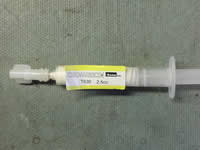 |
STEP 33
Thermal grease for the Northbridge. Toshiba part number: K000051370 |
| |
|
|
|