|
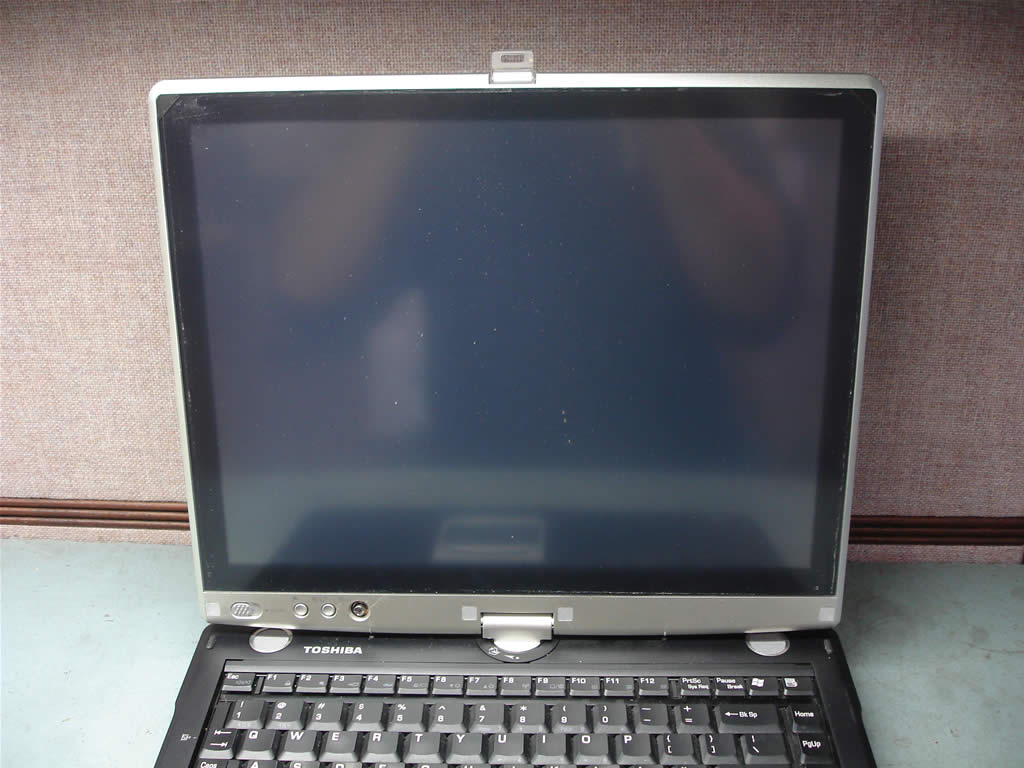
Toshiba Tecra M4, Satellite R15, R10 screen removal.
|
|
|
 |
STEP 1
Before you start, remove the battery.
There are six screw seals on the screen cover. Remove all seals with a sharp object.
Remove six screws found under the seals.
Seals on the bottom I marked with red squares. Seals on the top are marked with red triangles.
|
| |
|
 |
STEP 2
When all screws are removed, you can start remvoing the LCD screen cover.
|
| |
|
 |
STEP 3
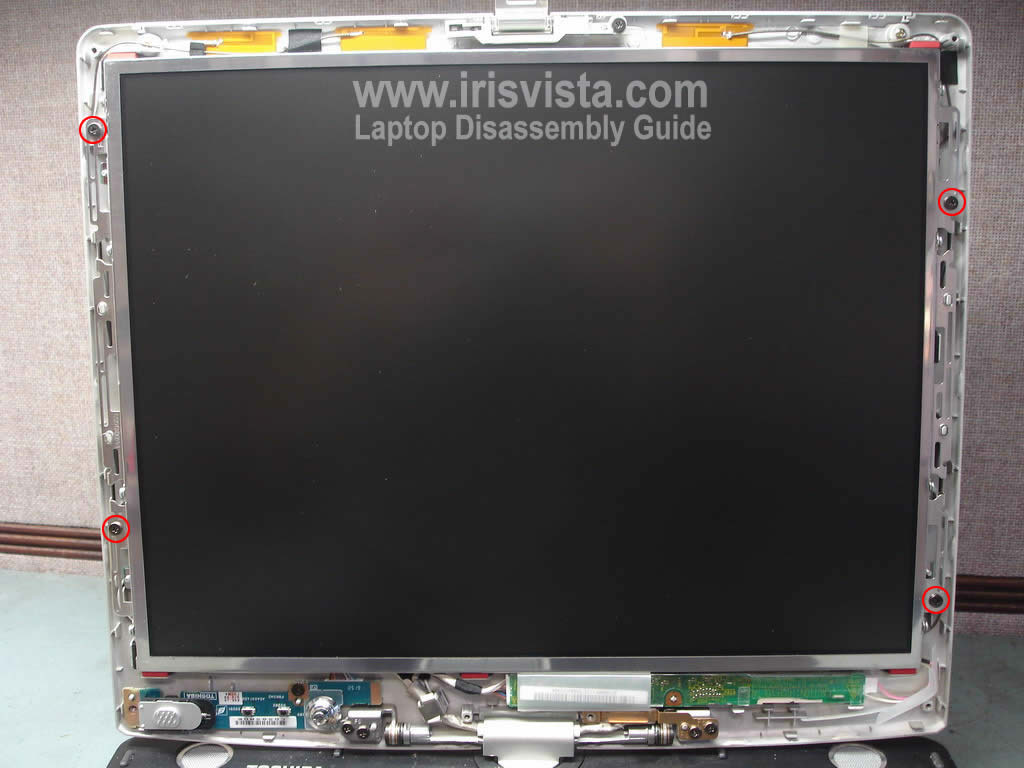
The screen cover has been removed.
If you have dust on the screen, you can remove it with soft cloth.
|
| |
|
 |
STEP 4
Remove four screws securing the LCD screen. |
| |
|
 |
STEP 5
Access the back side of the screen.
Disconnect two cables from the LCD screen. |
| |
|
 |
STEP 6
Disconnect cables from both sides of the inverter board.
|
| |
|
 |
STEP 7
Remove the screen inveter board. |
| |
|
 |
STEP 8
Remove the LCD screen.
If you are replacing the screen, you'll have to transfer brackets and digitizer from the old screen to a new one.
|
| |
|
 |
STEP 9
The LCD screen and inveter board have been removed. |
| |
|
|
|