|
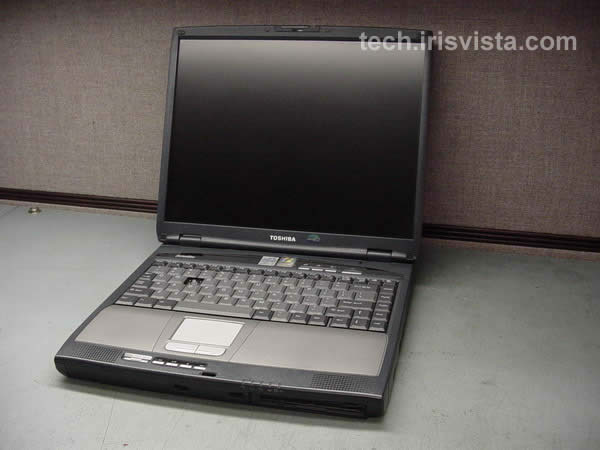
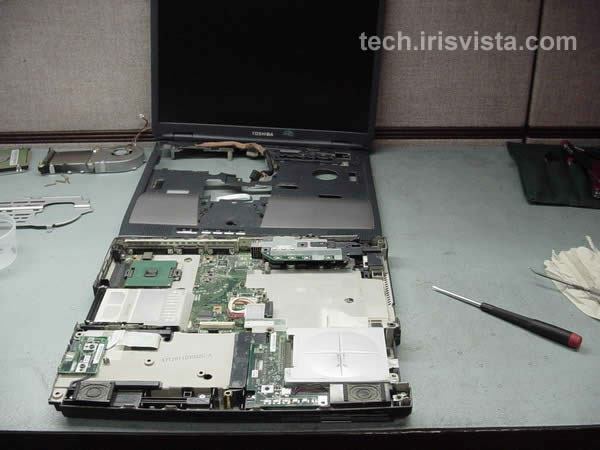
Toshiba Satellite 1800 disassembly. |
|
|
 |
STEP 1
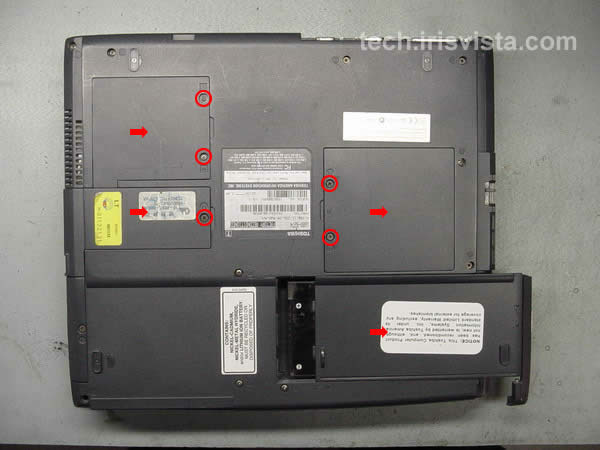
Turn the unit upside down.
Remove the battery.
Remove screws securing the modem cover, the memory cover, the wireless card cover.
Remove all covers.
|
| |
|
 |
STEP 2
Remove the modem card, the memory module, the wireless card (if you have any).
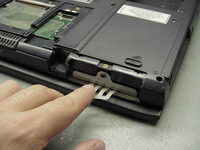
Remove one screw securing the hard drive cover.
Remove the cover.
|
| |
|
 |
STEP 3
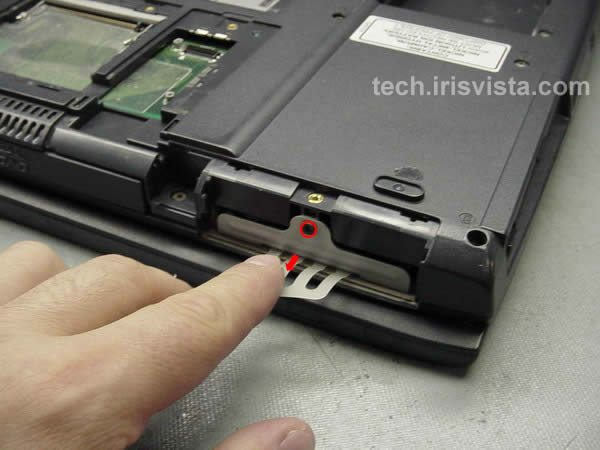
Remove one screw securing the hard drive to the base.
Slide the hard drive assembly out of the bay. |
| |
|
 |
STEP 4
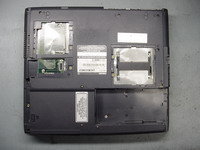
Removed all marked screws on the bottom of the computer. |
| |
|
 |
STEP 5
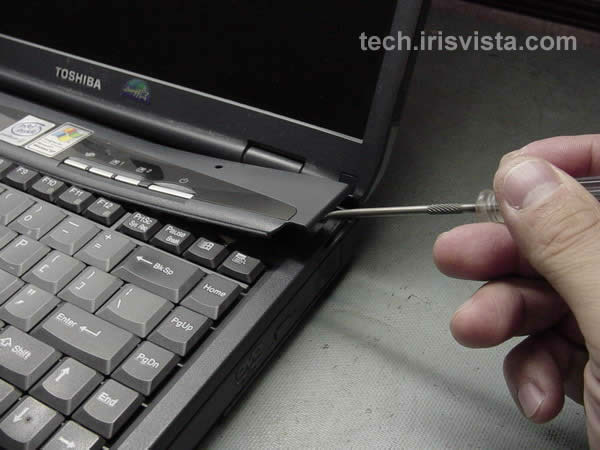
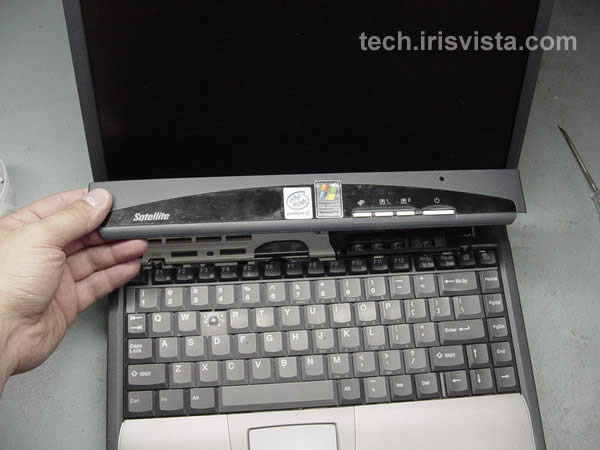
Turn the laptop right side up.
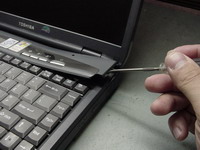
Insert a thin object under the securing strip and lift it up.
Be careful, it may be very tight.
|
| |
|
 |
STEP 6
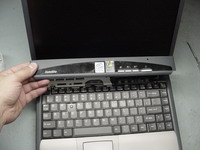
Remove the securing strip. |
| |
|
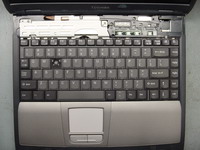 |
STEP 7
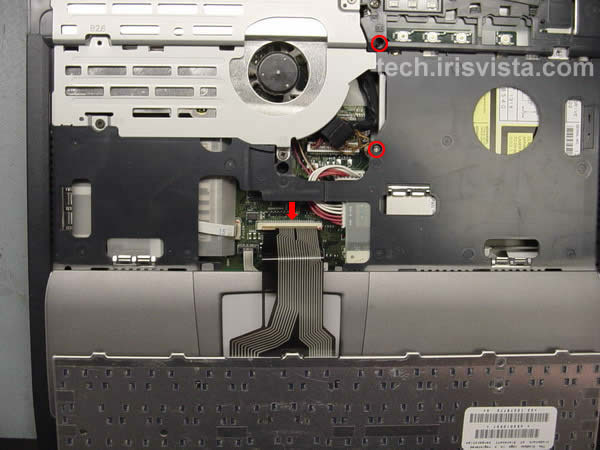
Remove two screws securing the keyboard.
|
| |
|
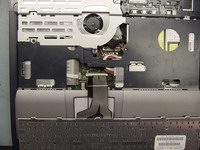 |
STEP 8
Disconnect the keyboard cable from the system board and remove the keyboard.
Remove two screws securing the DVD drive to the base.
|
| |
|
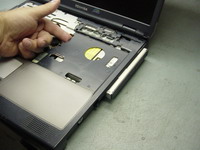 |
STEP 9
Slide the DVD drive out of the bay. |
| |
|
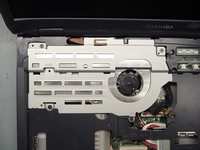 |
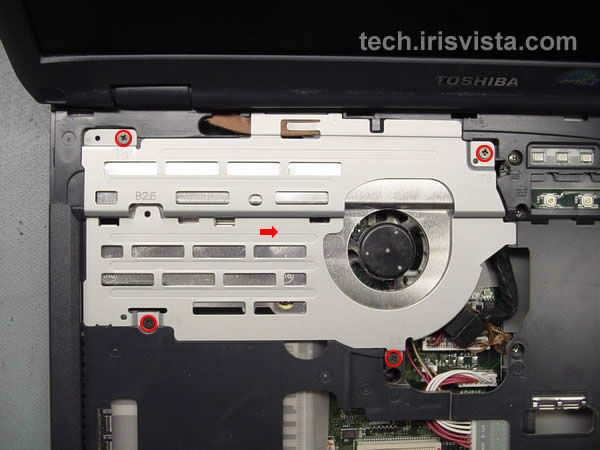
STEP 10
Remove four screws securing the fan shield.
Lift the shield off the CPU. |
| |
|
|
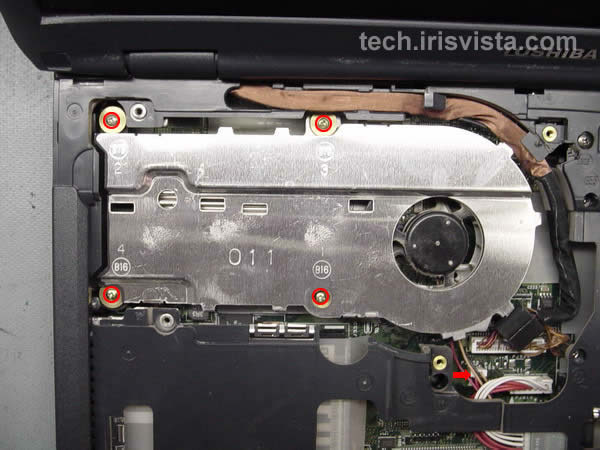
STEP 11
Remove four screws securing the fan.
Disconnect the fan cable on the system board.
|
| |
|
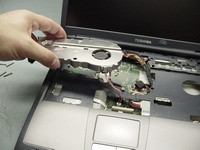 |
STEP 12
Lift the cooling can off the CPU and remove it.
|
| |
|
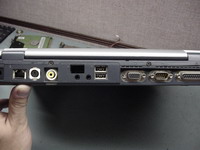 |
STEP 13
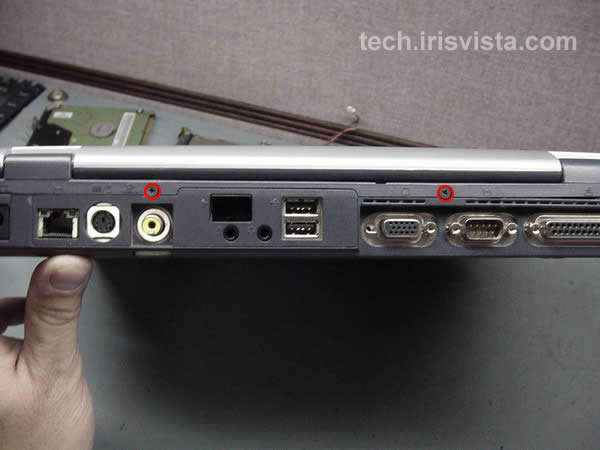
Remove two screws from the back of the computer.
|
| |
|
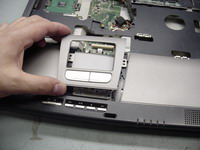 |
STEP 14
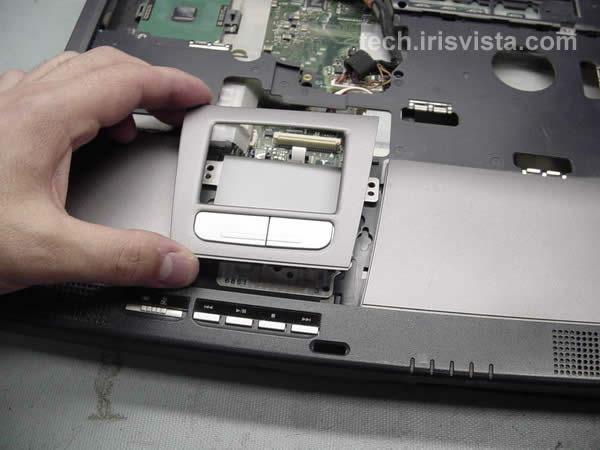
Remove the bezel around the touchpad. |
| |
|
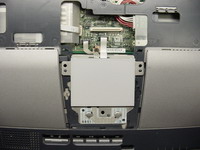 |
STEP 15
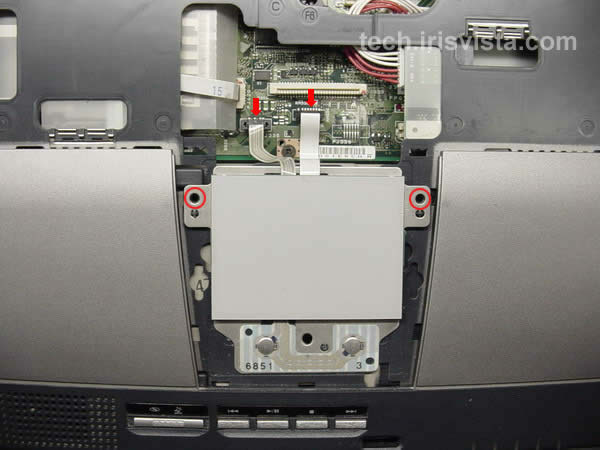
Remove two screws securing the touchpad.
Disconnect the touchpad cables on the systme board. |
| |
|
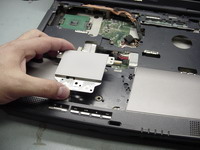 |
STEP 16
Lift off the touchpad.
|
| |
|
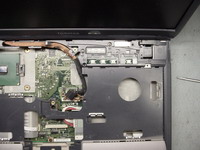 |
STEP 17
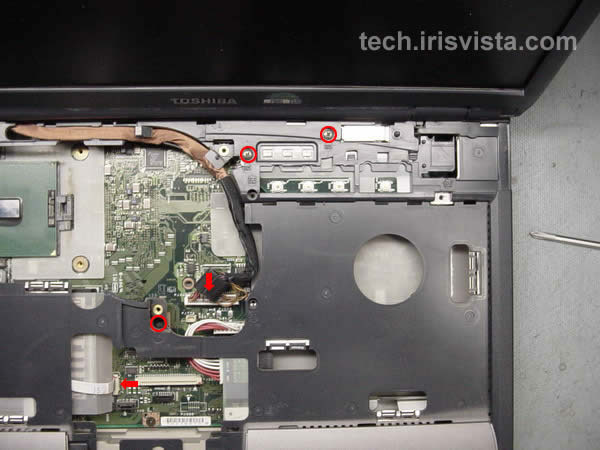
Remove three screws securing the top cover assembly to the base assembly.
Disconnect the LCD cable and the front panel control cable on the system board.
|
| |
|
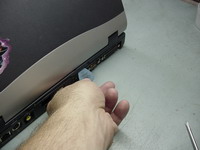 |
STEP 18
Using a guitar pick, release the latches securing the upper assembly. |
| |
|
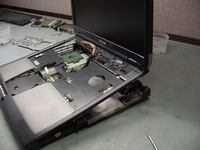 |
STEP 19
Lift the upper assembly off the base assembly. |
|
| |
|
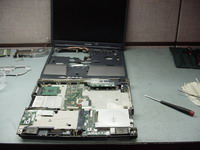 |
STEP 20
Remove the upper assembly. |
| |
|
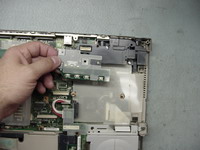 |
STEP 21
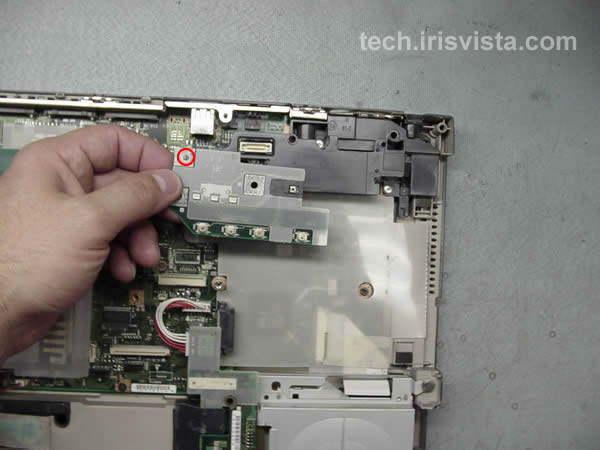
Remove one screw securing the upper control board and lift it off.
|
| |
|
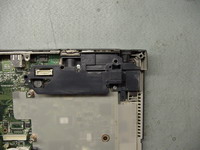 |
STEP 22
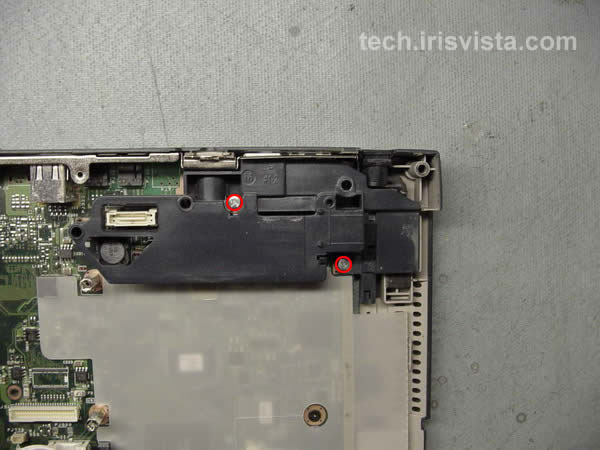
Remove two screws securing the connector holder and lift it off. |
| |
|
|
STEP 23
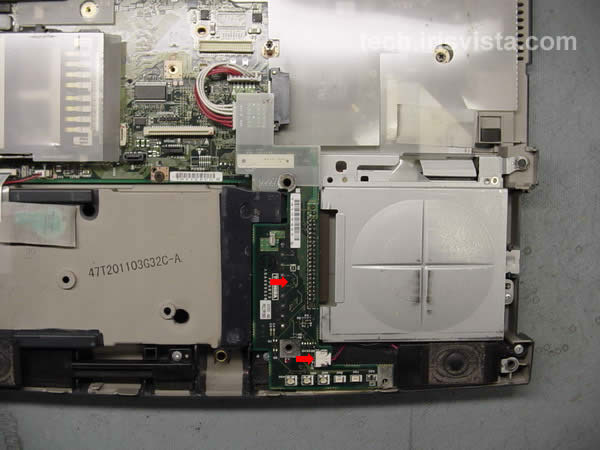
Disconnect the right speaker cable on the battery board.
Disconnect the battery board cable on the system board.
Lift the battery board off the system board.
|
| |
|
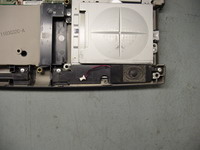 |
STEP 24
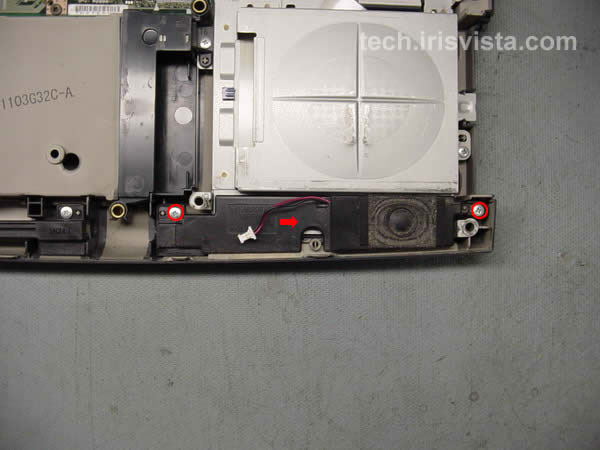
Remove two screws securing the right speaker and lift it off.
|
| |
|
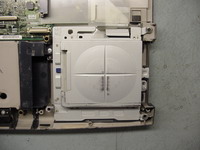 |
STEP 25
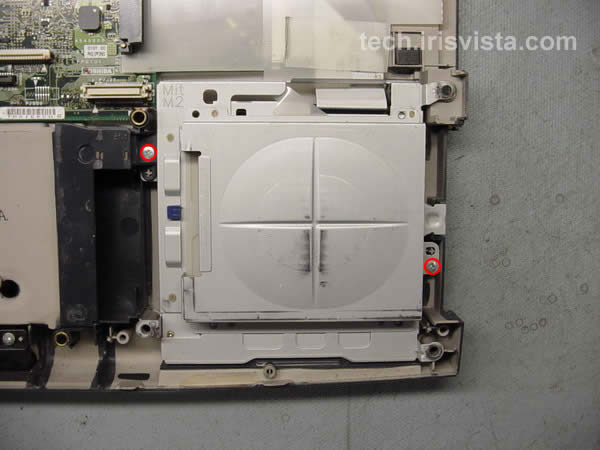
Remove one screw securing the connector brace.
Remove one screw securing the floppy drive assembly.
|
| |
|
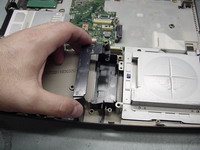 |
STEP 26
Lift off the connector brace. |
| |
|
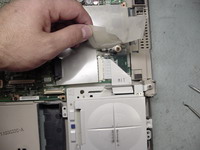 |
STEP 27
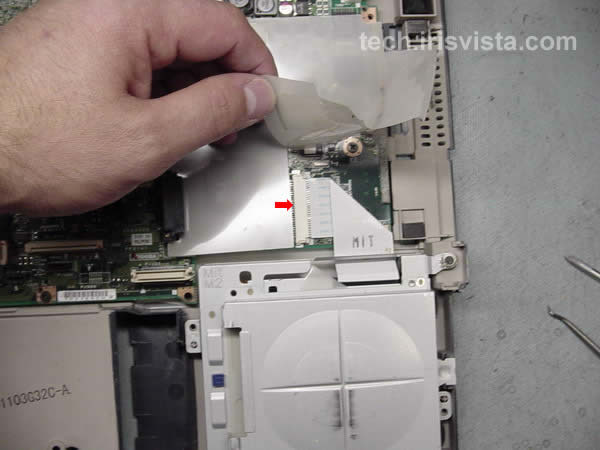
Disconnect the floppy drive cable on the system board. |
| |
|
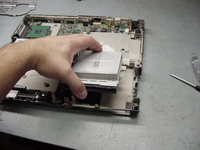 |
STEP 28
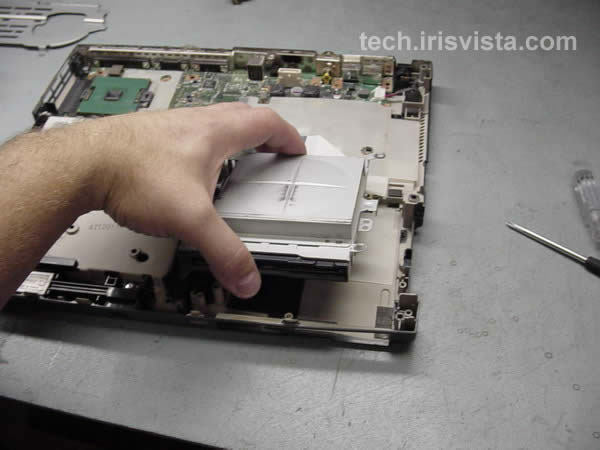
Lift off the FDD assembly.
|
| |
|
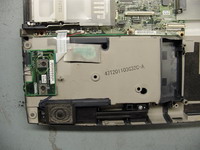 |
STEP 29
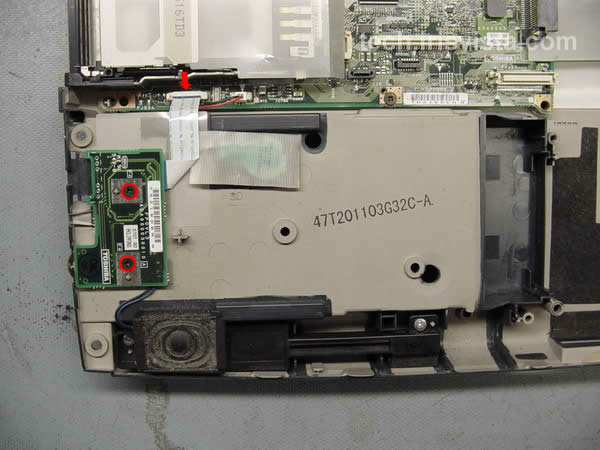
Disconnect two screws securing the volume board.
Disconnect the flat cable on the system board.
|
| |
|
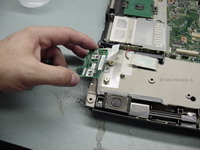 |
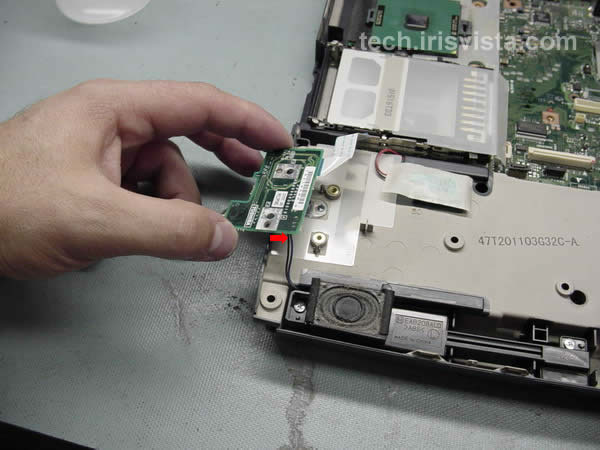
STEP 30
Lift off the volume board.
Disconnect the left speaker cable. |
| |
|
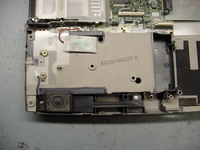 |
STEP 31
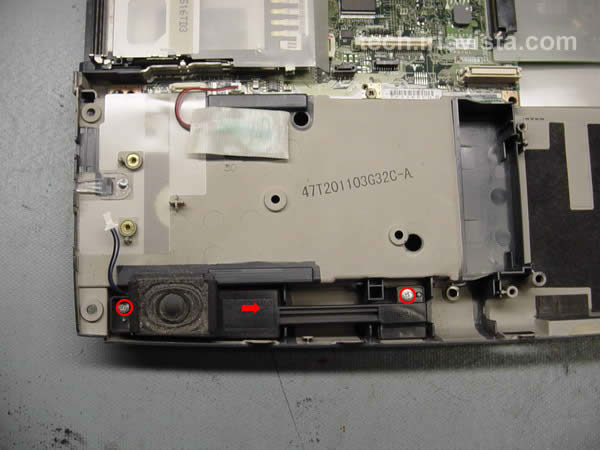
Remove two screws securing the left speaker.
Lift off the left speaker. |
|
| |
|
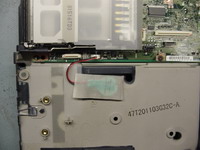 |
STEP 32
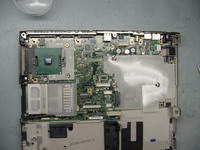
Disconnect the RTC battery connector on the system board.
Remove the RTC battery. |
| |
|
 |
STEP 33
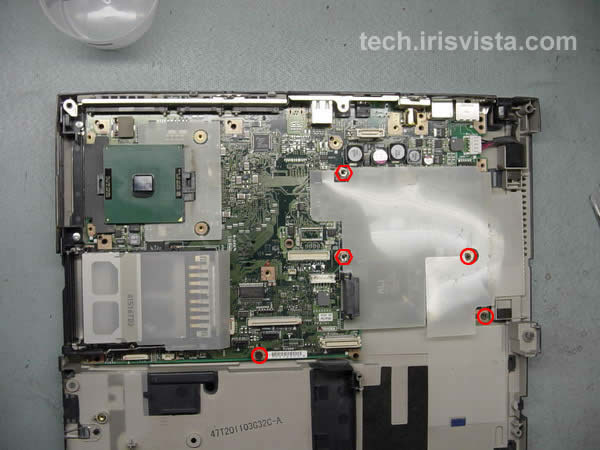
Remove three screws and two hexa studs securing the system board to the base.
|
| |
|
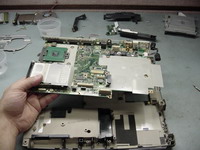 |
STEP 34
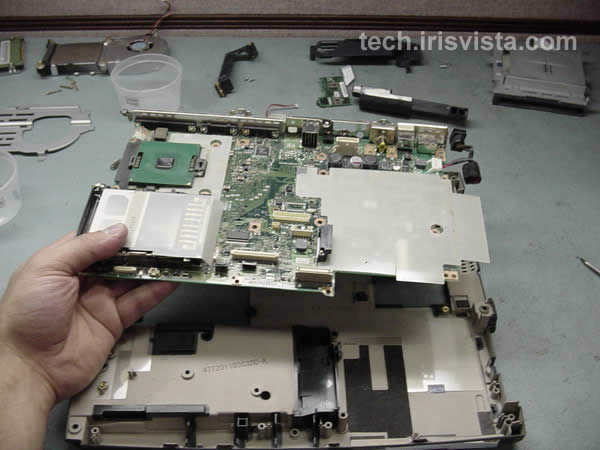
Lift the system board off the base. |
| |
|
|
STEP 35
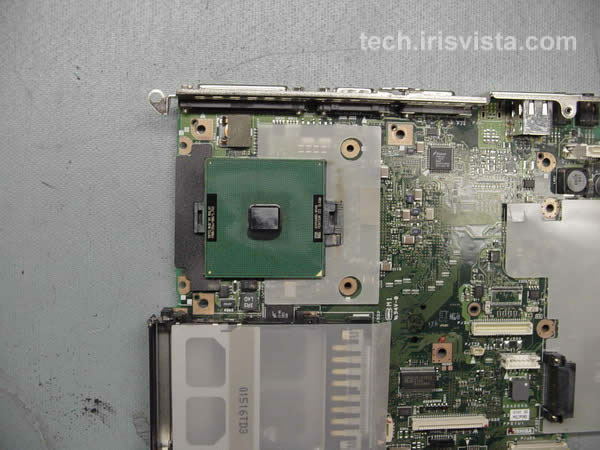
Removing CPU is a little bit tricky.
|
| |
|
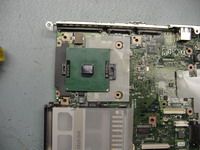 |
STEP 36
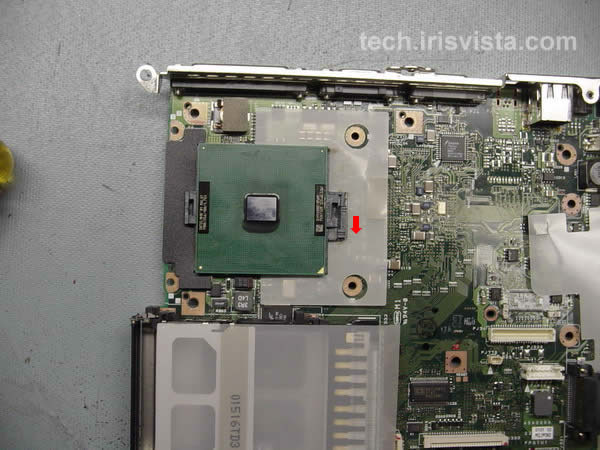
Slide the CPU lock to the unlocked position.
|
| |
|
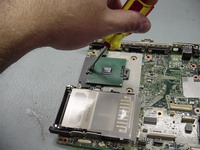 |
STEP 37
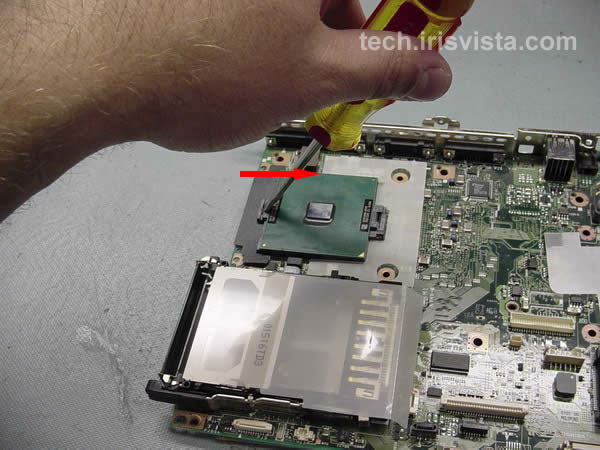
Insert a slotted screwdriver in the notch.
Rotate the handle left to right.
|
| |
|
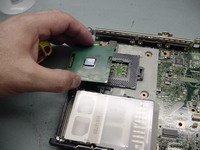 |
STEP 38
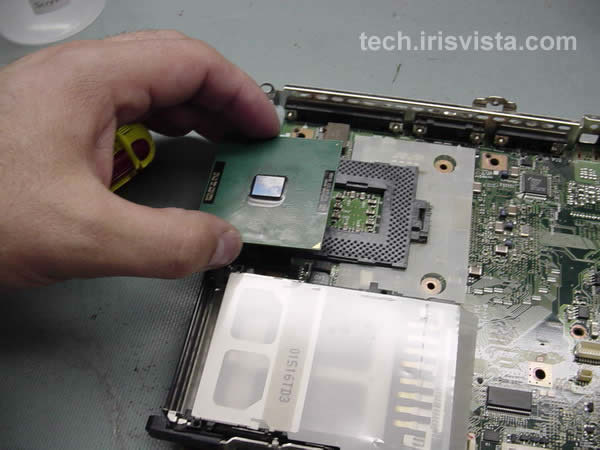
Lift off the CPU. |
| |
|
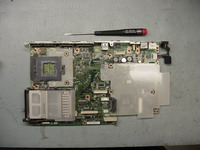 |
STEP 39
DONE ! |
| |
|
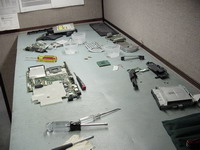 |
STEP 40
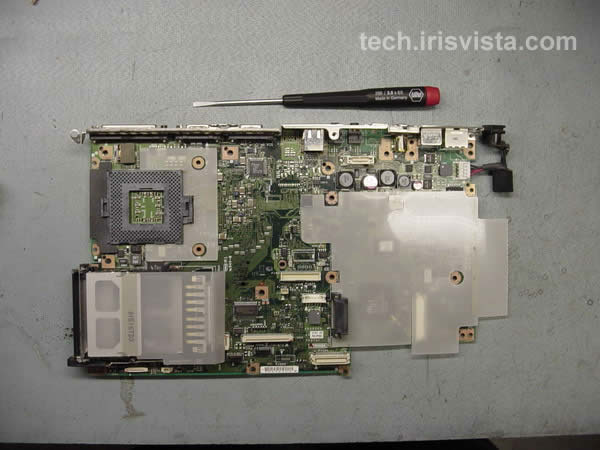
These bunch of parts used to be a working laptop. :)
|
| |
|
|
|