|
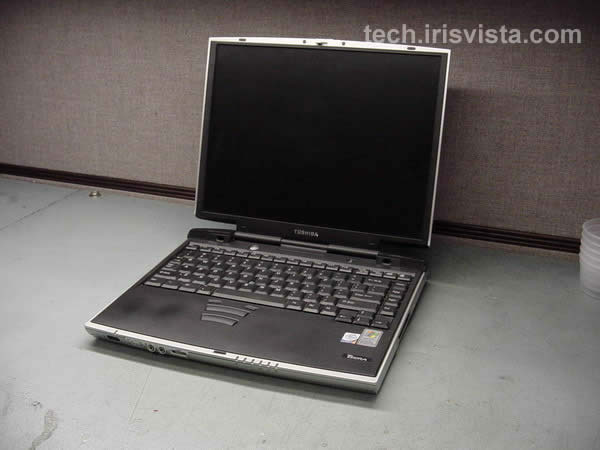
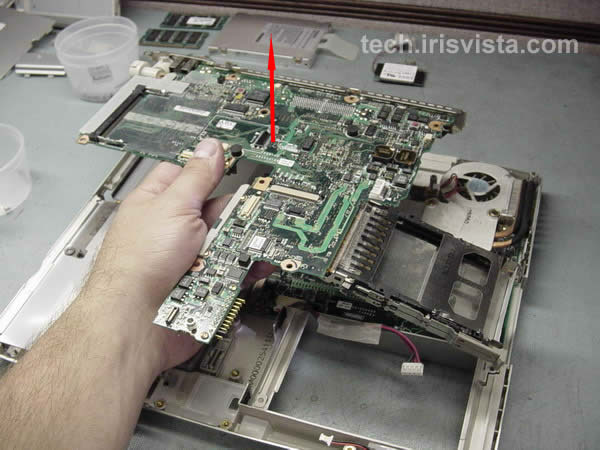
Toshiba Tecra 9100 disassembly.
|
|
|
 |
STEP 1
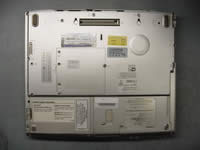
Turn the unit upside down.
Remove the battery.
Remove two screws securing the memory cover.
Remove one screw securing the HDD cover, remove the cover and HDD.
Remove the DVD-rom drive.
|
| |
|
 |
STEP 2
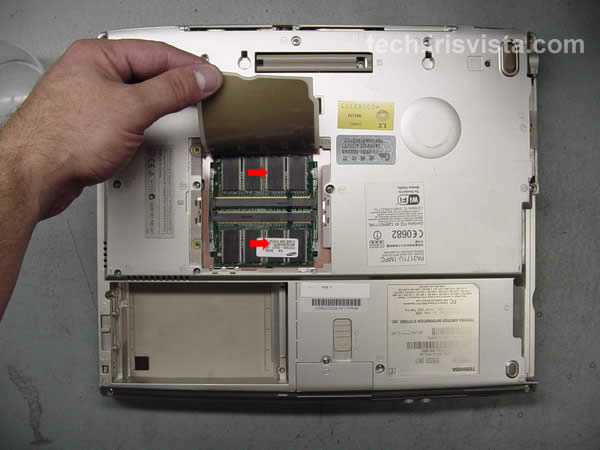
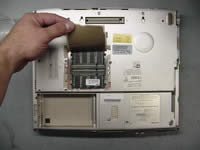
Remove the memory modules.
|
| |
|
 |
STEP 3
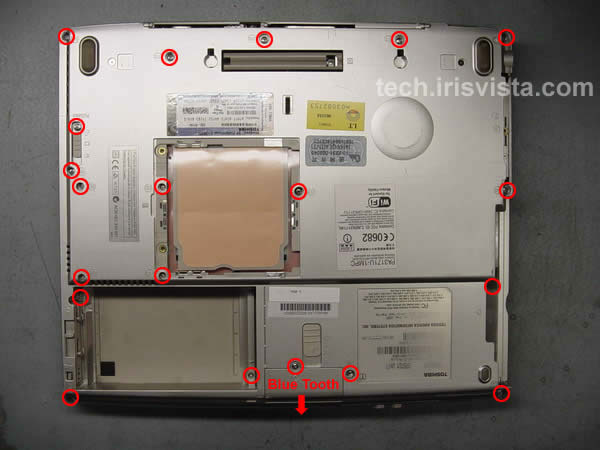
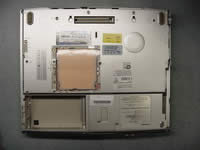
Remove one screw securing the Blue Tooth card cover and remove the card.
Remove all marked screws on the bottom. |
| |
|
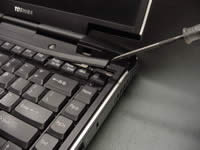 |
STEP 4
Turn the computer right side up.
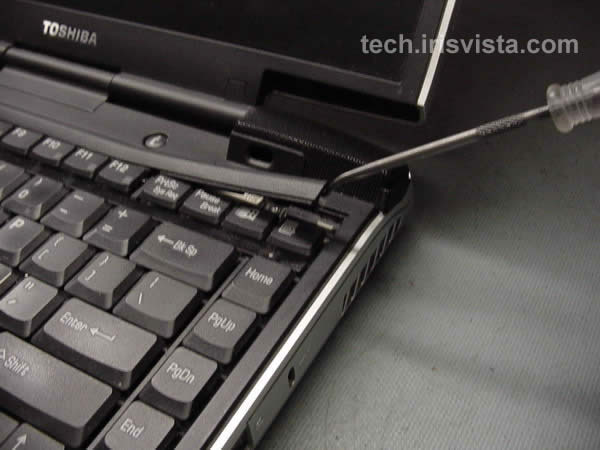
Insert a thin object under the securing strip and lift it up.
Be careful, it may be very tight. |
| |
|
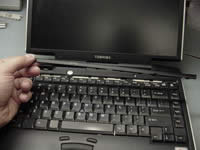 |
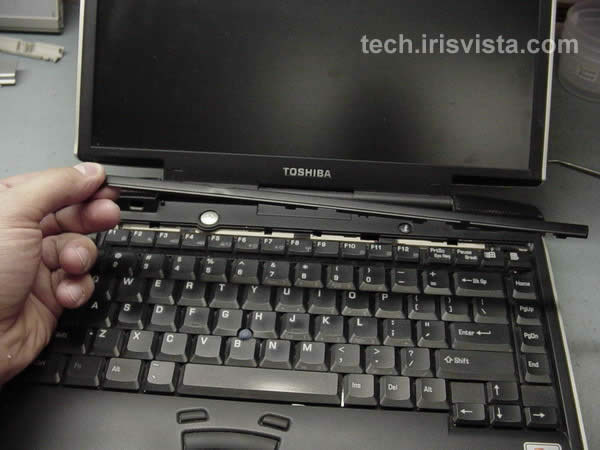
STEP 5
Remove the securing strip.
|
| |
|
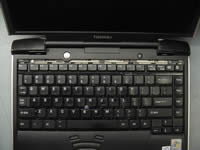 |
STEP 6
Remove two screws securing the keyboard. |
| |
|
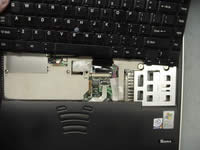 |
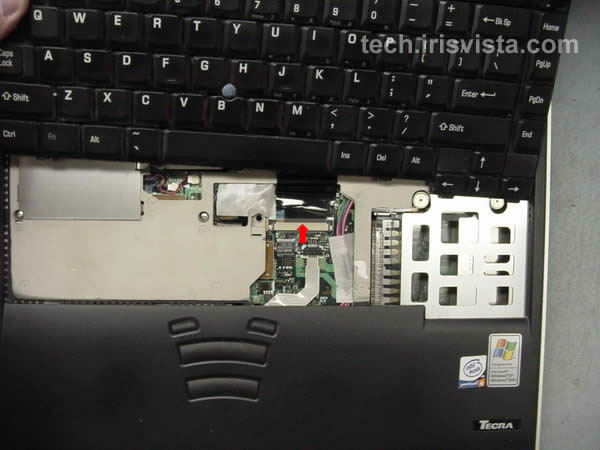
STEP 7
Disconnect the keyboard cable on the system board.
Remove the keyboard. |
| |
|
|
STEP 8
Remove one screw securing the wireless card cover and remove the cover.
Remove the tape securing the display cable connector.
|
| |
|
 |
STEP 9
Disconnect the wireless card cables and remove the card.
Disconnect the speaker cables, the membrane switch cable, the display cable.
Remove three screws secutihg the top cover assembly to the base.
|
| |
|
 |
STEP 10
Lift the upper cover assembly off the base. |
| |
|
 |
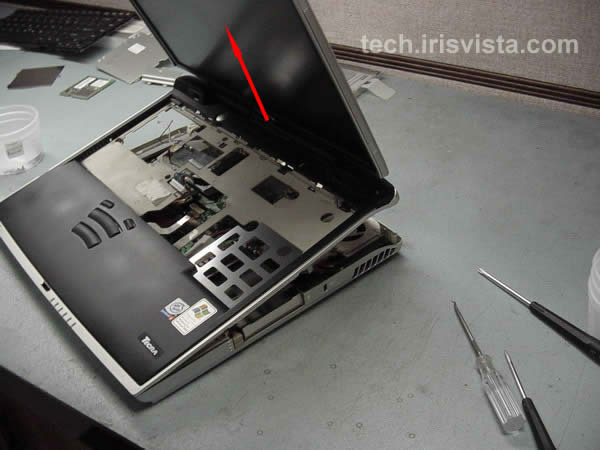
STEP 11
Remove the upper cover/display assembly. |
| |
|
 |
STEP 12
Disconnect the microphone cable and remove the mircophone.
Disconnect two flat cables on the system board.
Remove two screws securing the sound board. Lift off the sound board.
|
| |
|
 |
STEP 13
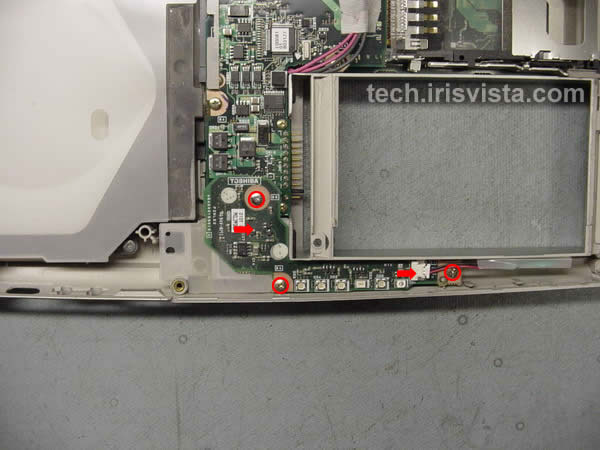
Disconnect the RTC battery cable.
Remove three screws securing the LED board.
Carefully lift off the LED board.
|
| |
|
 |
STEP 14
Disconnect the modem card cable on the system board.
Remove two screws securing the modem.
Lift off the modem card. |
| |
|
 |
STEP 15
Disconnect the CPU fan cable and the battery cable.
Remove three screws securing the I/O board.
|
| |
|
|
STEP 16
Carefully lift off the I/O board.
|
| |
|
 |
STEP 17
Remove PC card slot assembly from the I/O board.
|
| |
|
 |
STEP 18
Remove four screws securing the cooling module to the board.
Lift the fan off the processor.
|
| |
|
 |
STEP 19
Remove five screw securing the system board to the lower case.
Lift the board off the case. |
| |
|
 |
STEP 20
Remove the metal plate covering the video chip.
Unlock the CPU lock. Lift the processor off the socket. |
| |
|
 |
STEP 21
Done !!!
|
| |
|
| |
|