|
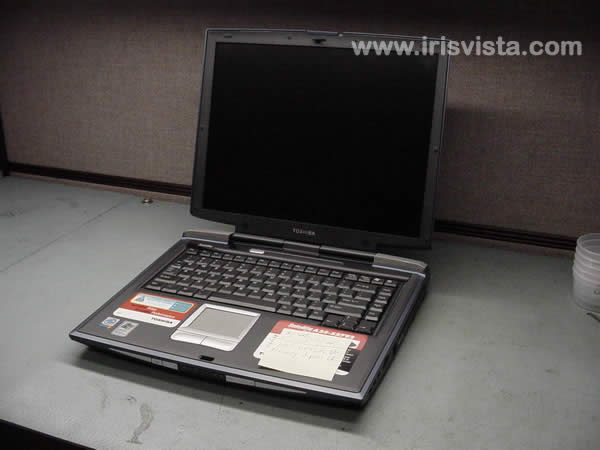
Toshiba Satellite A20, A25 memory upgrade. |
|
|
 |
STEP 1
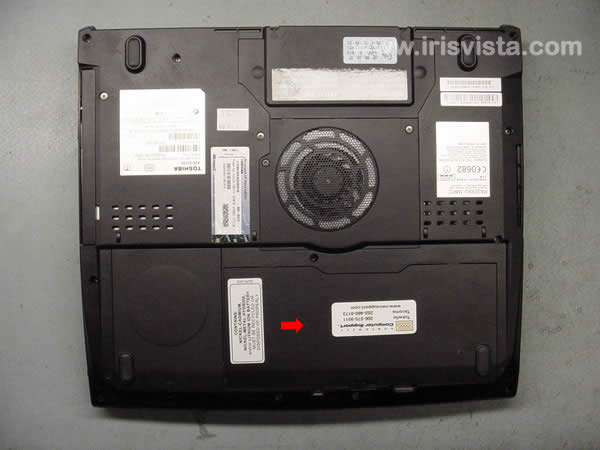
First of all, remove the battery.
|
| |
|
 |
STEP 2
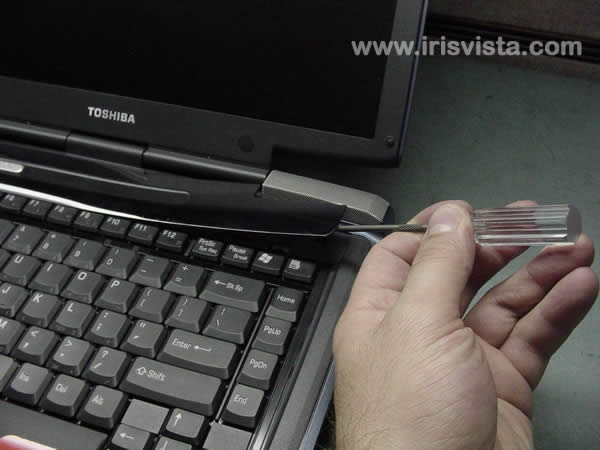
Insert a thin object under the securing strip and lift it up.
Be careful, it may be very tight. |
| |
|
|
STEP 3
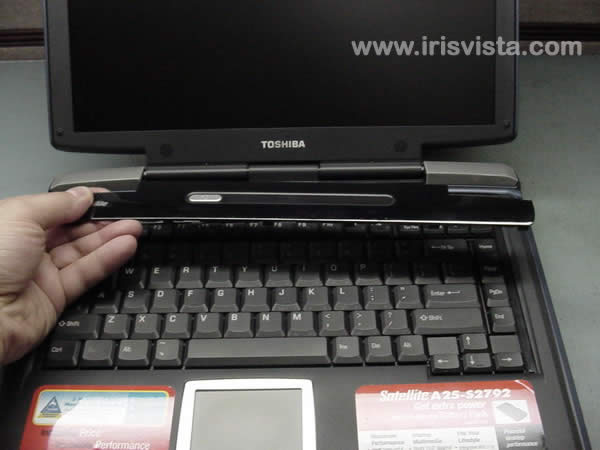
Remove the securing strip.
Carefully work with finger to disengage plastic latches securing the securing strip. |
| |
|
|
STEP 4
Remove three screws and a metal brace securing the keyboard.
Lift off the keyboard and place it on the palmrest. |
| |
|
 |
STEP 5
Now you can access the memory modules.
Spread the latches securing the memory module. |
| |
|
 |
STEP 6
Rotate the memory module to about 30-degree angle.
|
| |
|
|
STEP 7
Remove the memory module from the socket.
Now you can upgrade or replace the memory module.
Check out complete laptop disassembly. |
| |
|
|
|