|
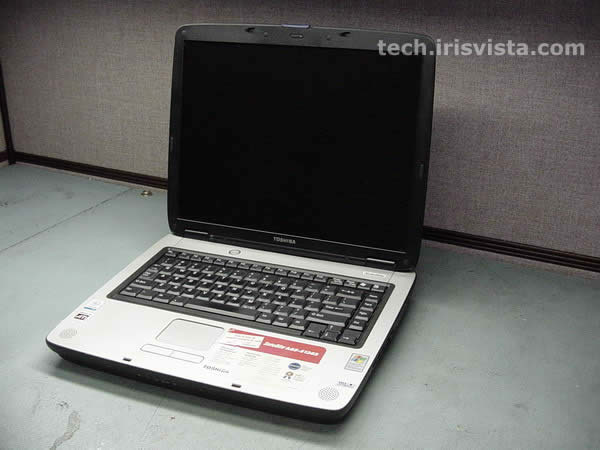
Toshiba Satellite A60, A65 disassembly. |
|
|
| |
Common parts and part numbers:
Keyboard: V000040140
CPU cooling fan (inside the heatsink): V000042110
North bridge fan: V000040490
AC adapter: PA3290U-2ACA
Battery: PA3382U-1BRS
DVD/CD-RW drives: V000040170, V000040180, V000041800, V000042710
DVD Multi drive - CD and DVD burners: V000040190, V000041810, V000043060
|
| |
|
 |
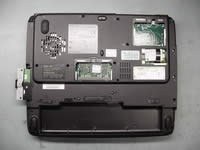
STEP 1
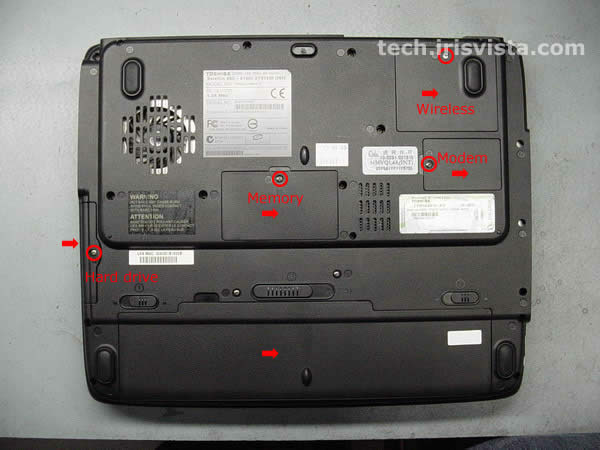
Turn the unit upside down.
Remove screws securing: the Wi-Fi card cover, the modem card cover, the memory card cover, the hard drive cover.
Remove the Wi-Fi card cover, the memory card cover, the modem card cover, the hard drive cover.
Remove the battery.
|
| |
|
 |
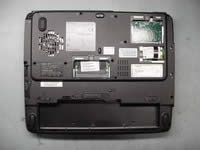
STEP 2
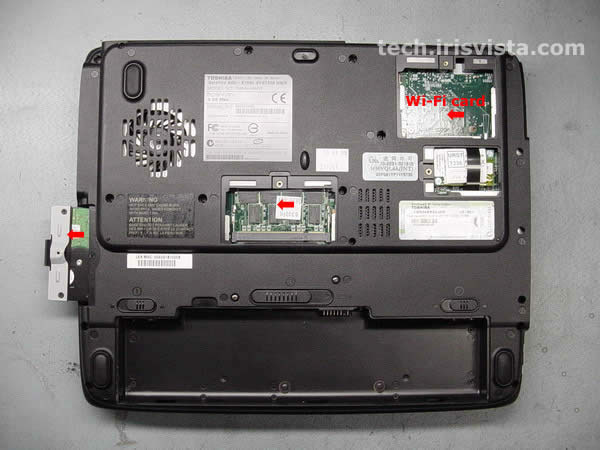
Remove the hard drive, the memory card, the Wi-Fi card (if you have any). |
| |
|
 |
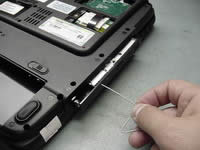
STEP 3
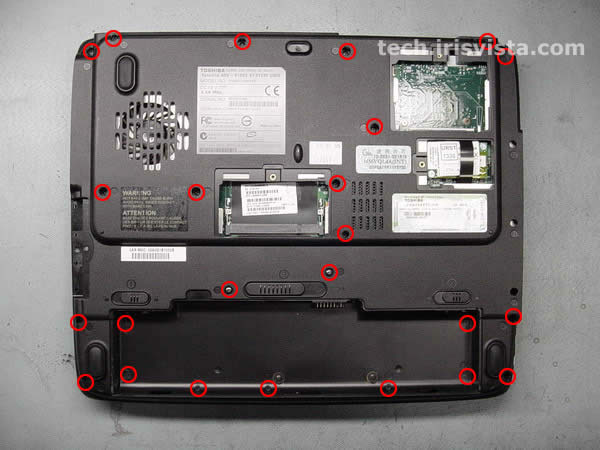
Remove all screws on the bottom.
Oh,man that's a lot of screws!
|
| |
|
 |
STEP 4
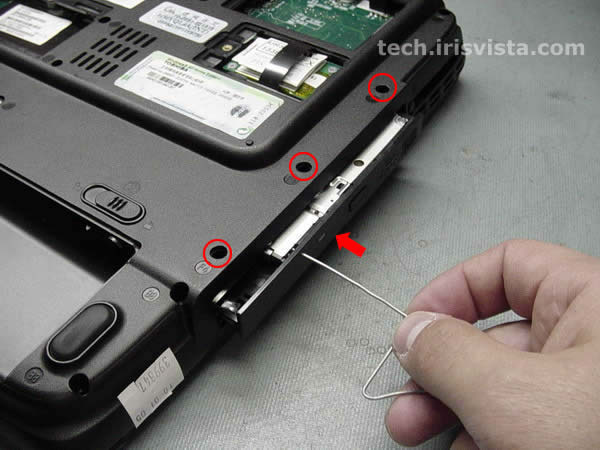
Open the DVD drive with a paper clip.
Carefully remove the DVD drive from the computer.
Remove three screw hidden under the DVD drive. |
| |
|
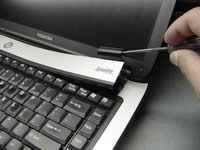 |
STEP 5
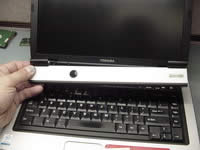
Turn the computer right side up.
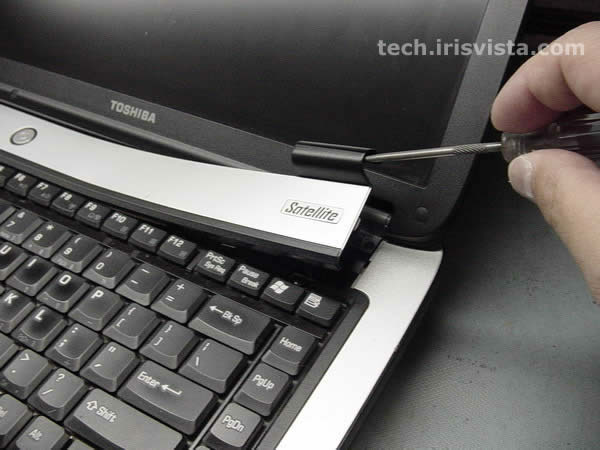
Insert a thin object under the securing strip and lift it up.
Be careful, it may be very tight. |
| |
|
 |
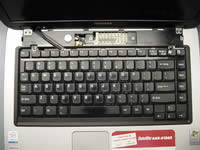
STEP 6
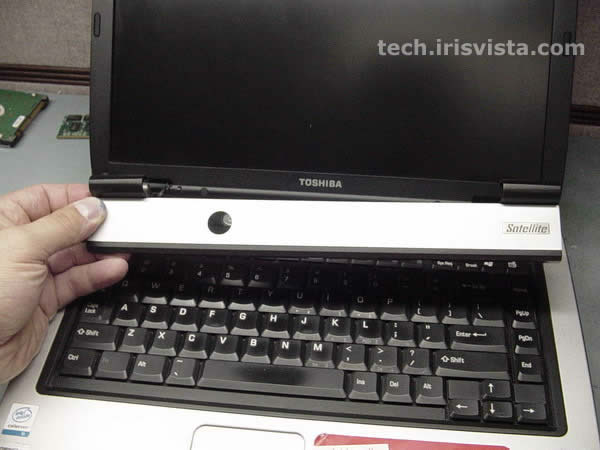
Remove the securing strip. |
| |
|
 |
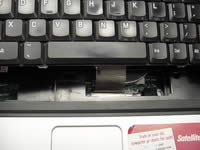
STEP 7
Remove two screws securing the keyboard. |
| |
|
 |
STEP 8
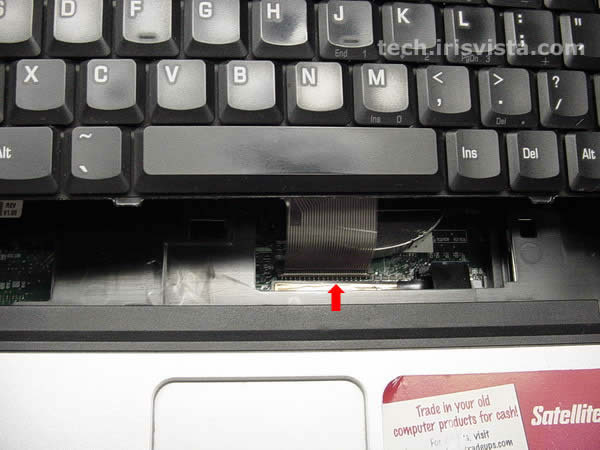
Disconnect the keyboard cable from the system board and remove the keyboard.
|
| |
|
|
STEP 9
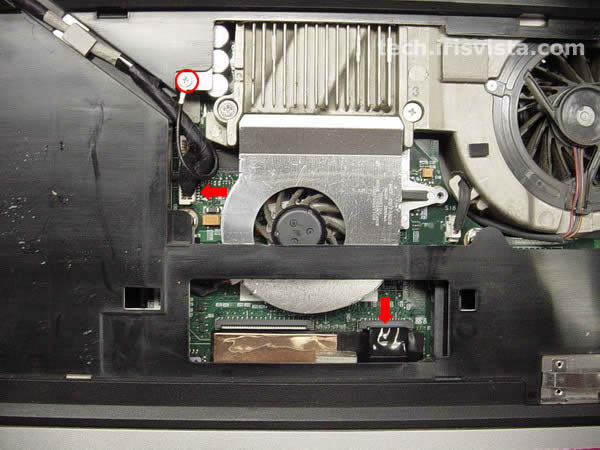
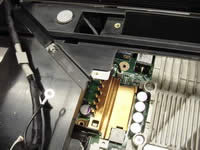
Disconnect the LCD cable from the system board.
Remove the screw connecting the LCD cable to the base.
Disconnect the flat LED board cable from the system board.
|
| |
|
 |
STEP 10
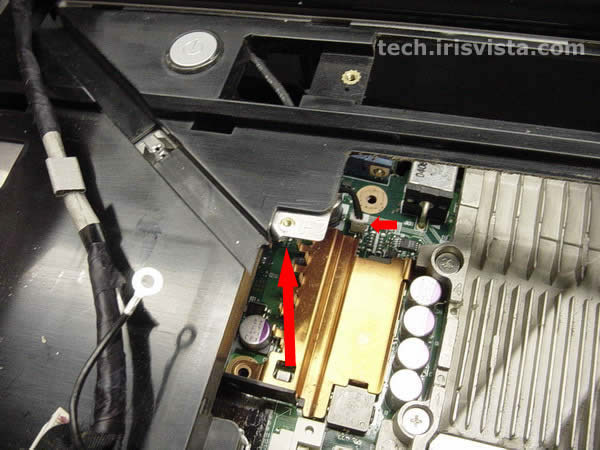
Carefully lift the display/top cover assembly off the base.
Do not forget to disconnect the power switch cable from the system board.
For some reason I didn't make a better picture :(
The display/top cover assembly - LCD assembly and top cover assembly connected by hinges. |
| |
|
 |
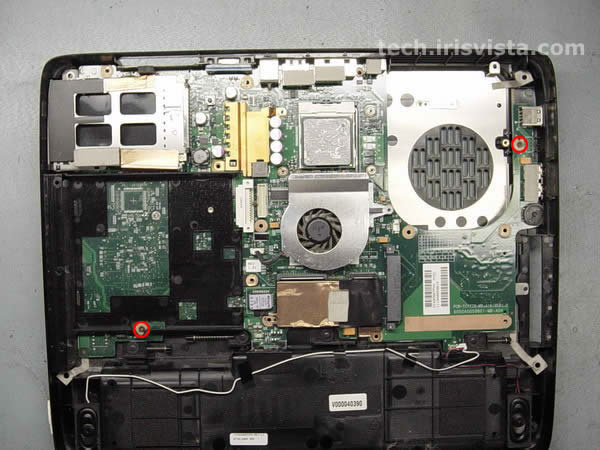
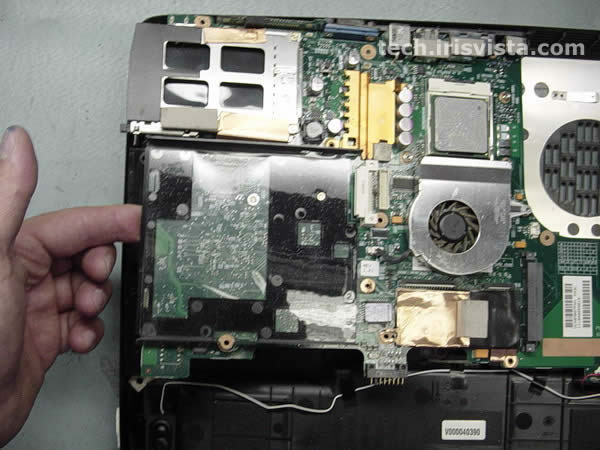
STEP 11
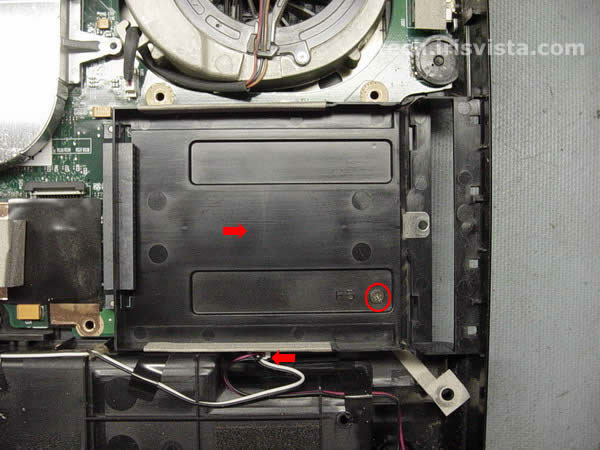
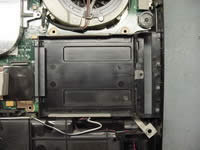
Remove the screw securing the HDD holder.
Remove the HDD holder.
Disconnect the speaker cables from the system board. |
| |
|
 |
STEP 12
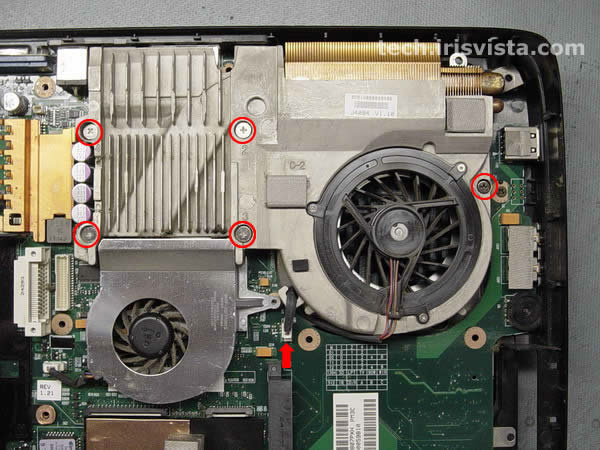
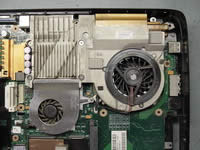
Loosen five screws securing the heatsink assembly.
Disconnect the fan cable from the system board.
|
| |
|
 |
STEP 13
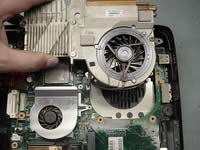
Carefully lift the heatsink off the CPU. |
| |
|
 |
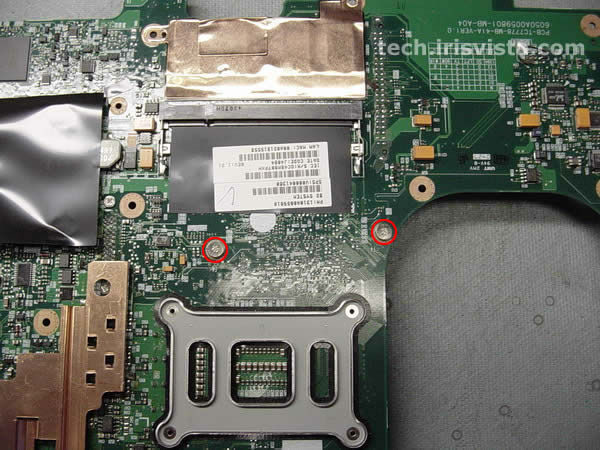
STEP 14
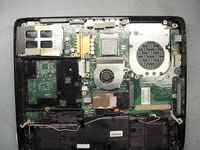
Remove two screws connecting the system board to the base. |
| |
|
 |
STEP 15
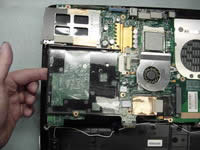
Starting from the left side carefully lift off the system board.
Be careful with the PC card connector. |
| |
|
 |
STEP 16
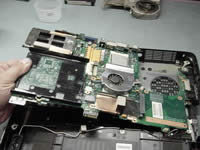
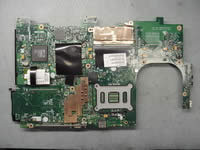
Remove the system board off the base. |
| |
|
 |
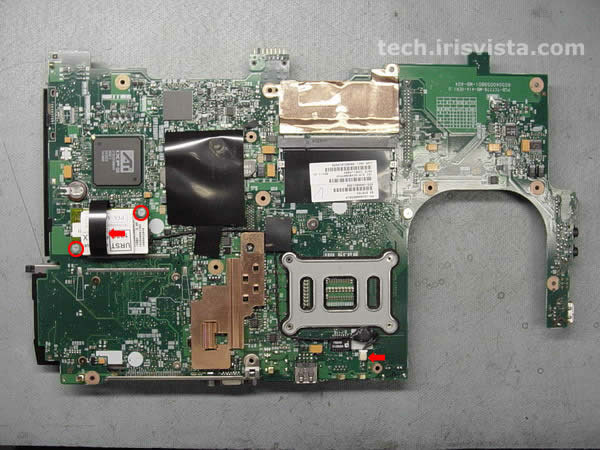
STEP 17
Remove two screws securing the modem card.
Disconnect the modem card cable on the system board.
Lift the modem and the modem cable off the system board.
|
| |
|
|
STEP 18
Remove the screw securing the optical drive holder.
The screw is hidden under the black tape.
|
| |
|
 |
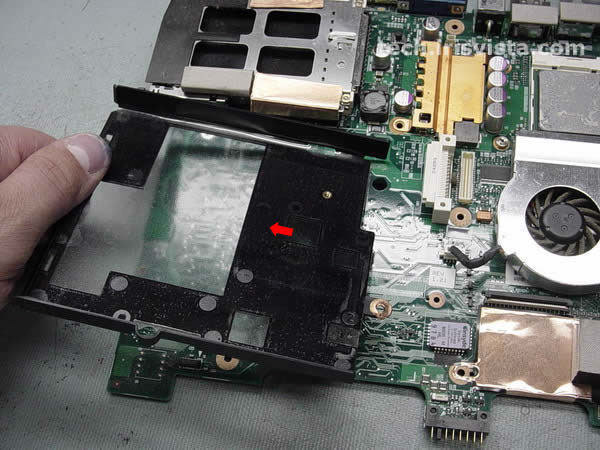
STEP 19
Remove the optical drive holder. |
| |
|
 |
STEP 20
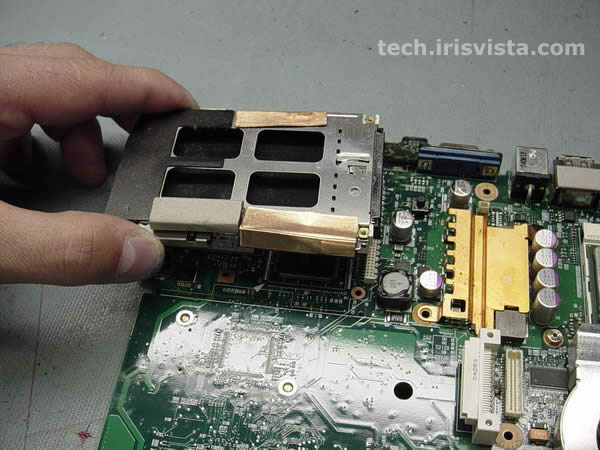
Remove four screws securing the cardbus connector (PC card connector).
|
| |
|
 |
STEP 21
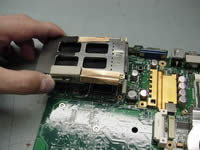
Turn the system board right side up.
Carefully remove the cardbus connector. |
| |
|
 |
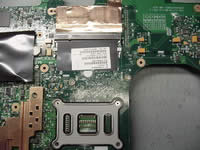
STEP 22
Unlock the CPU and lift it off the system board. |
| |
|
 |
STEP 23
Turn the system board upside down.
Remove two screws securing the video chip fan. |
| |
|
 |
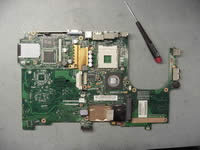
STEP 24
Remove the fan cable on the system board.
Remove the video chip fan. |
| |
|
 |
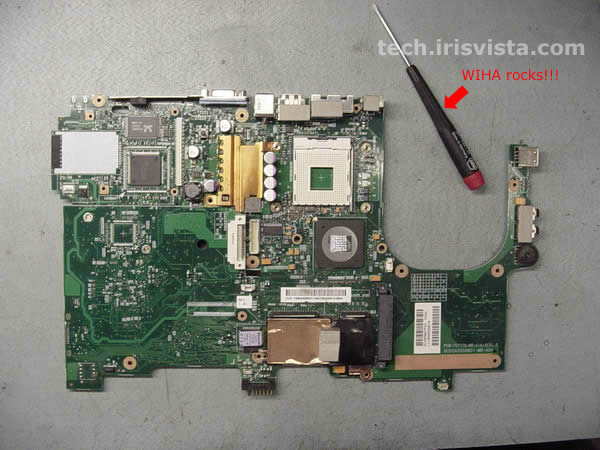
STEP 25
DONE!
|
| |
|
|
|