|
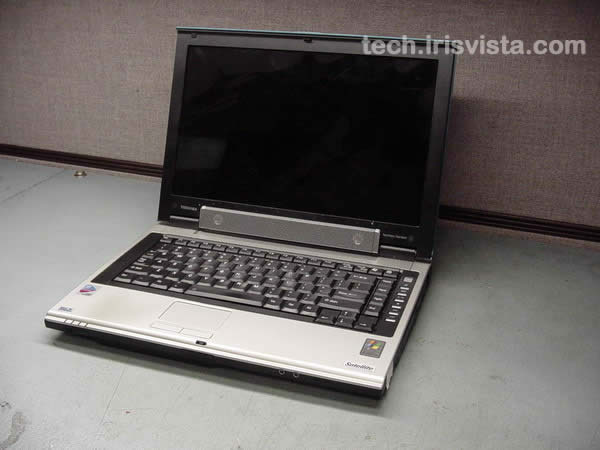
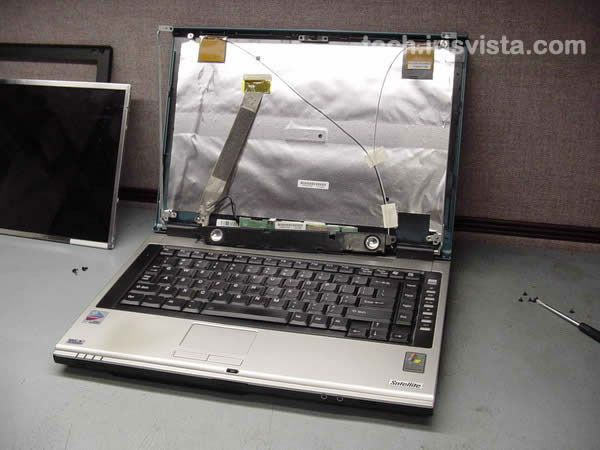
Toshiba Satellite M55 M50 screen removal. |
|
|
 |
STEP 1
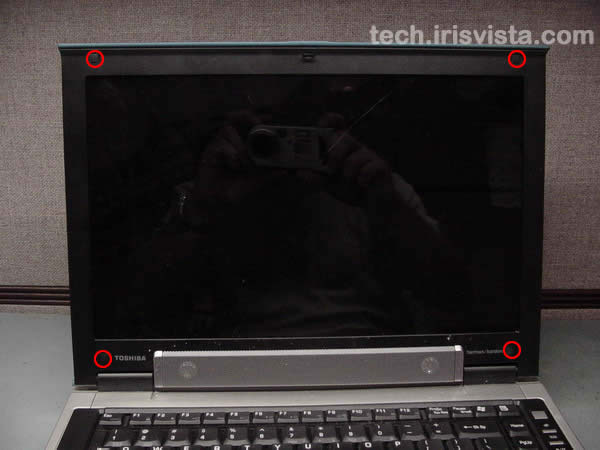
Remove four LCD mask seals.
Remove four screws hidden under seals. |
| |
|
 |
STEP 2
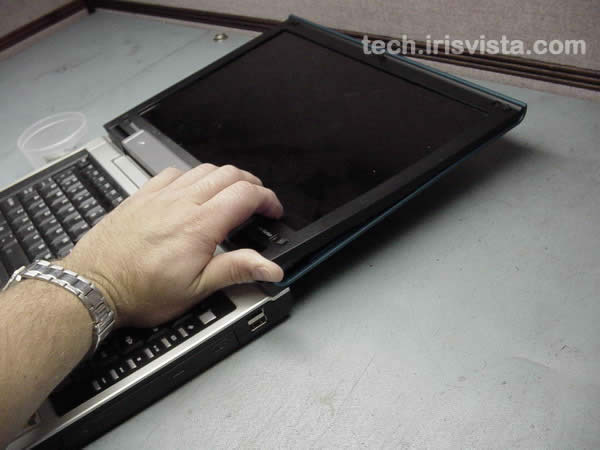
Put your fingers between the mask and the LCD screen and carefully release the mask latches. |
| |
|
|
STEP 3
Remove the mask. Do not hurry; twist the mask slightly to release latches. |
| |
|
|
STEP 4
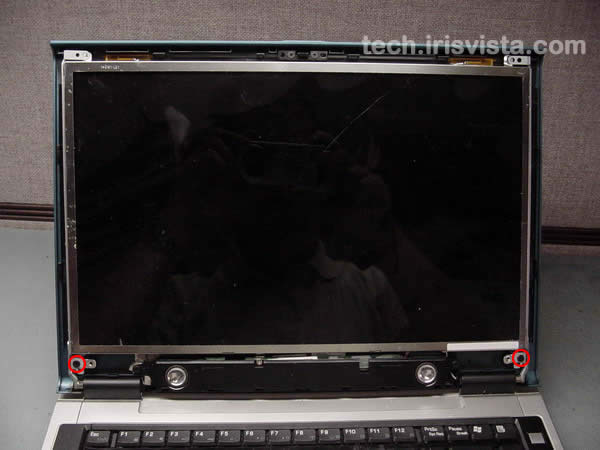
Removed 2 screws securing the LCD screen to the display cover. |
| |
|
 |
STEP 5
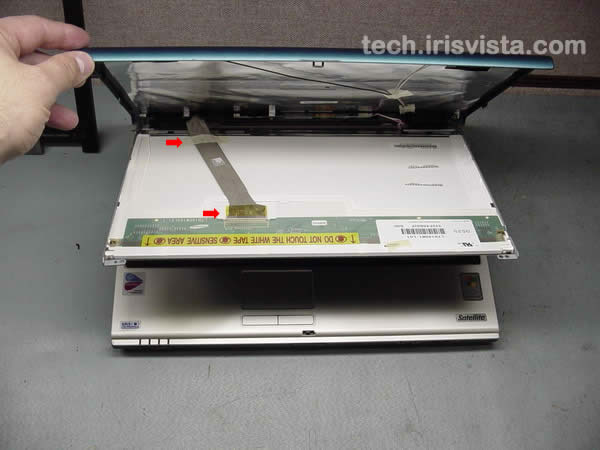
Remove a securing tape from the display cable.
Disconnect the display cable. |
| |
|
 |
STEP 6
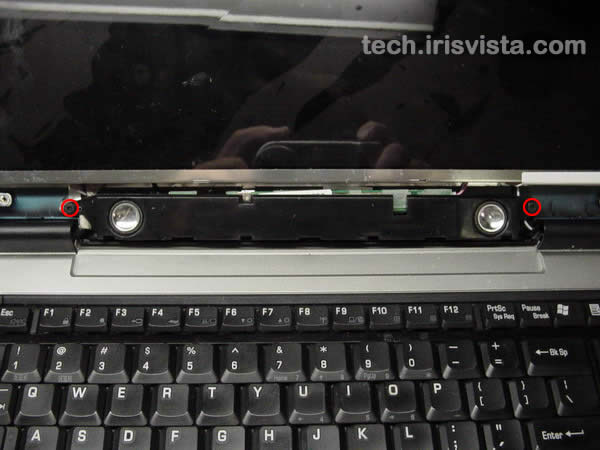
Remove two screws securing the speakers.
Turn the speakers over and place it on the keyboard securing strip.
|
| |
|
|
STEP 7
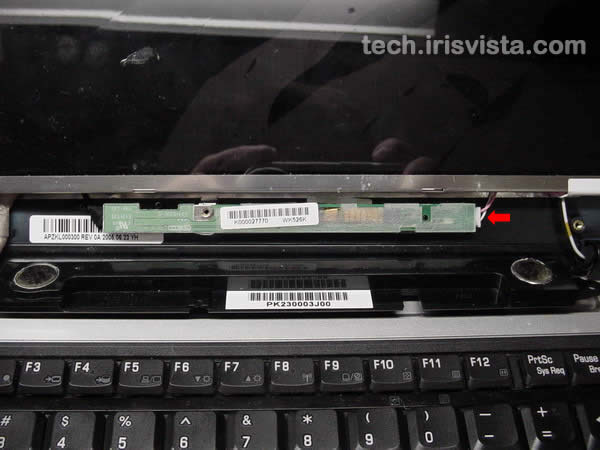
Disconnect the LCD screen backlight cable from the FL inverter board. |
| |
|
 |
STEP 8
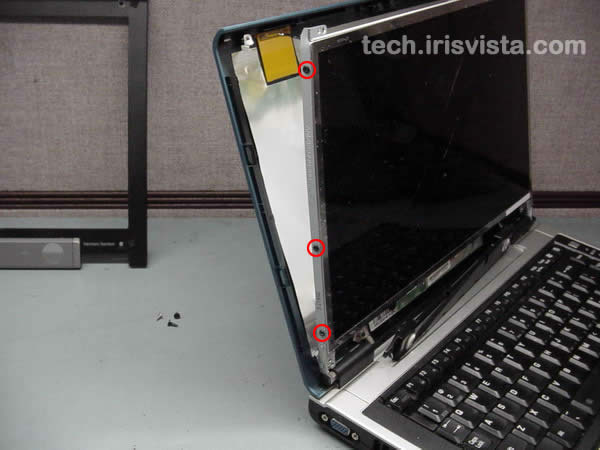
Remove three screws on each side of LCD screen.
Carefully remove the LCD screen. |
| |
|
 |
STEP 9
Done! |
| |
|
|
|