|
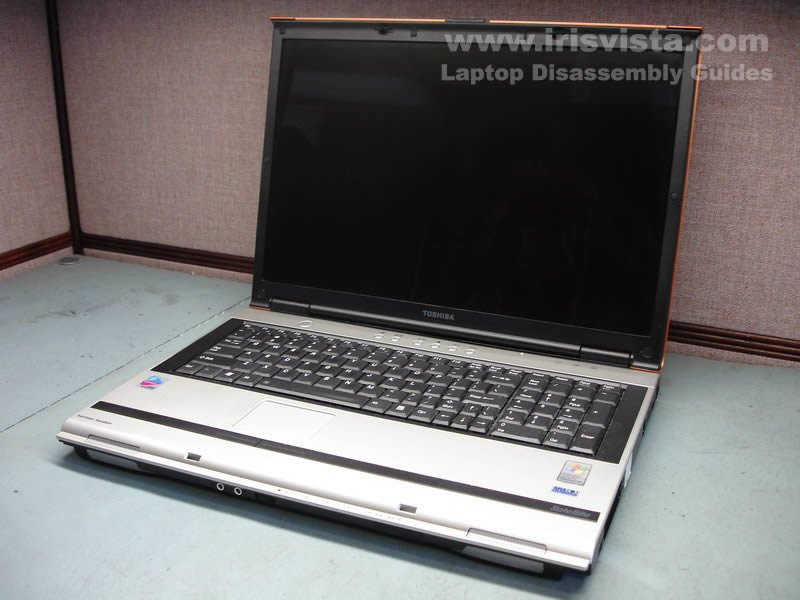
Toshiba Satellite M65, M60 screen removal. |
|
|
 |
STEP 1
Always start laptop disassembly with removing the battery. |
| |
|
 |
STEP 2
Remove four screw seals from each corner of the screen bezel. Put these plugs together so you will not loose them.
You'll find a screw under all seal. Remove all four screws.
|
| |
|
 |
STEP 3
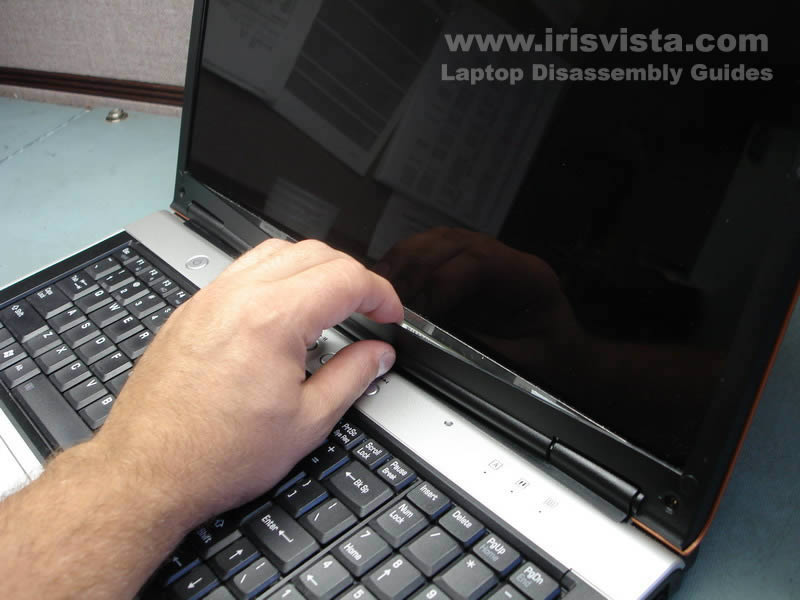
Start removing the screen bezel from the bottom of the display panel.
Insert your fingers between the bezel and the screen and carefully start unlocking plastic latches. |
| |
|
 |
STEP 4
You can use a guitar pick for separating the bezel from the display panel.
Insert the pick between the bezel and the screen and move along the side. |
| |
|
 |
STEP 5
Remove the screen bezel. |
| |
|
 |
STEP 6
If you are replacing the inverter board, you don't have to disassemble the laptop any further. Just remove one screw from the inverter board and unplug cables from both sides. Now you can replace the inverter board.
|
| |
|
 |
STEP 7
Close the screen so you can access the back.
Remove sticky tape securing the video cable to the back of the screen.
Unplug the video cable from the connector on the screen. |
| |
|
 |
STEP 8
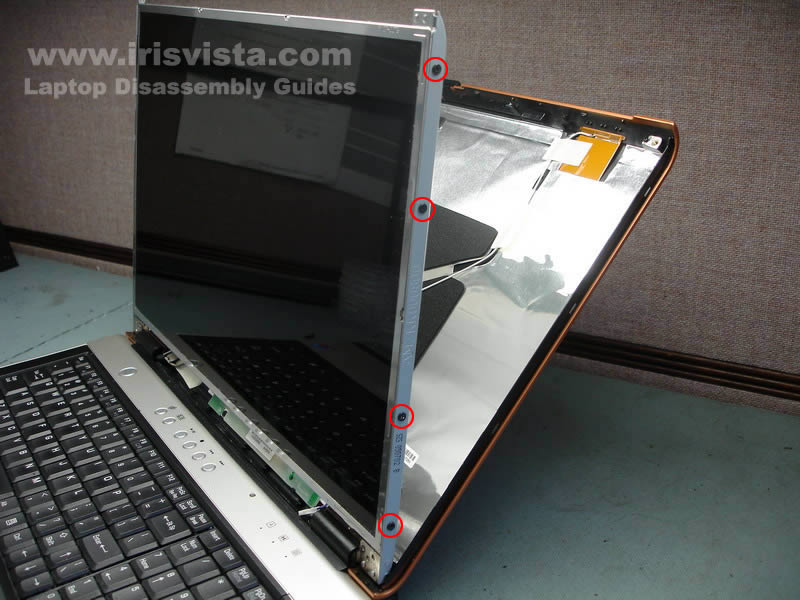
Remove four screws from each side of the screen.
These screws securing the LCD screen to the laptop hinges.
Remove the LCD screen. |
| |
|
 |
STEP 9
The LCD screen has been removed. Now you can replace it with a new one following all the disassembly steps backwards.
Here's the case disassembly instructions. |
| |
|
|
|