|
Toshiba Satellite 5205 replace DVD/CD-Rom drive.
|
|
|
 |
STEP 1
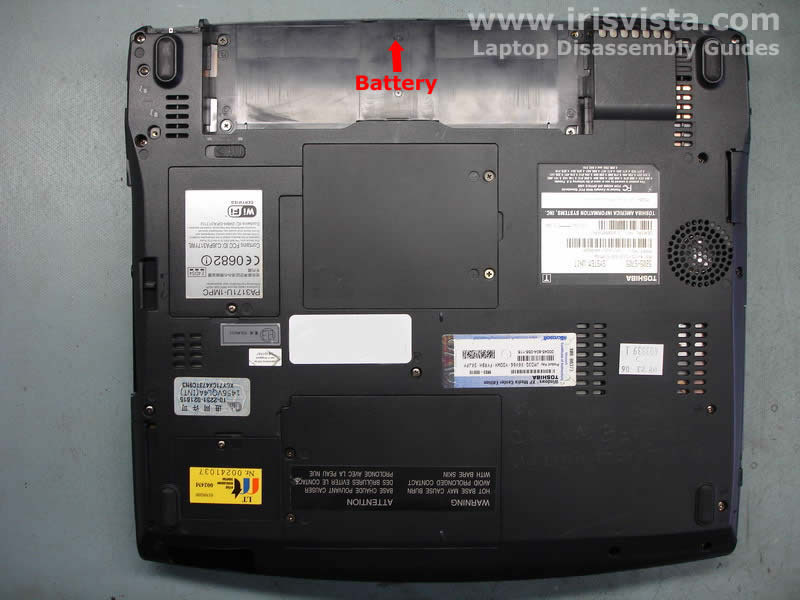
Always start laptop disassembly with removing the battery. After the battery is removed, turn the laptop the right side up.
|
| |
|
 |
STEP 2
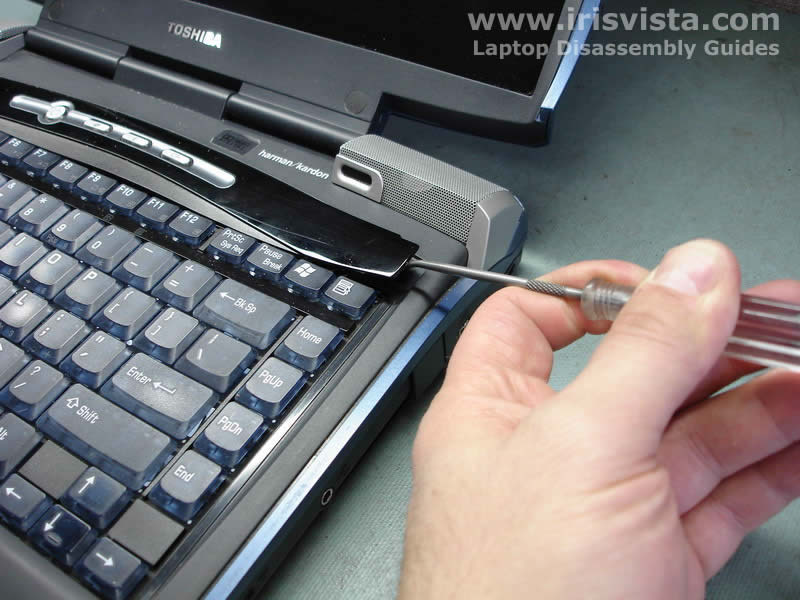
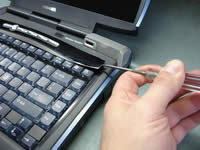
Insert a sharp thin object between the keyboard securing strip and the laptop base and carefully lift up the strip.
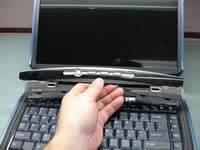
After that you can continue removing the keyboard strip with your fingers. |
| |
|
 |
STEP 3
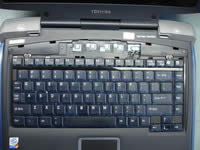
Remove the keyboard securing strip.
|
| |
|
 |
STEP 4
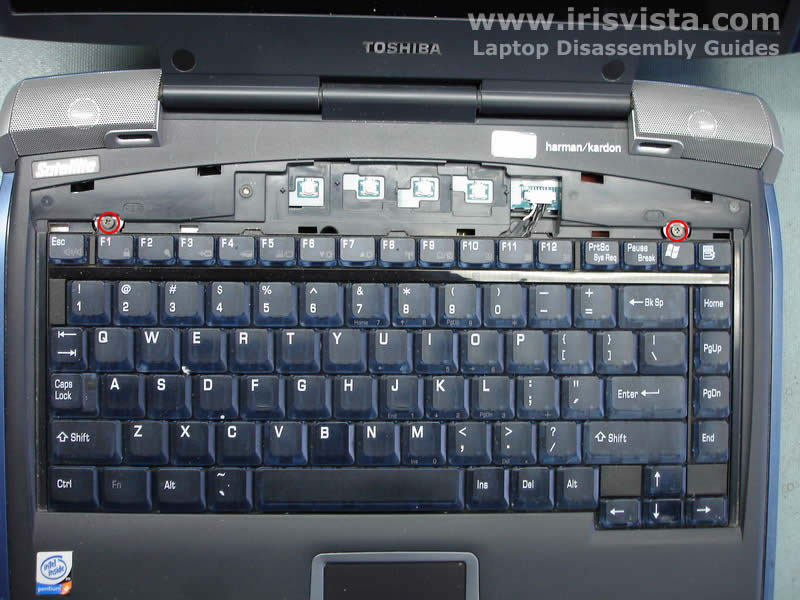
Remove two screws securing the laptop keyboard.
After you remove the screws, lift up the keyboard and place is so you can access the keyboard connector on the system board. |
| |
|
 |
STEP 5
If you need to remove and replace the keyboard, you can do it now. Before you pull the keyboard cable from the connector you have to open the connector.
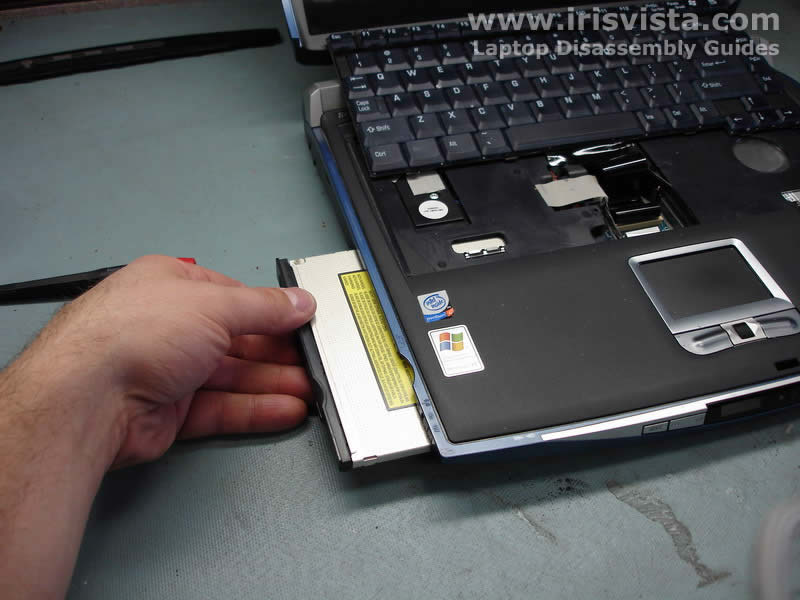
To remove the DVD/CD-ROM drive, remove the securing screw first. After that push on the drive to slide it away from the laptop base.
|
| |
|
 |
STEP 6
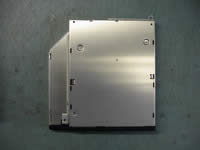
Grasp the drive and remove it from the laptop. |
| |
|
 |
STEP 7
Before you replace the optical drive, do not forget to transfer braces to a new optical drive. |
| |
|
|
|