|
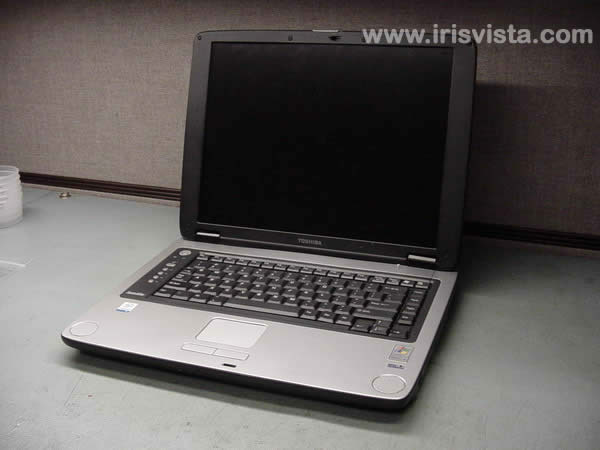
Toshiba Satellite M35X, M30X screen removal.
|
|
|
 |
STEP 1
First of all, remove the laptop battery.
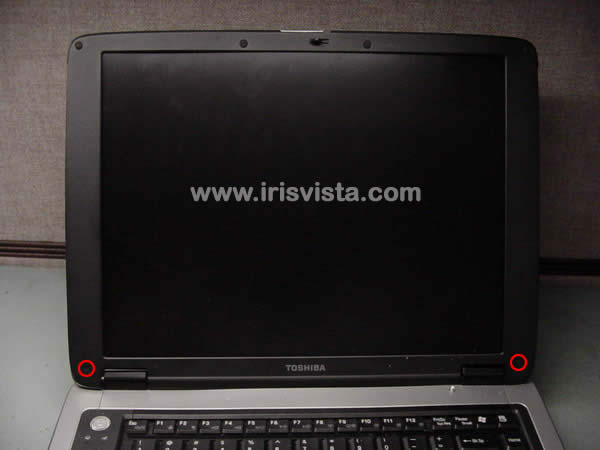
Remove two LCD mask seals.
Remove two screws hidden under seals.
|
| |
|
 |
STEP 2
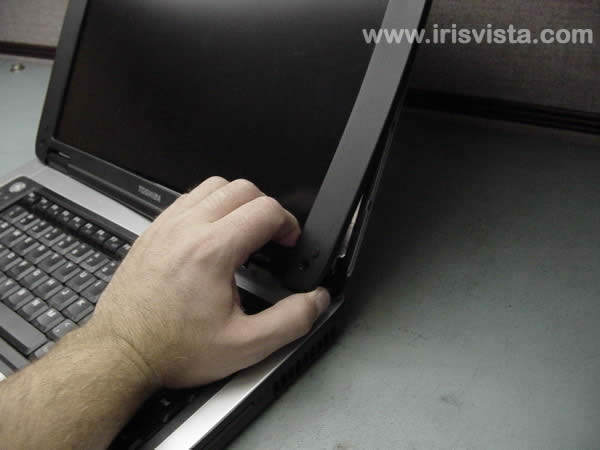
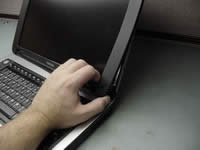
Put your fingers between the mask and the LCD screen.
Work with your fingers to release the LCD mask plastic latches. |
| |
|
 |
STEP 3
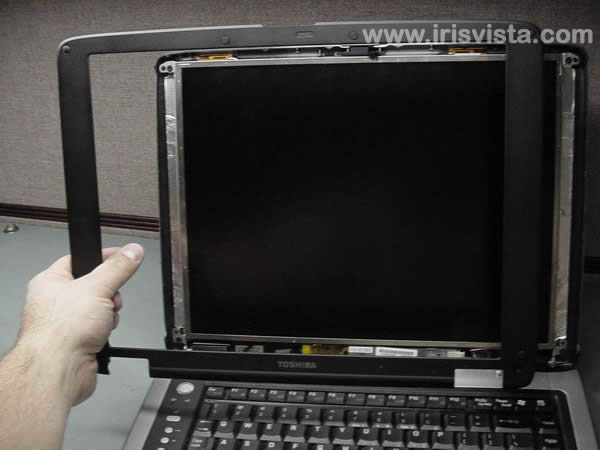
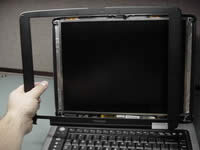
Remove the LCD display mask. |
| |
|
 |
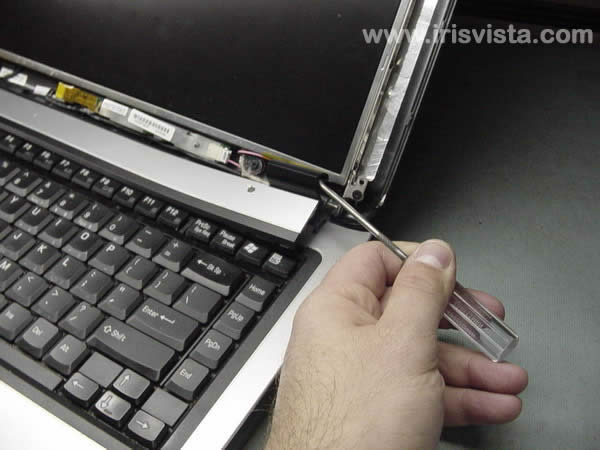
STEP 4
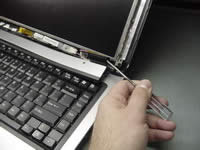
Insert a thin object under the securing strip and lift it up.
Be careful, it may be very tight. |
| |
|
 |
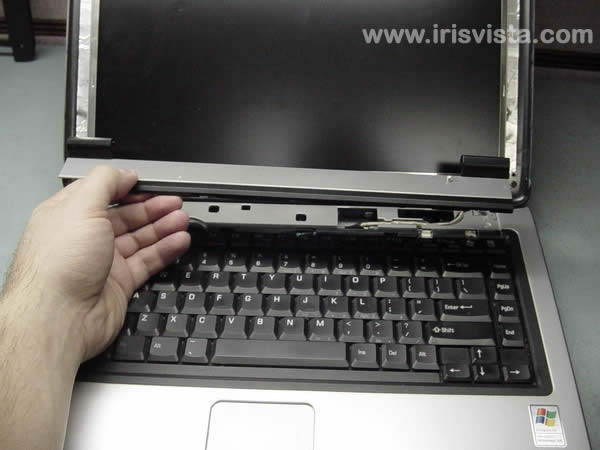
STEP 5
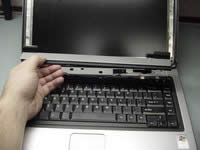
Remove the keyboard securing strip.
|
| |
|
 |
STEP 6
Remove two screws securing the screen to the LCD cover. |
| |
|
|
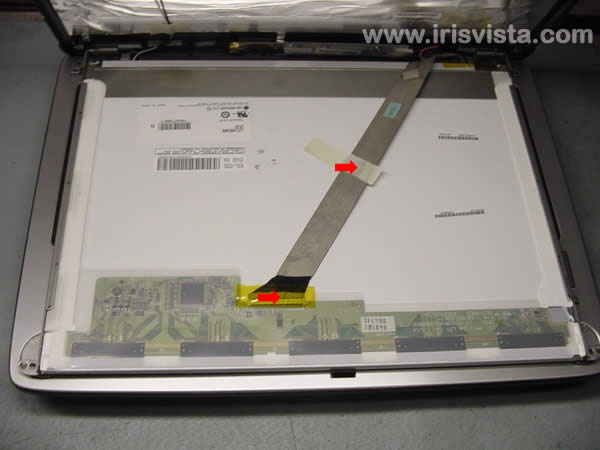
STEP 7
Remove a securing tape from the display video cable.
Disconnect the LCD cable.
|
| |
|
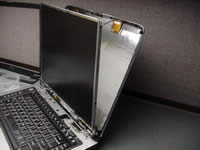 |
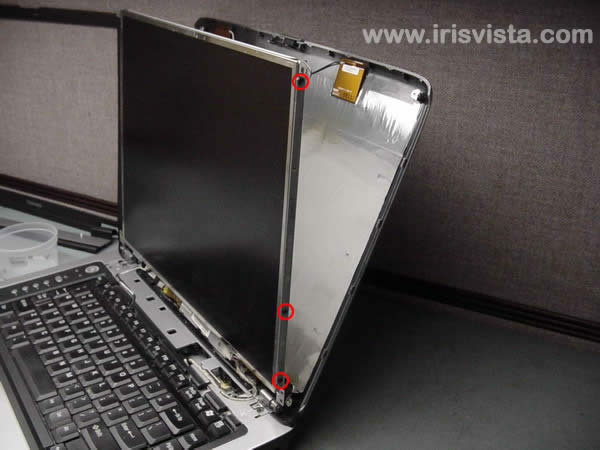
STEP 8
Remove three screws on each side of the LCD display. Carefully place the LCD display on the palmrest. |
| |
|
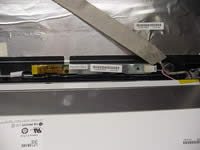 |
STEP 9
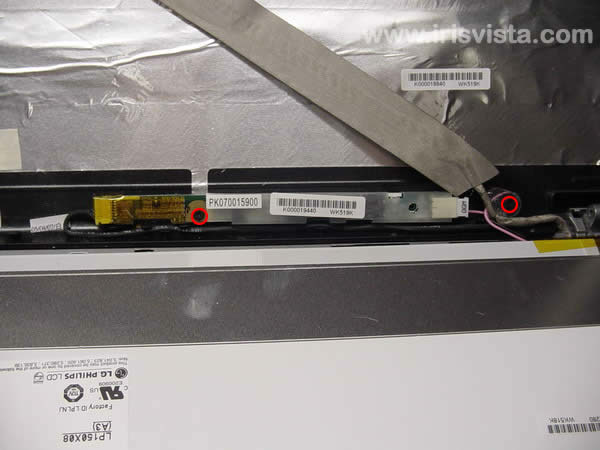
Remove two screws securing the FL inverter board and the LCD display video cable.
|
| |
|
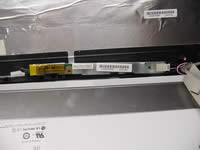 |
STEP 10
Disonnect cables on each side of the FL inverter. |
| |
|
 |
STEP 11
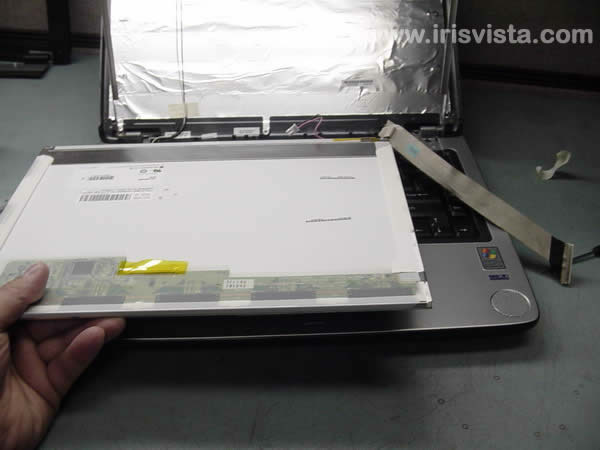
Remove the LCD screen. |
| |
|
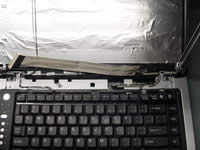 |
STEP 12
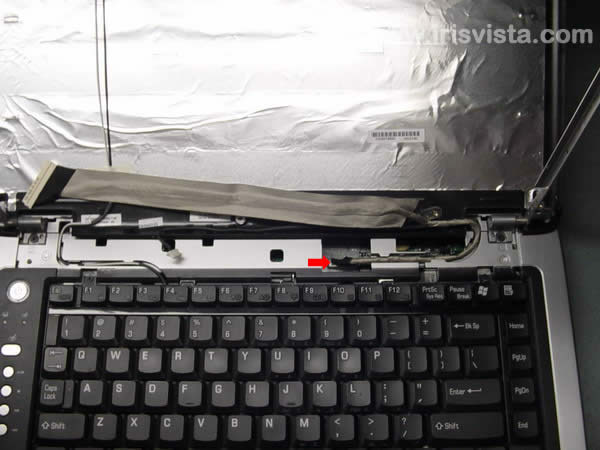
Disconnect the LCD video cable on the system board and remove it.
In the next guide I'll be taking apart laptop case. |
| |
|
|
|